Here are some things that keep me smiling in 2021, despite this never ending pandemic. : )
Moving back to Portland
It has been great to come back to Portland after winter break. I am so grateful to be back in my house that I live in with my friends off-campus. I love being independent and cooking for myself.
Plants
I have a growing addiction to buying plants. I love taking care of them and have recently been learning how to propagate plants. This means taking clippings of plants and growing them in water so they can develop their own roots. I was also grateful to discover when I came home from winter break that all my plants were still alive.
TikTok
TikTok has actually been a fun way to keep in touch with a lot of my friends and family that I haven’t been able to see during this pandemic. I can never remember to text people, but my friends and I always send each other funny videos. I also love sending TikToks to my sister to keep in touch and have a laugh. Here are some good ones from the past month.
I have been listening to a lot of good music lately as well. Here are a few of my favorite albums, songs, and artists that I have been listening to lately.
Album: Three. Two. One. by Lennon Stella
Artist: Men I Trust
Artist: Still Woozy
Cats!
One of my housemates brought her cats to live with us this semester. They are so cute and sweet and we love having them in the house!
An accurate representation of me snowboarding for the first time! I left the mountain with lots of bruises, but also some great memories with my best friend.
February
My first time at Las Vegas to visit my boyfriend for spring break. The Bellagio was a must-see, and a week was not enough to be satisfied with all the flashiness that Vegas entails.
Ahh yes, flashbacks to the time UP told us that we are in a pandemic and gave us 3 days to book a ticket home. A bittersweet feeling of going home to be with family but leaving the college life behind. Little did we know what was in store for us.
April
When we were quarantined at home with a whole island lockdown, we had nothing else to do but work out, watch Lion King, and make whipped coffee. I can recite all of Chloe Ting’s workouts on command, and it’s safe to say that I did not get “ABS IN 2 WEEKS!”.
May
I finished my freshman year of college (not exactly how I wanted it), but definitely a memorable one. I was able to get the grades I wanted and I was able to sleep in again without 5am zoom calls.
June
A dynamic shift in the world when George Floyd’s case happened and the Black Lives Matter protests erupted. All of a sudden, people were all in conflict over human rights and politics, and it will forever be recorded in the history books. (For my defense, this backlash should have been happening way before today instead of staying complacent)
Portland on July 24th- I wish I was there to join this protest but I’m glad that Portland was able to get together even a month later to stand up for what’s right. Most definitely a powerful moment caught on camera, I had to retweet.
— Read Let This Radicalize You (@JoshuaPHilll) July 25, 2020
August
Literally me when realizing that 8am classes are actually 5am HST. I love UP and all, but this gif is me trying to wake up in the morning for a Physical Science class.
September
I had to add this song onto my timeline because when I think about September, I think about repeating this song over and over again. Spotify really said this is my number 1 played song for 2020, and for good reason because Cardi B and Meg Thee Stallion are goddesses and geniuses.
October
Birthday month! This is a picture of what I would want my birthday party to look like if only we weren’t in a global pandemic 🙂 Nonetheless, I was able to spend it with my friends and family (safely), and it was more fun than I expected.
November
November, my favorite month of 2020. I felt like the most stable- I was doing good in school, I had a steady job, and a good gym routine. I was especially proud of my accomplishments made at the gym. I was in the best shape of my life and it was so rewarding.
December
December was a tough month where everything changed. My family got into an accident and I fractured my femur, forcing me to learn how to walk again. Everything can change so fast and so easily, so to say I’m savoring how good 2020 was before December 24th, is an understatement.
I had the full intention of posting things other than wiener dog content. That intention was not successful. Here I present Cierra’s Smiles aka the best mini daschund content I could compile. Yes, most of it is my dog. Yes, he is my entire camera roll. Yes, I think you should love him as much as I do.
For several years now I have been a Dungeon Master, or DM, for several groups of adventuring parties in several different table top role playing games. There are several things that no matter what game system you run, be it Dungeons and Dragons, Pathfinder, or even Feast Of Legends (the role playing game made by Wendy’s. Yes, THAT Wendy’s) that will help you to improve your craft at the table.
Do not be afraid to try things.
The rules to most every game I have run acknowledge that they are more of a guideline, and can be adjusted for your group. If you want a level 1 party to fight a dragon, let them fight a dragon. You will have to do some adjusting to the dragon’s power to make it a fair fight, but if you feel up to it, go ahead and do it. Adjusting monster stats is a good first thing to try, and most of the larger published materials have instructions on how they recommend doing it. It can not only be fun, but very rewarding to players when you try something that they have not yet done, and it works. It can also not be fun if it doesn’t work.
Don’t be afraid to apologize.
You are going to try things that fail. You are going to kill party members. If something you try doesn’t work, and fails horribly, that is ok. Apologize, talk to your players, and if needed retcon the encounter and keep going. Players are people too, and will make mistakes, and acknowledging this will help everyone to have a better game experience. But don’t apologize for everything, only gross miscalculations on your part.
Learn from other Dungeon Masters.
Nobody knows everything, that is just how it is. I have been doing this for years and still I learn new tricks from more experienced DMs. YouTube is a great resource for finding inspiration. To get you started here are 3 of my go to favorites:
You control the world! MUWAHAHAHA! So if your characters foolishly make a deal with Bael, one of the Dukes of the Nine Hells, it is you that gets to decide the terms of the deal, and how(un)favorable they are to the players. It is also you who the player will pray too before going into the dragon’s lair to complete a quest. At the same time, you are also random tavern sweep that the players decide is their best friend in the whole world, even though you threw him in there to have a convenient plot hook, but now you are stuck having to name Cecil, and make sure he interacts with the players when they are in town, because Cecil is now their mascot and they love him… it would be a shame if something happened to Cecil…
That’s it. Try things, apologize if they mess up, learn from others, and have fun! seems pretty straight forward, and it is. It is also super fun and enjoyable!
Buying all of the books and dice and miniatures and extra stuff can get out of hand, just ask my wife and bank account. So if you are looking to legally get started but don’t know if you will continue playing here is your start:
The first link is to a free RPG system that is funny, and well written. The second is to a web based dice roller that can easily be used if you do not own a set of dice.
The last year has brought drastic change to my life, with a lot of things worth remembering and reflecting on, and others not as much. Below I will take you through some highlights of my year through a series of different media.
Music
One joy of this year is that I have been able to experience and engage with a plethora of new music. Since I was young I have always been drawn to the artistry that people create with instruments and their voices alike. Listed below are some of my favorite tracks that I have been groovin with:
Social Media
This year I finally decided to shut down my Facebook and Instagram as I found myself falling into the vortex of consuming post after post until my brain quite literally stopped comprehending the content I was force feeding it. Fortunately for the world I made my return to the Twitter verse and was welcomed back with open arms. Below are some posts, articles, and/or words that I felt impacted me so much that I would like to share with you all!
The Isolated Vocals of Marvin Gaye’s “I Heard it Through the Grapevine”. Incredible… pic.twitter.com/qqFvlwTmEU
As many of us were stuck at home attempting to find ways to keep ourselves entertained, I would be wrong to not include some of my favorite shows, movies, and overall watches that I couldn’t get enough of! Below are some gifs taken from some visual media I consumed in 2020. If you are looking for a challenge, try and guess which shows/movies these are from!
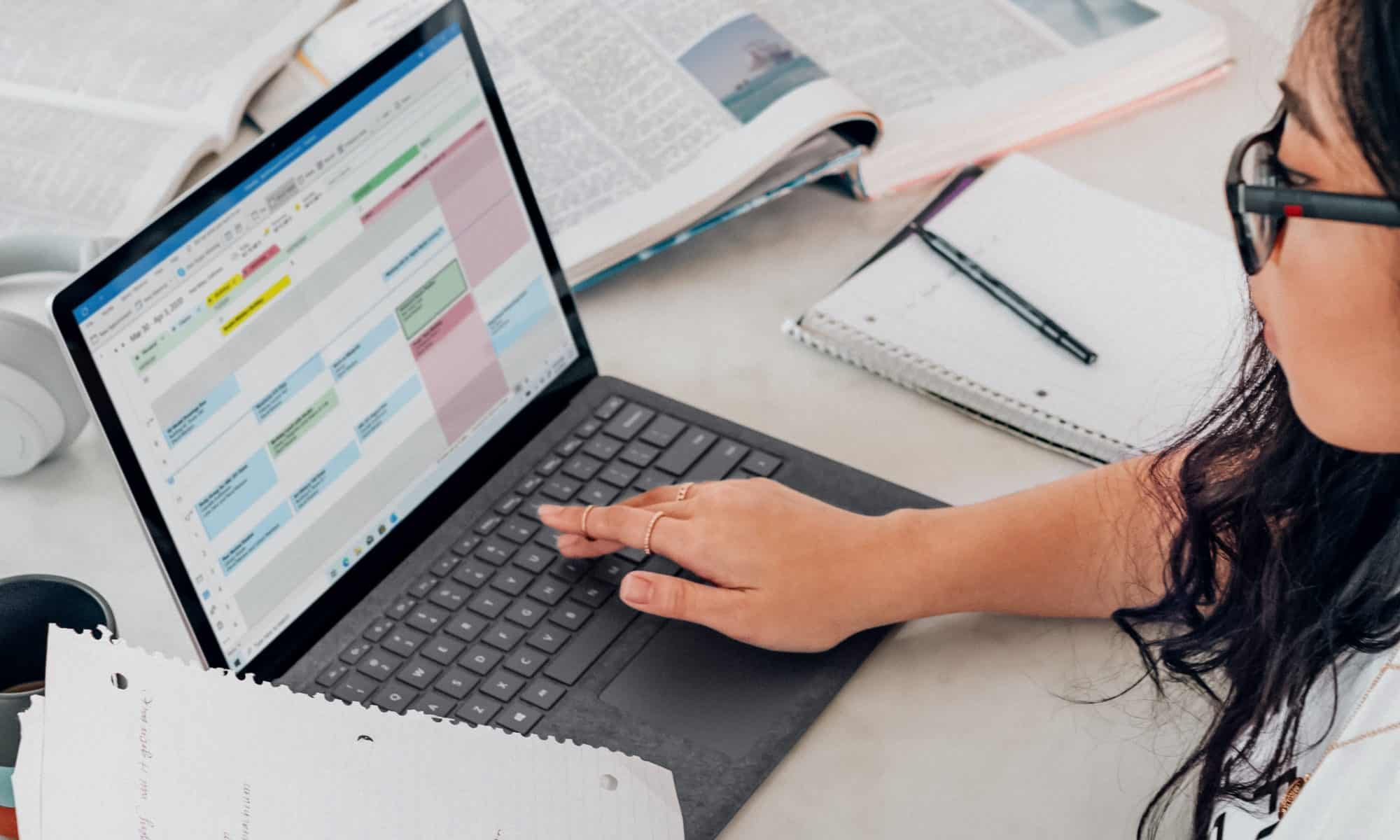
This semester I have been exploring various uses for technology in the classroom. As I approached this course, I was excited and interested, but I was also nervous and intimidated by the word ‘technology’ in the classroom. I didn’t think I could navigate websites and design lessons using technology platforms. However, my mindset has definitely changed since then.
This semester I learned that technology really is accessible to everyone, and with a little bit of time or tutorial videos, you can navigate just about any website. With the skills I learned in my Edtech methods course, I feel excited to incorporate technology lessons and spark engagement among my students. I hope to use technology as a tool in the classroom and encourage students to explore internet resources. I also want students to use technology to construct more personalized work and explore creative outlets.
I am thankful to have this knowledge and practice of incorporating technology in the classroom as the world is ever changing and we may relay on virtual teaching. Most importantly, I feel confident to approach and integrate technology teaching platforms into my curriculum.
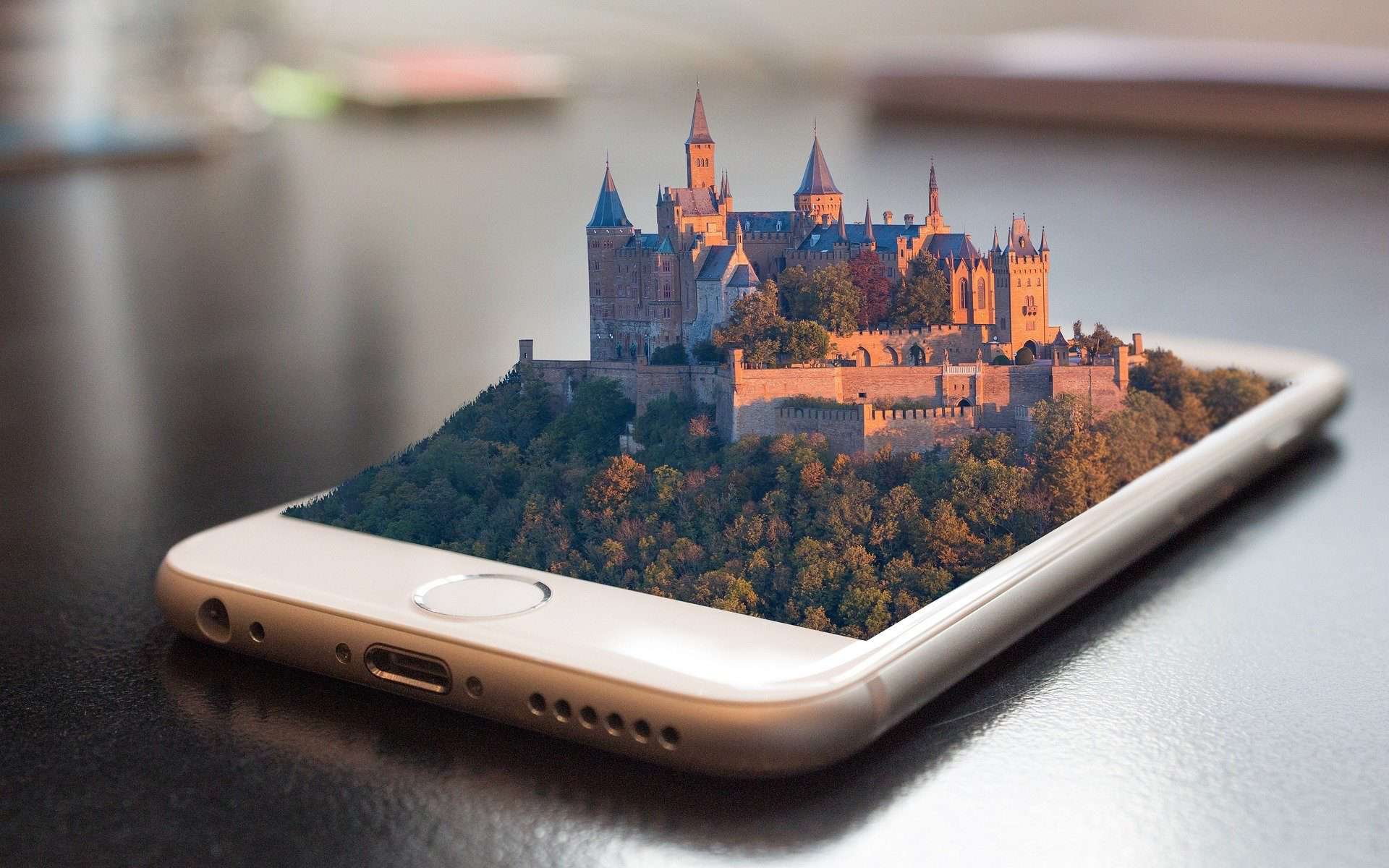
I chose to share this project because it highlights the idea that using technology can really take you anywhere in the world. Using Google Tour Creator, I have created a virtual tour of the peaks in Washington state. Each location also includes a description and correlating information. I feel that this resource would beneficial in the classroom as it allows for virtual field trips to anywhere in the world!
This is one of my favorite projects within my portfolio. I created this classroom website using Google Sites. I feel that a classroom website would be very beneficial as I can upload and embed all formats of content and organize it accordingly. A classroom website is beneficial as parents and guardians can access resources and information all from one place. I also like the fact that the classroom website is accessible from anywhere for all users.
This is the final project I created for Edtech methods. I had a lot of fun with this project and post as I truly envision myself using this lesson in the future. This is an example of how technology can foster relationships and community as students will be creating a showcase and reflection of their work to present at student led conferences. I feel that this lesson would be accessible for many students as Adobe Spark Video is an easy website to navigate and provides music and templates to choose from.
What an interesting semester in Ed tech! Going into this class for the semester I was a little bit nervous as I am not the most confident when it comes to using technology, let alone to teach others. But I can say overall this class was a really good learning experience and I feel much more confident know using technology hopefully in my future classroom. I think considering our current situation with the Corona virus pandemic this is an especially relevant class to us as future teachers as well as current students. I know personally classes online have been easier having taken this class, and not knowing the future of education I have many more tools and skills I am comfortable using. Learning to use many different platforms to put out content for not only students but parents and families as well has been a really good learning experience. Being able to now, more confidently incorporate technology in my classroom will help to stay current with how students learn and what is going on in the world around.
These links following are some of my favorite examples of work I created throughout this semester.
This was one of the first lessons I created in Ed Tech. I used google forms to create a beginning of the year get to know yo survey fro students and their families to fill out. I really liked google forms because it was easy to use as a teacher, as well as it is very simple and easy for students to respond as well. Being able to send this home for parents or families to help as well would be easy and a smart way to being the family into the classroom.
I created a google sites website to teach a mini lesson on sink and float. Google sites is one of mu favorite platforms we learned about because it is very clean looking and easy to use. It was very easy to incorporate videos and quizzes into the website as well. I think the easy set up makes it very useable in the classroom.
Using book creator was also one of my favorite websites we learned about. For this assignment I created a very simple lesson about shaped for younger students. I like the colors and many different feature this website had to really make each book unique. I think students of all ages could learn to use this website to recreate or create their own books in a very unique and personalized way.
What a great semester in Ed Tech! Technology in the classroom is becoming more and more predominant. As I write this, we are going through the coronavirus pandemic where all schools were forced to go online. I am so glad the University of Portland requires their education students to take this technology class. I have learned so much throughout this semester and feel more confident using and implementing technology in my future classroom. I have learned to create content on multiple platforms and applications that are easy to use and easily accessible for students and parents/guardians. Technology is all around us and is always changing so, as educators we must make sure to incorporate it effectively as well as making sure the content is meaningful and has a purpose for the students. This class has shown me that technology in the classroom can be engaging, culturally responsive as well as build community.
In the following section, are examples of the work I did throughout the semester that I plan to implement into my future classroom.
For this lesson, I decided to use Google Sites to create a website that will allow me to communicate with students and parents or guardians as we are distance learning. I really enjoy using Google Sites because it is easy to create and easily accessible to students and parents/guardians. On the website, is a science lesson that is focused on the skeletal system where students will become bone experts and will be able to answer the question: “why do humans need bones?”
For this lesson, I learned how to use an application called Edpuzzle. Before taking this class, I had never heard of it before and now it’s one of my favorite tools to use in the classroom. I really enjoyed using Edpuzzle and will definitely use it for future lessons. Edpuzzle is easy to use and makes videos more engaging. This is a site that allows teachers to go into preexisting videos and add questions, voiceovers, and notes to help keep their learners engaged. It allows teachers to turn videos they may assign into more interactive and meaningful content. For this learning experience, I chose a video from Storyline Online where students will learn themes about family, adoption, and responsibility. Great book and great tool!
Using Book Creator, I published a book for my first grade classroom. This book would be used as a resource for my students to get to know their peers and classmates. This website is very easy to use and I enjoyed making the book. I can see myself using this in my future classroom! Book Creator is a simple tool for teachers and students to create fun and engaging digital books.
In this post, we were assigned to look at two different apps and compare them. The apps I chose to use were Padlet and Bubbl.us. Padlet can be used in a classroom to encourage students to share their ideas and have a voice. It gives students who are quiet or shy, the opportunity to feel comfortable sharing their opinions and contributing to the class. I like Padlet and think it is a great tool for students and teachers and could be used for such a wide variety of activities in the classroom. Bubbl.us is also a great tool to use but I would have to say I like Padlet better because it is organized, easy-to-use, and has many different formats.
Wow! What a semester and what an amazing adventure in Ed Tech. I came into the class not really sure about technology in the classroom. I wanted to implement technology in my future classroom but wanted to use it as efficiently and productively as I could. After this semester I was also reminded of the importance of technology. I write this as we are going through the coronavirus pandemic and many schools are using technology to teach and communicate with their students. I have heard from teachers that they wish they had the opportunity to explore some of what technology has to offer, and now they do. They want to know more about technology so they are able to support and engage with their students as much a possible. I am thankful that I was given a start with discovery with this. Technology is something that is always around our students and so we must make sure to utilize it in our classrooms as teachers. This class helped me realize how important technology is in the classroom. I was also introduced to so many apps and sites to help me do everything. I was able to discover how to utilize technology whether it is creating a website, making books online to finding easy ways to get informal assessment data on what we are working on. I was also able to see the support that technology can give a teacher in making sure all of her students are able to access the material. I have included some of my work this semester along with the apps/sites I definitely plan to use in my future classrooms.
One of my favorite creations was a video of me reading to my students on Spark Adobe. I found Spark Adobe to be very easy to use. I was able to include my video of reading as well as the words on the page to support reading. In this post I read A Chair For My Mother” by Vera B. Williams. I have seen different school employees and even celebrities read to children and I love this! I have learned the importance for young kids to interact with literature and I want to create access for my students to listen and read books if they aren’t receiving this at home. I also think that this can help build my relationship with my students.
In this post we were assigned to look at different apps and then compare them. The two apps I used were Bubbl.us and Padlet. I can see myself using Bubbl.us for a writing workshop. I made a map on Padlet and liked all of the options I had from different maps to how you can add pictures from online. I also like all of the Padlet form options you can use. I definitely think this app could be great to use in the classroom. I think this could be a great app to explore the world and to practice the Capitals. It would give a visual of all the capitals and then the pictures could also help students remember the capitals. Bubbl.us is also such a great app to use to help students organize their thoughts and could be used for a writing lesson with a web. I also think these apps could be used by students because they are so easy to work with and create.
Another creation of mine was a history lesson and I used EdPuzzle. This lesson would be an introduction to a lesson to prepare for a history lesson where we learn about different countries/places! I also think this is a great activity to get students to think about different places and to see someone their age while combining with their imaginative side.The post includes someone reading a book and then there are questions. I like that this lesson also would help my students think about with technology how they can connect with other children even another countries! EdPuzzle was very easy to navigate but also had a lot of content already on it so it would be really great to use this to create a lesson.
For my final project I created a Google website as a mock classroom website. I included an activity where students will create a book about themselves and then read it to the class. I would do this lesson at the beginning of the year to create a classroom community. The students would create their books on Padlet. It was very easy to navigate and easy to upload things off of my computer. I really liked creating a class website on Google. I enjoy using Google and everything on Drive. I want to create a class website because it is such a great way to communicate. I would include weekly updates and even try to include all of our lessons. I also would include links to school links like the school calendar. A Google website is also an easy way for absent students and their families to know what they are missing and should work on.
When I first started this class I was pretty nervous because I am not the best at working with technology and creating new material on different platforms. After going through this class I have become much more confident in working with technology and now feel that I will be able to learn new platforms more easily in the future. Most of what we have learned in this class can very easily be transferred into the teaching world, and I plan on doing just that. We live in a world that is becoming more reliant on technology, and because of this, I have found that it is important to get students acclimated to using it as fast as possible. Technology can be seen as a negative thing to be used in classrooms, especially with younger students, but I now believe that it is an important aspect of the curriculum and will be embraced by students of any age. This class has really shown me how to incorporate technology appropriately into my lessons and how to make that use of technology fun and relatable to the subject material.
One of my favorite assignments we completed is a comparison of two platforms. Both platforms are found to have appropriate and easy to use tools, but I found Wakelet to be more fun to use and gives a lot more options of how you can present material. This is just one example of how I learned to not only create with and use a platform, but how I learned to compare and contrast similar platforms for the same purpose.
In this lesson I used Adobe Spark and Quicktime Player in order to create a lesson based on seeds sprouting. These platforms were really cool to use in sync as they allowed for a lesson with not only visuals, but with the teacher speaking and with questions input throughout the video. Lessons that allow for multiple ways of learning help all students who need to learn in different ways. Incorporating two platforms into one lesson also allowed for me to practice using more than one platform and see what I could create.
For our final project in this class we were asked to create a final lesson using some of the platforms we have learned about and used in the class. This final lesson incorporates Google Sites, Google Forms, Google Slides, and Padlet into a lesson for a kindergarten class on wants and needs. Having to create this final project allowed me to show all I have learned and practice for using technology in an actual classroom lesson.
When I first found out I had to take an ED Tech class, I thought to myself what do I need to know how to do this for? But now, with all that is changing in the world and this monumental shift that is occur in modern day education, I am so glad I have had this class to hone skills as well as learn to work with the numerous apps out there that can only aid in making learning accessible both inside the classroom and outside in a virtual learning setting. With all the knowledge I have accumulated from this class I am confident in taking the next leap into the ever-changing teaching realm.
Towards the beginning of the semester we worked with apps like Google Tour Creator and Google MyMaps. During this time I chose to work with Google Tour Creator and create a fun lesson that could be used to introduce historical monuments throughout portland. This app allows for history lessons to become a bit more interactive and meaningful by allowing students the chance to see virtual tours of different areas.
As we moved, through the semester we continued to work with other Google tools like Google sites, google slides and google forms. Below is an assignment I created using forms that could be used as a whole class review or an individual assessment for students.
One of my favorite apps to work with was Edpuzzle. This is a site that allows teachers to go into preexisting videos and add questions, voiceovers, and notes to help keep their learners engaged. It allows teachers to turn videos they may assign into more interactive and meaningful content. For this activity, I decided to work with a kids CrashCourse YouTube video about the sun and work to enhance it with questions and notes that could help focus on key ideas of the videos—this was meant for 1st-2nd students.
The more we got to explore the different ed tech tools for the classroom, the more I realized they could all be put together to help make something great for our learners and their parents in this current time of distance learning. For my final project I decided to combine a lot of the different tools we worked with in order to create a sample supplemental activity that families could do with their students!
This class has widened my view on the use of technology in the classroom. I feel that there is always some things that teacher usually have in their back pocket for using technology in the classroom, like Microsoft and google programs. However, there are so many other websites and programs out there that can be used to support and engage students of all ages. Technology has already grown so much within my time in school, and it probably will continue to grow throughout our lifetime. That it is only fair to help our students navigate how to use technology to help them keep up with new advances.
Technology is not only helpful in supporting the whole class, it can also be used to target specific students to help them learn the content of the class; therefore it is also a culturally responsive practice. It allows students another mode of access to the material and to demonstrate their learning of the content. We can use these apps to teach content with more visual stimulus, to make it more engaging. Also, technology can help us to assess students by having them create something online; instead of taking a traditional test or a written assignment.
I believe that part of being a teacher is being adaptable and always learning something new because there is always going to be something new to learn. At the beginning of this class, I was like other teachers that only have Microsoft and google programs in my back pocket, but throughout this semester I have learned numerous things that have created a solid base of technological knowledge. I hope to continue to grow this base in the future; to continue to be more adaptable and to grow with the times. Here are a few examples, of my growth and learning throughout this semester.
We started off this semester with breaking out those trustworthy programs, but with a twist! Instead of engaging the students through passively viewing this power point, we instead learned how to make these google programs interactive. A ton of these plans can be found all over the internet and can be easily adapted for any topic and grade level.
Then we explored different mediums with displaying information. Students can learn how to use AdobeSpark Video to illustrate their own writings or retell others. This would be a great way for students to creatively show off their knowledge and to make an afternoon of viewing everyone’s videos.
I have not only learned how to create lessons that embed technology, I have also learned how to appraise programs, to find the ones most suited to serve the students and the end goals of the lesson. Just like any new tool, apps can have positives and negatives, it just takes some time to learn how to use its strengths to enhance the learning going on in the classroom.
To wrap the semester up, I created a mini unit about Nutrition, that combined many of the apps that I enjoyed using throughout this class, like Wakelet and Adobe Spark Page. This could be a unit done within the classroom, or, in the time we are now living in with online learning, at home.