

By Ashley Eala, Chandler Marelich, and Justin Matsuura
This is a professional development lesson for educators to learn how to use Book Creator and Google Slides to assess students’ research on a specific topic within a teacher-decided field.
The main goal of this presentation is to give educators a range of assessment tools they can use with upper elementary to middle school students. Educators will learn how they can use two different online platforms as a way for students to present their learning and use various online research tools. These assessment tools will show educators how well students can gather information and sum up their findings into an organized presentation.
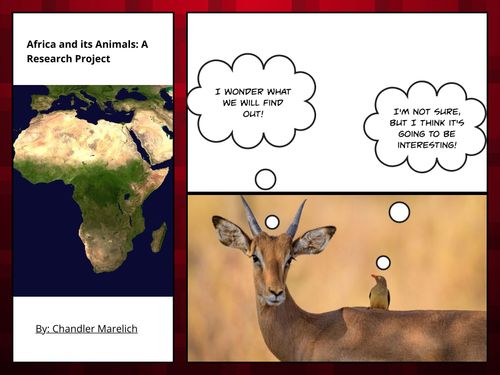
To help educators gain a better understanding of how to use Book Creator and Google Slides as an assessment, we created instructional examples for students using each online platform. The Book Creator assessment is an example of how 3rd graders can make a presentation on animals in Africa, and the Google Slides assessment is an example of how 5th graders can make a presentation on countries in Africa.
Google Slides: Countries in Africa Research Project
Book Creator and Google Slides are great tools for educators to use in their classroom. Students can share their work with educators, and students have the ability to express their creativity using these different formats for their presentation and built-in search tools for images. The research tools available to students to find information for their presentation, such as Kiddle and World Factbook, give students the ability to have more accessible and specific information for their topic.
Exit Ticket for Presentation Here
Citations:
Photo by Marvin Meyer on Unsplash
This was an interesting PD for how to do research. You effectively used a variety of tools and strategies for different grade levels.
The Powerpoint does a good job of setting up the lesson (One suggestion – that powerpoint is limited to UP users only. You might consider changing the permissions or turning it into a PDF)
There were a number of assets to support the lesson: Kiddle, Book Creator + Google slides. They were well focused on demonstrating research questions that students could use at each level.