Teacher Tech- Rachel Carbary’s Portfolio

My number one goal as an educator is to create a safe, fun, engaging, and inclusive community. I kept these goals in mind as I created my assignments for ED 424. Throughout this semester, this class has helped me realize that technology is an excellent way to make sure every student is getting the support and resources they need to succeed. We can have voice-to-text, we can have the computer read out to our kids, our students can record their answers instead of writing them down…. the possibilities truly are endless. Below, are some of the activities I designed in my ED Tech class that I believe would promote acceptance and equal opportunity for all. I look forward to using these tools, and many others as I step into my own classroom someday!


Foster a welcoming space on day 1

This is an assignment made through Book Creator to describe classroom policies, protocols, and guidelines. An intentional effort was made to showcase a variety of diverse communities. (Race, Religion, Sexuality, Gender, Disabilities, etc)

Normalize + Validate all feelings

In my future classroom, I hope to have an Inside Out themed classroom inspired by Disney Pixar’s film. Social Emotional skills is an incredibly important skill for out students to have. Not only do they need to understand and value their own emotions, but they ought to learn to recognize the emotions of those around them as well.

Show ALL kinds of diversity

This screencast assignment describes the students homework: to read “Tú Puedes.” This is a wonderful book featuring a young boy in a wheel chair who, despite all odds, joins the basketball team as his school.

Autonomy is key

This assignment allows students to Create their own Journey, in a sense, as they travel through Spain. They can decide which sites to see, what food to eat, tand how they want to spend their day in general!

Make learning an adventure for everyone!!

Make learning hands-on and culturally relevant. This lesson helps students find a reason to learn a foreign language. Hopefully, it will also spark a sense of wanderlust and encourage students to research other cultures and hopefully have a desire to see these locations with their own eyes one day.
  • Featured Image: https://unsplash.com/photos/Kn_l9o5220Y

Ms. Rowley’s Technology: Taking a look back at this year!

As a current Middle School Math teacher, teaching during a Pandemic, technology has presented itself to be a way to reach new heights in the education world. Google Slide versions of games based off the most popular middle school game allowed me to reach student’s who often sat with their cameras off. Peardeck allowed me to differentiate my instruction during every lesson so I could reach the needs of all students. Loom opened up a whole new set of possibilities to for ways to help my students understand the “WHY” behind the concepts and procedures in math. I was able to use so many different types of technology to better my teaching practice, be a more culturally responsive teacher and focus on the social and emotional learning for each of my students as I grew their math skills.

Although this year was challenging, I would not have learned so much about the different ways technology allows me to reach a greater population of learners. Looking back on this year, I used to think technology was a distraction or could just be used to supplement a lesson. Now I am able to see how technology can be used to enhance a lesson and reach more types of learners.

Although, many of us can’t wait for the day where we are doing school back in-person (and yes, we are getting there), I am excited to continue using the technology skills I have learned this year in my classroom in the future.

Below are just some of the ways I have integrated technology into my teaching practice!

Use Google Sites to help students and families get to know a little bit more about you as an educator! Click below to see mine.

Ms. Rowley’s Teaching Portfolio

Using Loom as a resource to support your student’s learning!

Interactive math lessons using Google Maps and Google Draw!

Ways I want to continue to grow in my technology use:

  • Implementing culturally responsive material
  • Finding equitable ways for access to technology for my students
  • Discovering new ways to differentiate with different technological resources
  • Use technology for student and parent communication

Shak(espeare)in’ It Up!

Audience
5th Grade | ELA


Purpose
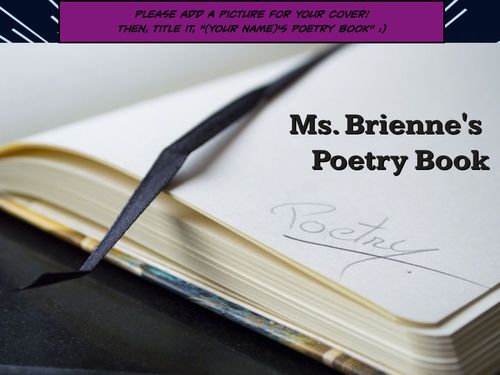
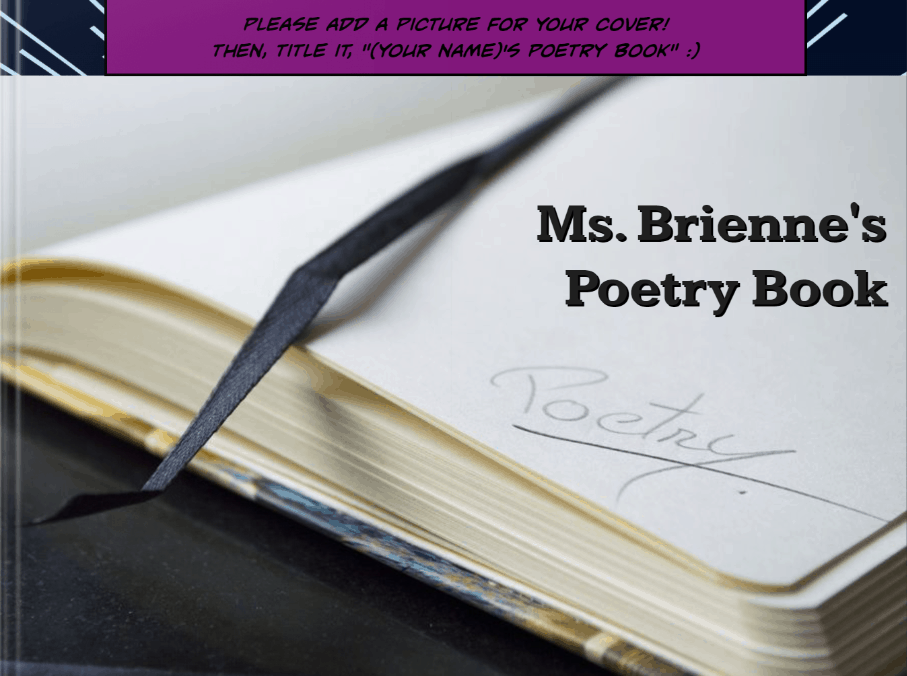
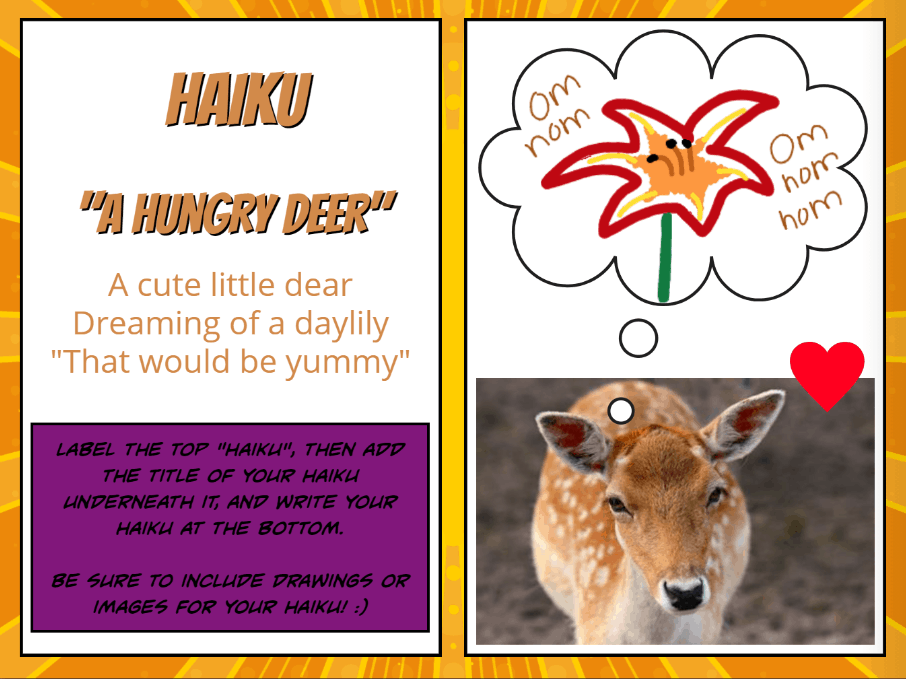
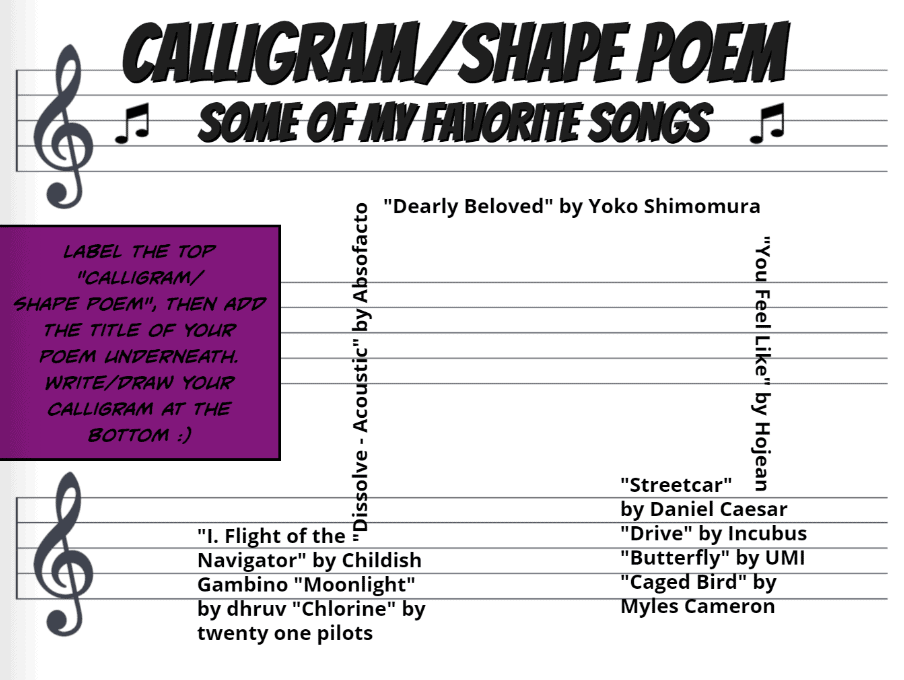
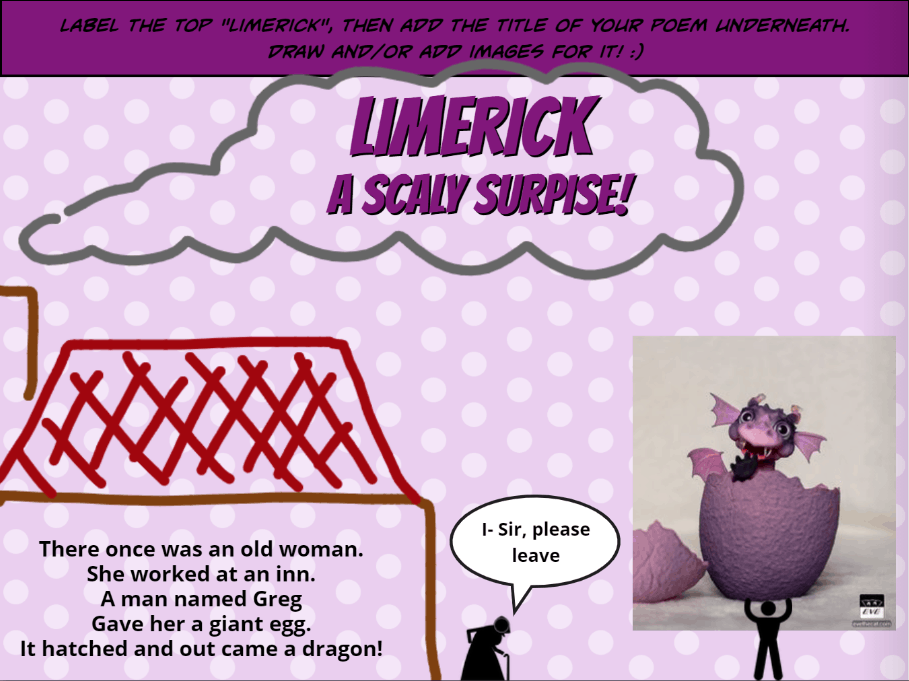
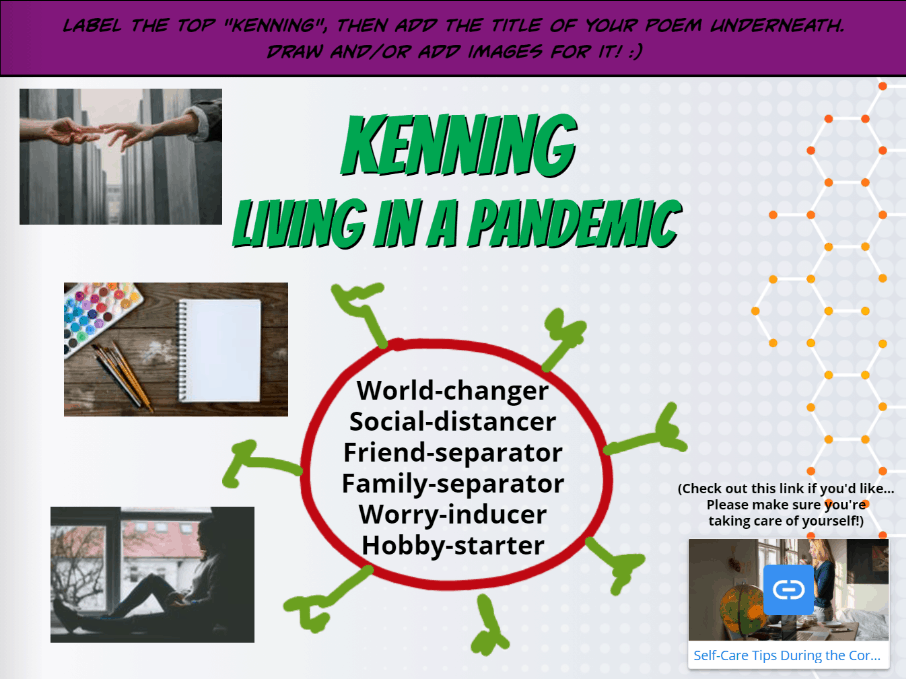
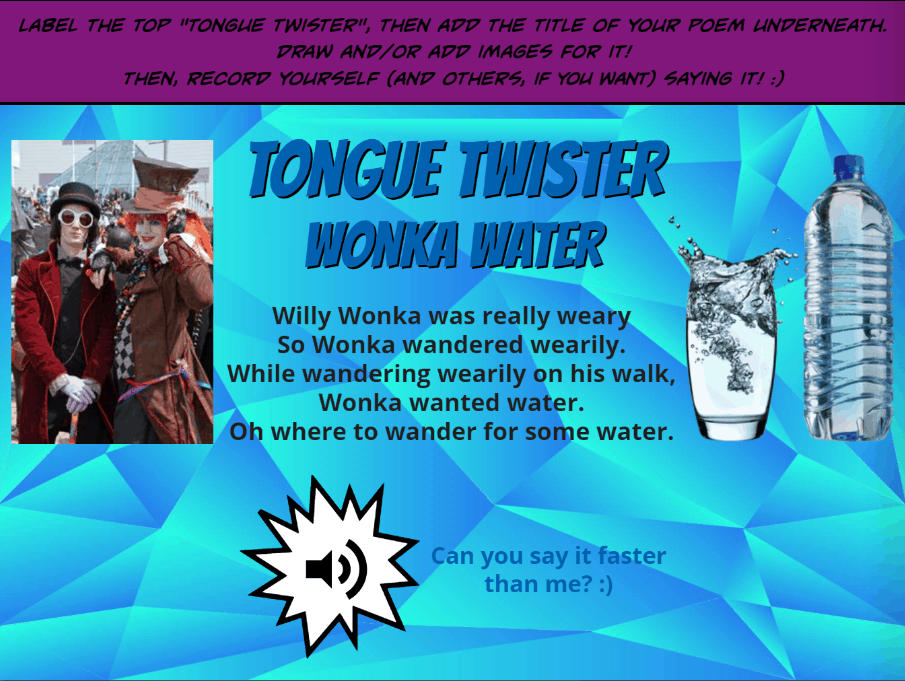
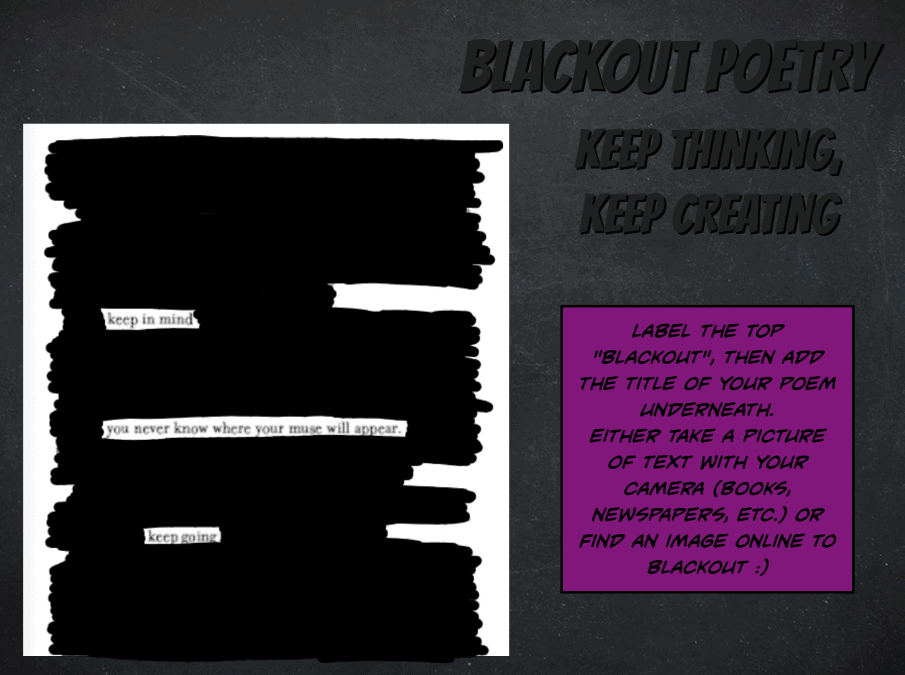
– After the teacher has taught about one or more types of poetry in the Google Slides (below), students will be able to create their own examples on Book Creator.
– This will allow them to dive deeper into the world of poetry while also being able to practice their writing and creativity!
– It additionally gives students practice working with Book Creator and helps the teacher check-in with how students are doing in understanding and creating poetry.


Directions
1.) The teacher will use the Google Slides and any other additional resources to introduce students to some of the different types of poetry.
2.) The teacher will show students how to use Book Creator.
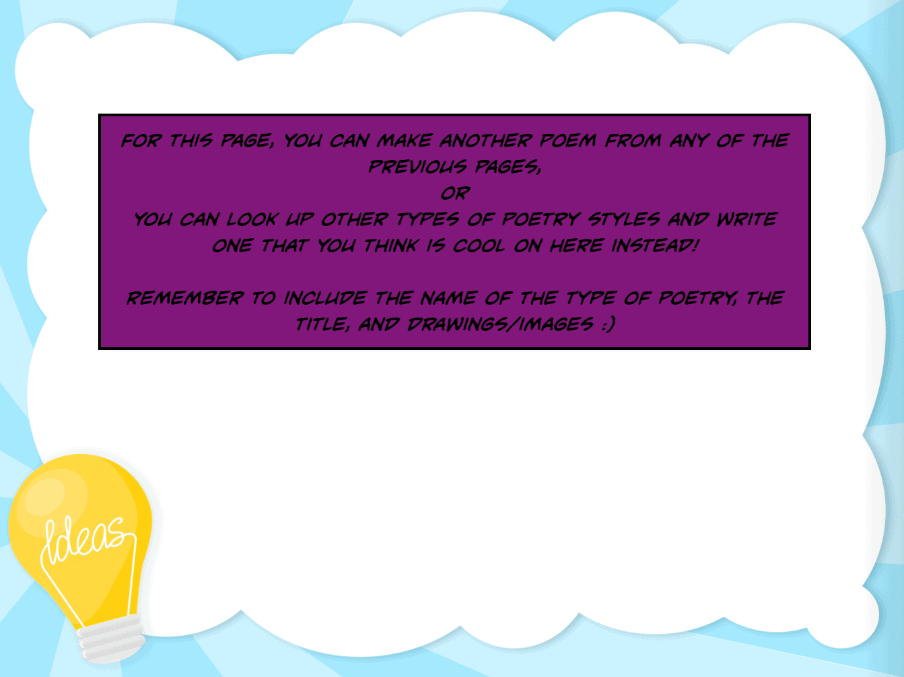
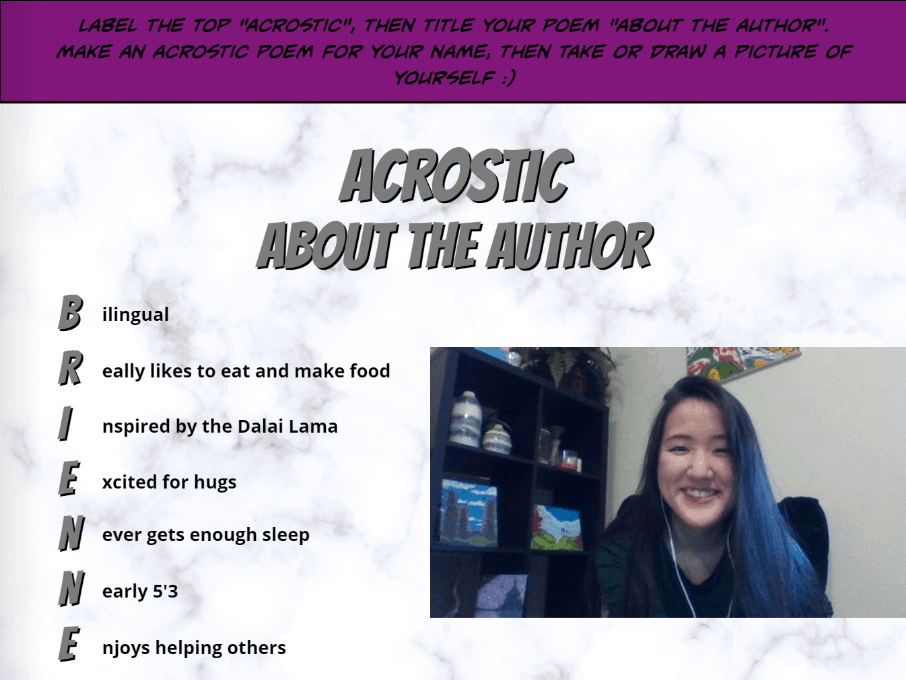
3.) The teacher will show students the example Book Creator, explaining that the directions for each page will be in purple, boxed text, and that the Slides from class are on the last page if they were absent or forgot about the type of poetry covered in class that day.

A Slideshow of the example Book Creator:


Featured Image by Nick Fewings on Unsplash

Welcome to My Portfolio

Welcome to my portfolio of all the work I have done throughout this class. I have learned so much about different tools and websites to use in my classroom. I look forward to using many of my posts and others in my classes to better my future students. It is so amazing to me to think of all the websites and apps that have helped teachers this past year with the pandemic to engage students as much as they can online. This has been a crazy busy spring semester, but I have some amazing people in this class and leave with such a great knowledge of teaching resources! In this post I will highlight some of my favorite activities we did in this class.

Screencast Assignment

I had been wanting to learn how to record my screen and since we learned about screencast I have used it in some of my lesson plans for my different classes. For this assignment I recorded myself reading the book Are You My Mother which was my childhood favorite!

Google Earth Assignment

I enjoyed creating a habitats lesson for students using Google Earth! It is a great tool to use to make virtual field trips for students or looking at specific places.

Google Site Assignment

For this assignment I created a Google Site for parents or students to use so they can have access to classroom resources. It also allows for other teachers to use some resources on the website for their own classes and even to connect with me. I also include a list of my classroom library books!

Featured Image:Photo by Martin Adams on Unsplash

Portfolio: Online French Materials

During this infamous year of remote learning, teachers have found increasingly creative ways to make use of technology to engage learners from a distance. As a student teacher working with middle school French classes, I have explored a variety of programs and websites designed to enhance second language acquisition by harnessing the sudden influx of technology. Below are some of my favorite materials.

The first step in learning another language is establishing your motivation. This website and activity are designed to help students connect with the language on a personal level and identify their individual motivations for learning French. How will it benefit them, now and in the future?
This activity uses Jamboard to let students create their own notes/study boards. Rather than associating French vocabulary with the direct English translation, students select images that represent the word best to them and teach their peers about their category (i.e. fruits, vegetables, etc.).
One of the best ways to use technology in a second language is to connect students with the culture of the target language. Even before COVID, opportunities to see and hear Francophone culture in person were almost non-existent. With the internet, students can watch videos of native French speakers, take virtual tours of French cities/monuments/museums, and (as shown in this activity) mimic the experience of shopping in a French grocery store. What are some differences, how much do things cost, and do they have sufficient knowledge of the language to do everyday grocery shopping?
This French-class take on “Find Someone Who” serves many purposes. Firstly, it can be used as a great way for students to get to know one another better (and the teacher, if they participate). Additionally, this organizer prompts students to discuss and communicate in both past tenses, differentiating between the two. It also ensures students are able to share their personal experiences with others and inquire about past events.
This activity uses Book Creator to let students tell a story about something from their lives (such as a memorable vacation, event, or experience). It’s an excellent way for students to practice using the two past tenses, but could also be used for other units in the present or even future tenses. Visuals and personal relevance help to reinforce the learning and students’ presentations to one another expand their listening comprehension as well as speaking and reading.

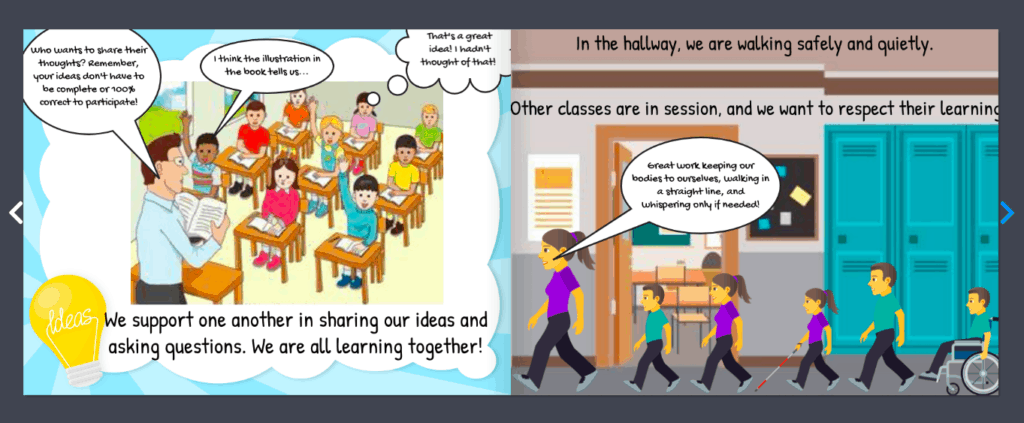
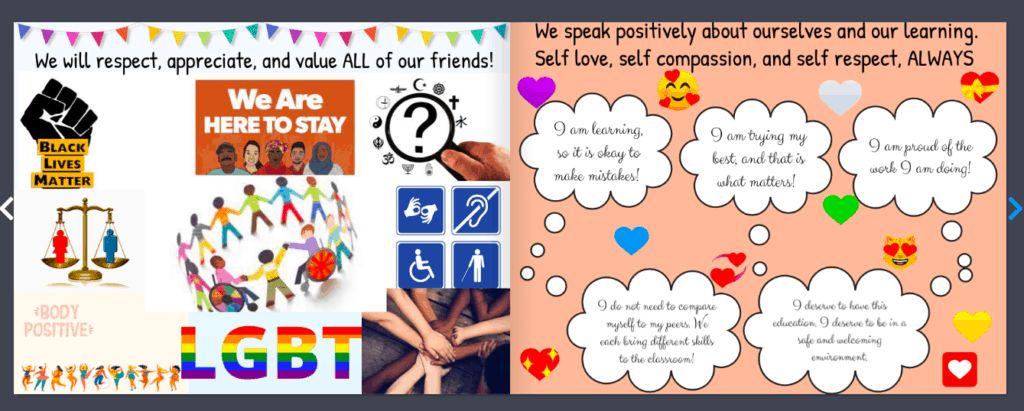
Maestra Carbary’s Community Guidelines

This book is intended for an elementary classroom of any age. The goal is to read this on the first day of class, so as to make classroom guidelines as clear as possible. This can then be referred back to throughout the year as needed. When making this book, I tried to make a conscious effort to include diversity of all kinds. It is important for students to see themselves represented in any kind of book, but especially books that are literally meant to describe THEIR learning space. My hope is that students feel loved, supported, and appreciated after having read this book. It provides important reminders on respecting others, classroom safety, and self-love.

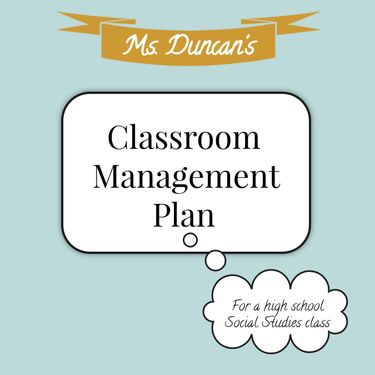
Ms. Duncan’s Book of Classroom Management

Audience: Students in my class or their parents. I would intend to give this to the students and families in my class at the very beginning of the school year as an introduction to myself as a teacher, my teaching style, and our classroom guidelines.

Purpose of this Book: This book is intended to inform my students and their families of my classroom policies. It provides them with a clear and comprehensible idea of what my expectations are for students in my classroom. I might expand this in the future to also include my classroom syllabus for easy reference.

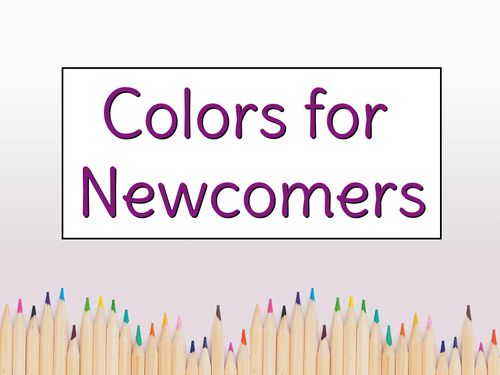
Colors for Newcomers

Audience: This book is created for K-2nd graders that are English Learners or Newcomers.

Purpose: This book supports students learning English but creating an easier way to learn colors.

  • Visual pictures that correspond with each color allows students to make connections with culturally responsive objects around them
  • Reading tool embedded in storybook allows students that have a hard time reading the ability to hear the colors enunciated to them
  • YouTube video in the beginning gives students a fun way to quickly go through the colors before they read on
  • “What else is the color ____?” Open ended question allows students to be interactive with the book and encourages them to come up with examples themselves

My Class Website

Featured Photo by Ivan Aleksic on Unsplash

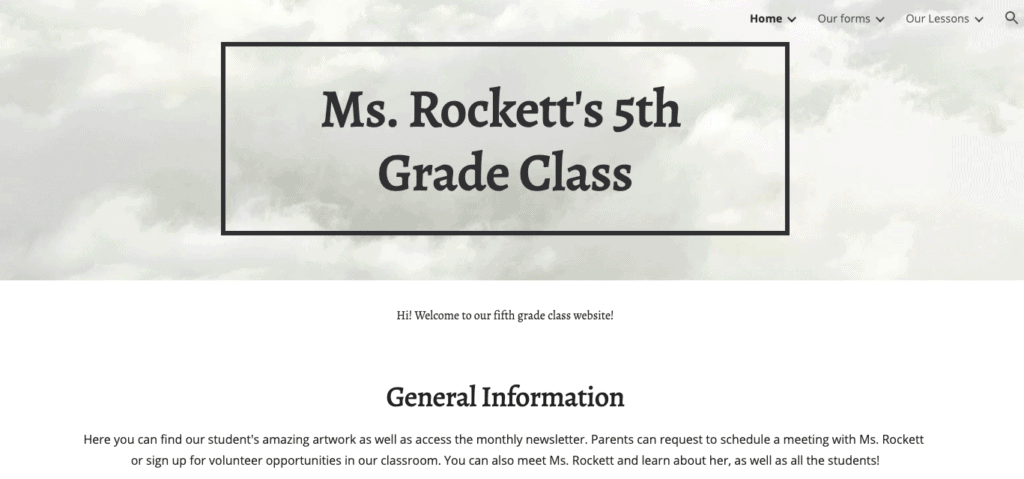
For my website assignment, I wanted to focus on how I would want a class website to look like. I want it to be a place for students and parents to find all sorts of resources. Not only can students find some of their homework here, but they can rewatch videos used in lessons. Parents could find their kids art work for the past month displayed, a form to sign up for classroom opportunities, and much more.

I didn’t complete every single form I wanted to, but this would be something I would put a lot of work into coming into the school year so that it is very accessible to parents and students. So, there would be calendar sign ups for meetings and volunteer opportunities. This would also be the place to access the monthly newsletter than explains the units for the upcoming month as well as any class news so that parents are in the loop. However, this would only be the case if I was in a school situation where I know that kids have access to a computer at home.

For students, they would be able to complete homework, answer class polls, view lessons and past Power Points. Things like pre assessments, exit tickets, and quizzes would take place in the classroom, not at home.

It is also important to note that if I were to use pictures of students, the website would only be accessible to people with the exact link to ensure the safety of all the students.

Click here the image to visit the class page!

Geometry Scaling Project Using Book Creator

For this Geometry Project, I used Book Creator as a template for students to display their work. For the project, the students pick an item make a scaled-up version out of materials of their choice. Students make a copy of the book template in the library and rename it with their name. Then they go through the template as they complete their project. Once they are done with their scaled item, get to make a comic using pictures they take of their original object and their scaled-up object. When they are all done, the class can view each other’s work in the library.

Instructions: Click here to access a Google Doc with full project description

Step 1: Choose an object in your house that you want to scale. Make sure you choose something that is 3D, so it is not flat like a piece of paper.

Step 2: Measure your object. It may help to draw a sketch of your item and label each part you measure

Step 3: Choose your Scale Factor and record your calculations here.

Step 4: Make a plan and choose your materials.

Step 5: Get to work! Don’t forget to take progress pictures!

Step 6: Make a comic using pictures of your original and scaled object.

Screen/Scene Sharing

Hey everyone! This video specifically for a history class learning about Ancient Egypt, but I mainly wanted to share something I learned doing this screencast.

Using the Loom extension on the Chrome browser, I was able to make a screencast of a scene from a documentary on Hulu. I’ve looked at several other streaming services and Loom works very well recording those as well!

This can allow you to share scenes and documentaries with your students without having to worry if students have access to Netflix/Hulu/Amazon Prime outside of the classroom especially if you want to assign students scenes to view as homework. This also allows students more time to process the information from the scene you’re sharing when they’re viewing the video individually.

With Loom, you can still pause the documentary, as I did in the end of my screencast video, and address your students. This gives you time to ask students to jot down notes real quick or ponder certain themes you want them to.

So the screen is smaller in the video because I did not have the documentary itself in fullscreen (I had other windows open), but if you fullscreen the documentary, that box in your Loom screencast will get bigger.

Loom also allows viewers to leave emojis and comments, so your students can watch the videos and leave comments on questions they might have or concerns.

Citations

Photo by Alex Litvin on Unsplash

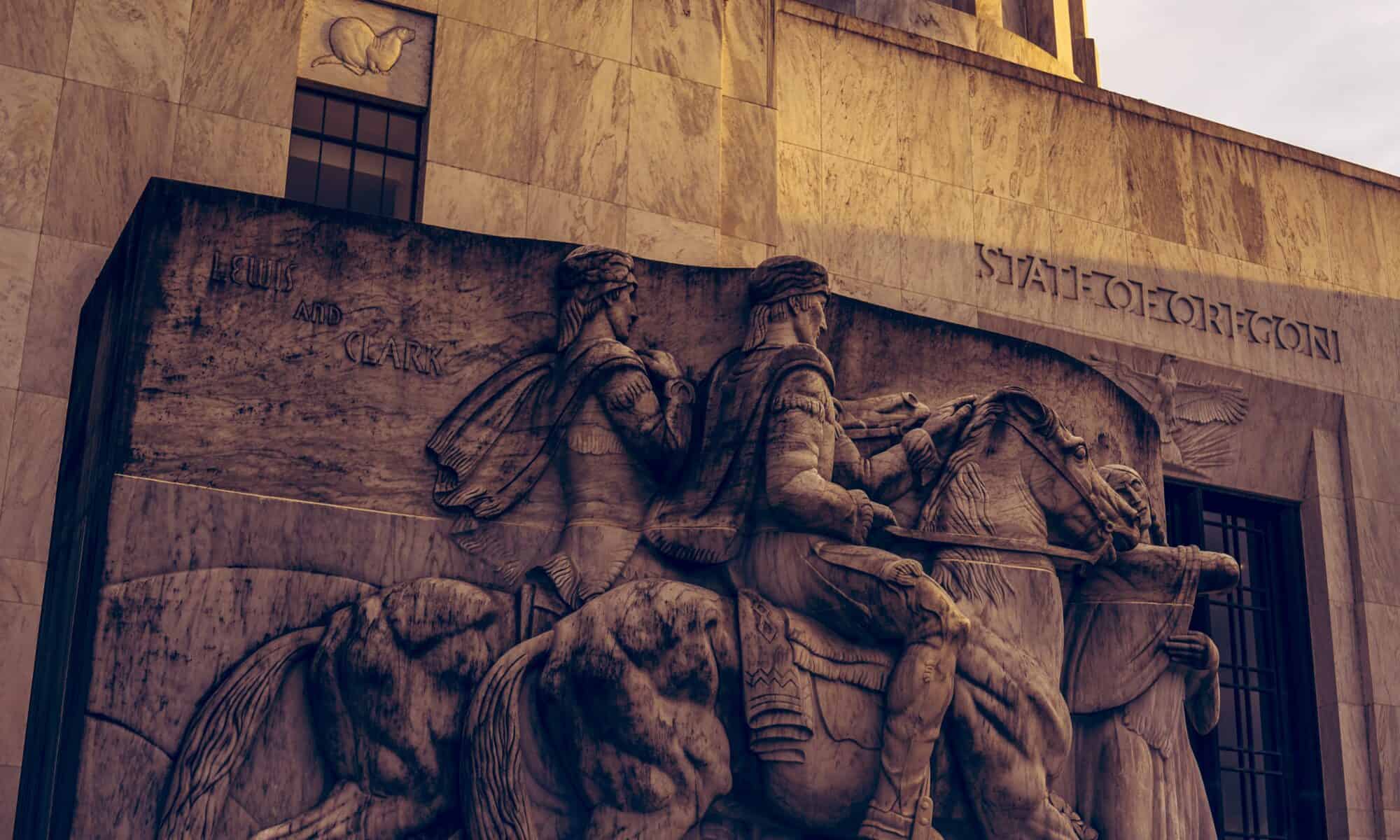
The Lewis and Clark Expedition in Our Own Backyard

Featured Photo by Dan Meyers on Unsplash

This lesson could be for either a grade 4 or 5 class depending on your state’s curriculum. The goal of this lesson is to explore the important locations of the Lewis and Clark Expedition. Student will get to use a google form to learn about some of the key points on their own and then as a class we will look at the the expedition and how they trekked through our own backyard!

Instructions:

Students should grab a computer from the cart and login. The teacher will have a google form linked on their class website that they can click on. Students are welcome to put headphones in and listen to music as long as they have it at a volume that doesn’t disrupt other students around them. We will work independently for 10 minutes, students should use the time to try to make it through at least two choices on the google form. Then will talk with partners about one interesting thing they learned or a question that came up. Then we will have another 10 minutes to work before we go over the map as a class! None of the important points included on the map from the Lewis and Clark expedition will be on the form since we will be focusing on those as a class.

Direct Link: https://forms.gle/Q5fc6MndB1kv6TQm7