Interactive Notebooks on Book Creator

Hi 7th graders! This week we are working on combining like terms. Make a copy of this book to complete your work for the week!

Your task:

  • Each day complete the warm-up problem on page 2. Make sure you show your work and correct it when we go over it in class.
  • On Monday we will be taking notes on combining like terms. Fill in the blanks for each sentence as Ms. Rowley models it. Complete the practice problems with Ms. Rowley.
  • Complete the Monday practice by Wednesday. Complete the Wednesday practice by Friday.
  • There is a 3 step review you can use while completing your homework. You can also watch the video if you need a reminder of how to combine like terms.
  • On Friday afternoon you will complete the exit ticket. When completing the exit ticket, please do it on your own and without notes. I want to see what you know!
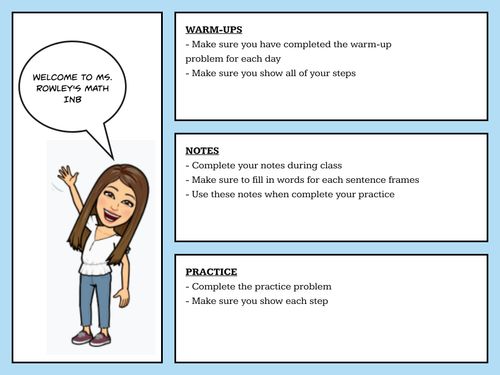
Combine Like Terms INB

Purpose: The students will use this for each learning target. Their INB includes warm-ups, notes and their practice. Having all of the content in one place allows for the students to go back to it when we are studying for assessments or just to review the content. Another use for a book similar to this could be using the book to store all of the notes for each learning target for a unit.
Creating a Classroom Community Through Book Creator

Book Creator is a great online source for educators and students to create different forms of text, draw, and collaborate together. From comics to novels, the possibilities on Book Creator are endless. With all these possibilities it may seem hard to find a place to start. Follow this lesson plan that touches upon community building and literacy.

Grade Level:

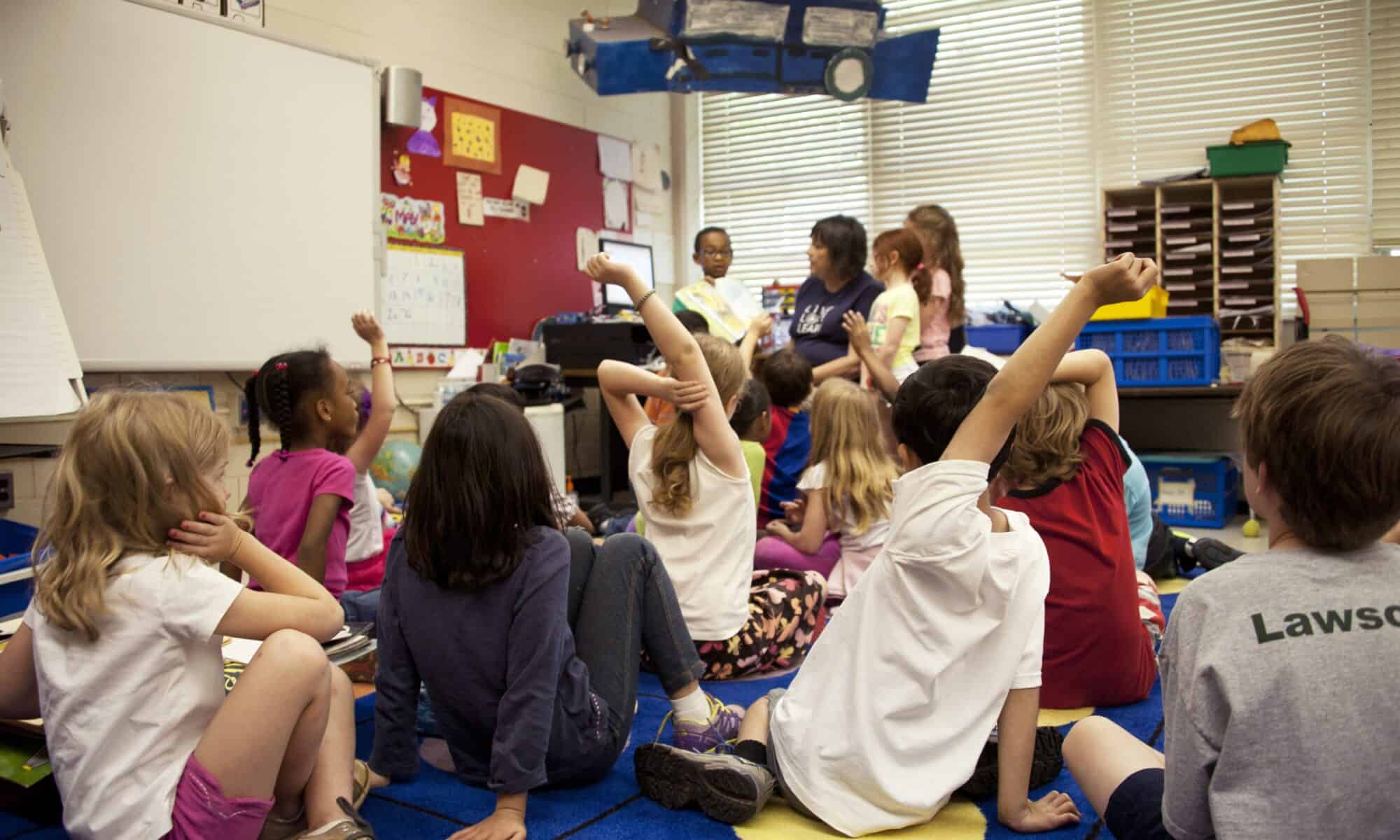
This lesson can be fit and altered to fit any grade level. The example in this post is from a third grade class.

Student Instructions:

Hello Class! Today we will be using Book Creator to create a class book! In this book, you will find a page with each of our names. We each have the chance to add our own touch to this book! We will be adding our pictures to our page, writing a sentence that tells us what you bring to the classroom, and then add some things you appreciate about your peers! If you are struggling with what to write, the first page of the book features some sentence frames! So to begin,

1.) Find your your page

2.) Add your picture to your page

3.) Write a sentence saying what you bring to the classroom

4.) Choose two peers and tell us what you appreciate about them!

We will read the book together tomorrow!

Teacher Notes:

  • Depending on the grade level, production amount can differ. If there are students that may not produce text, Book Creator has an option of adding video and audio recordings.
  • Book Creator is not always easy to access for every student, you may need to scribe for students.

Text Example:

Photo:

Featured Photo by CDC on Unsplash 

Looming through Google Tools

Lesson Context:

As we are living through the pandemic and students are completing work virtually, the difficulty of students sharing their own writing has increased. I’ve struggled thoroughly to view student work as we have created persuasive papers, fairy tale adaptions, and more. This mini lesson through Loom is meant to aid student’s in sharing their hard work when using Google Tools such as Google Docs and Google Slides.

Audience:

This video can help any new users of Google Tools.

Purpose:

To aid new users of Google Tools and teach them to share their work.

Notes:

  • Students may be better aided by having the specific email to use.
  • Sharing work across all Google Tools is the same.
  • A video like this may save you time if your students are using Google Tools, especially in the younger grades. You will have to remind student’s often to share their work and they will need reminding on how to do so.

Featured Image:

Photo by Mitchell Luo on Unsplash 

Let Me Introduce Myself

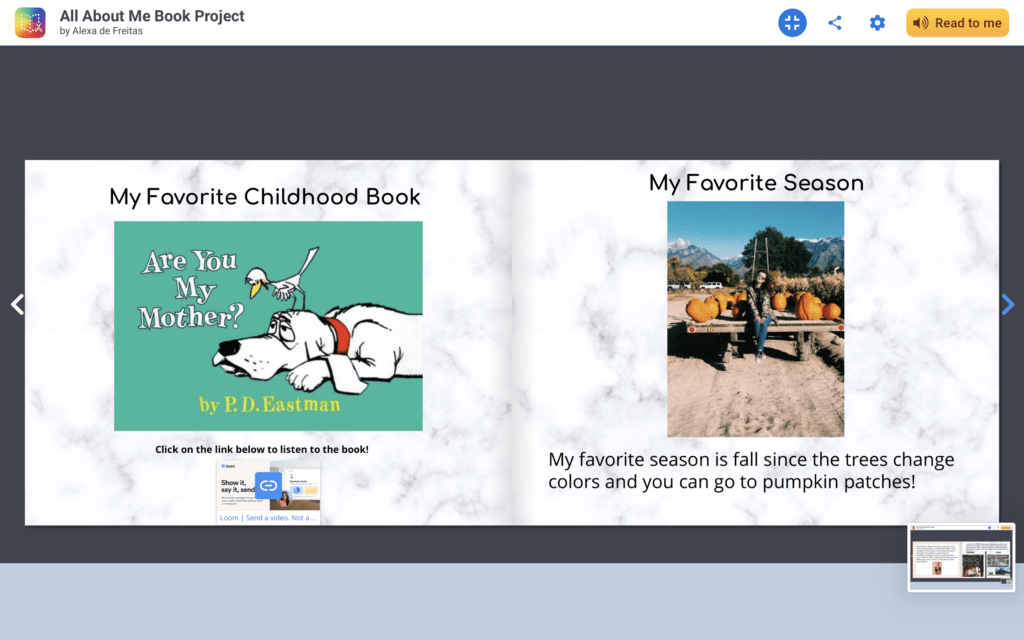
For this assignment of using book creator I decided to make a sample of an introduction book the students will make themselves on the first day of class as an assignment. I was thinking since most schools have been online since the school started this would be a good way to introduce themselves to their peers virtually. I would use this for any grade to be honest just because most schools started online at the beginning of the year. My book below would be the example the students could use to come up with some ideas of what they could put in the book. During the first class I would read the book to the children or they could listen to it since the website does it for you as well. I also added at the end of the book my google site link so the students and parents could use it as a resource as well as a google form checking in with how they are feeling with the school year starting up again!

These are screenshots of the book pages as well!

Featured Image: Photo by Charles Deluvio on Unsplash

Aqua &Fina: A Tale of Chemical Adventure

Audience: This book is intended for students who have at least been introduced to chemical concepts but preferably have more experience with chemistry under their belts

Purpose: This book is intended to illustrate some chemical concepts previously learned in the classroom through a fun, if simple, story. Students/the audience is asked some questions at the end which allow them to reflect on the story.

Use in the classroom: I would love to use this story as a preface to students coming up with their own way to illustrate a chemical concept, bringing some fun and creativity to a subject typically considered difficult and uninteresting. However, as it is, I think it is a great way to get students to apply what they have learned and use critical thinking skills to reflect on the story itself.

Here are the contents of the book as well:

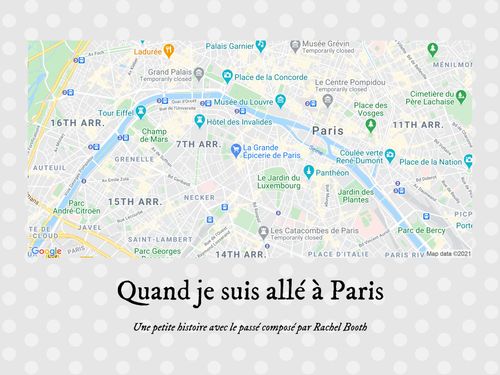
Quand je suis allé à Paris

This book is designed to be versatile for a few different lessons. Firstly, it’s written in the past tense, so it can be used in a past tense unit with examples of regular and irregular verbs conjugated for the past. It also features a variety of Paris monuments and cultural icons, so it would be a helpful introduction into a unit on Paris. This could either be a reading and listening comprehension activity, or a model for students to create their own book about a trip where they use the past tense to describe their activities. It can be difficult to find good kids books in French, especially online, that my students find both accessible and interesting, so I think that Book Creator is a great option for me to make stories that reflect exactly what we’re working on (and based on their prior knowledge) or for students to write their own in a format different from a slideshow.

(all photos, including cover photo, taken by Rachel Booth)

Reflejando sobre un inspirador

My screencast assignment is intended for a 3rd grade Spanish Immersion class. A screencast is helpful for this assignment because it provides these students who are learning a new language the opportunity to hear the instructions in Spanish. This also allows them to replay any parts of the instructions. It will be helpful for students to re-hear any unknown words and use the context of the other sentences to make meaning.

Activity:

  1. Watch the video to learn about the homework assignment. https://www.loom.com/share/df5429b2dc844ff791399b0aab595198
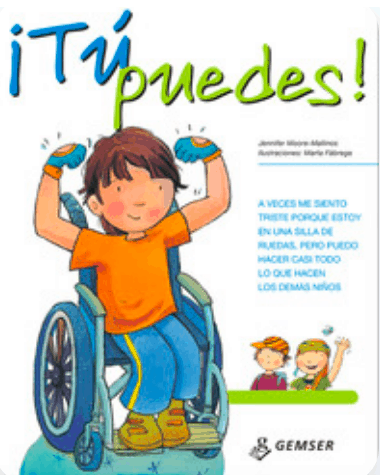
  2. Read ¡Tu Puedes! https://www.getepic.com/app/read/36973
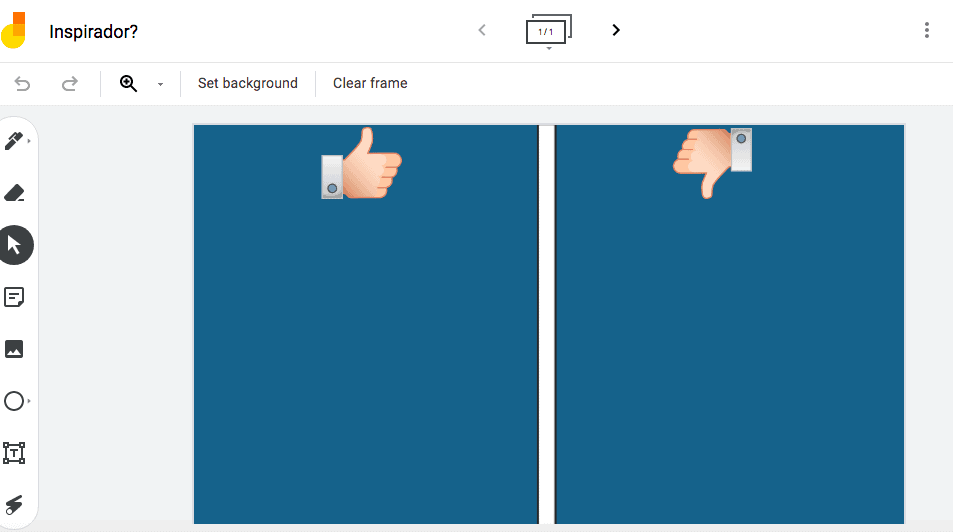
  3. Complete the Jamboard: Is the protagonist an inspiration? Why, or why now? Use a sticky note to explain your thoughts, and place it under the correct column. https://jamboard.google.com/d/1nvNobNA-_BGTCDJiLf7nVsF8SY7c0M4ScDEUlbgo4bs/edit?usp=sharing

Materials

Featured Image: https://unsplash.com/photos/zIx5wzjHRnE

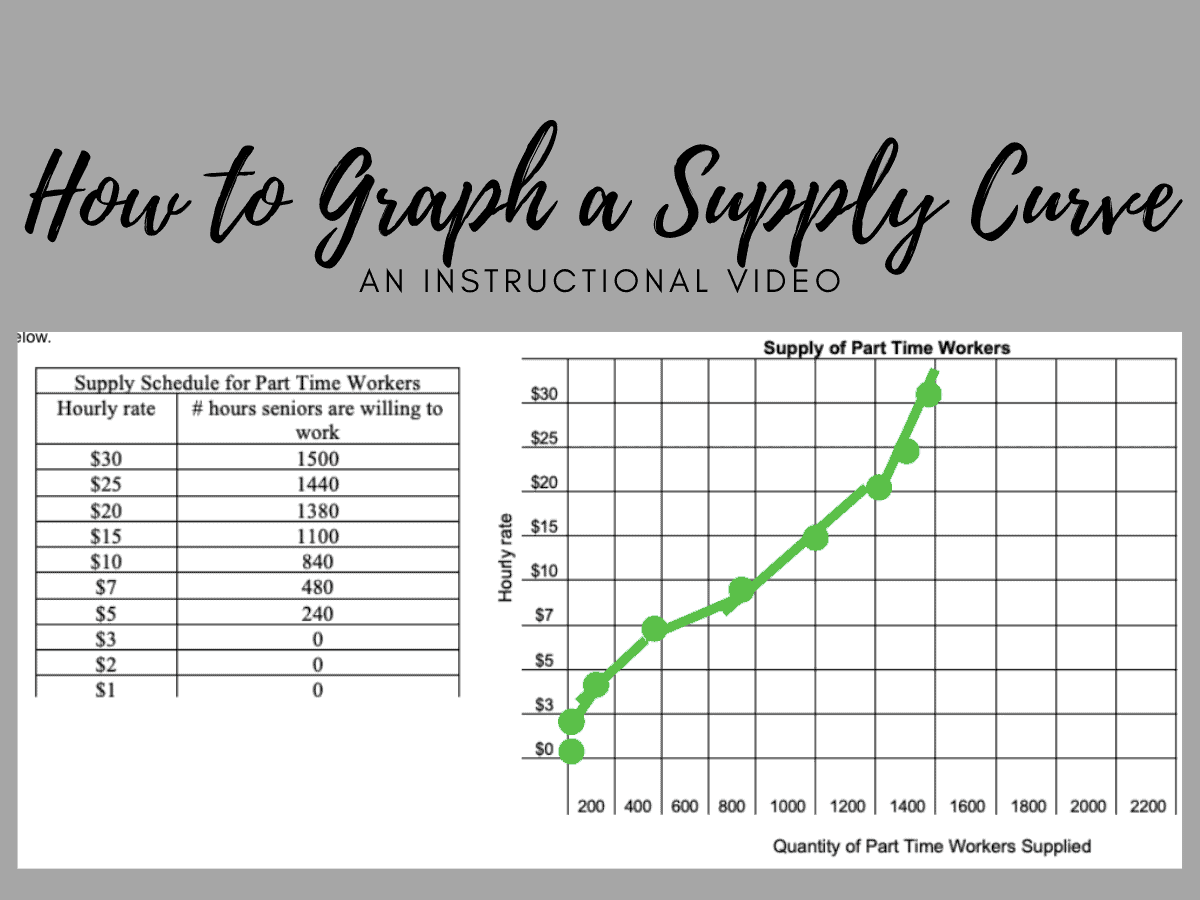
How to Graph a Supply Curve

Lesson Context: This video is intended to supplement instruction during my students’ asynchronous class period. It is in the middle of a unit on Supply and Demand, and we just learned about the Law of Supply in the previous synchronous lesson.

Audience: The audience for this video is students in my 10th grade Economics class or anyone else who wants help learning Economics.

Purpose: The purpose of this video is to aid my students in understanding how to take information from a supply schedule and graph it to create a supply curve. This is intended to help them with their asynchronous assignment, which asks them to graph supply curves.

Using A Screencast: Recording a screencast of this process helps my students’ understanding of their assignment because to illustrates the step by step process they should follow. This is especially helpful during asynchronous classes where I am not there to help them in person.

 Video: How to Graph a Supply Curve

Desmos Activity Demonstration

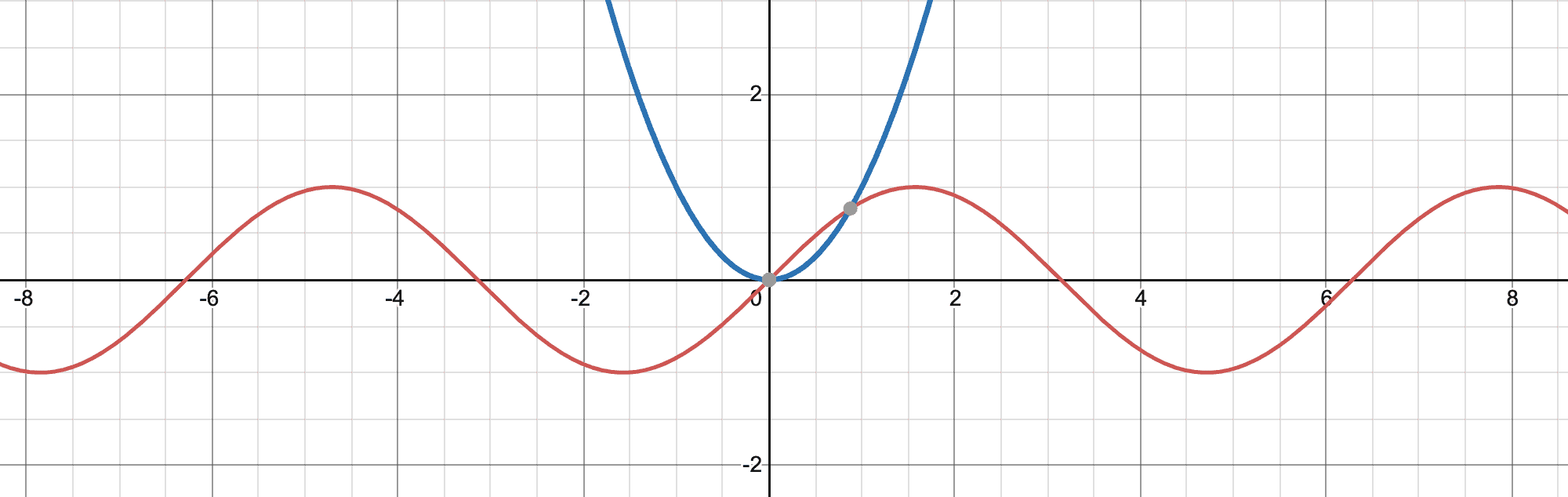
For my activity, I used a screencast to demonstrate how to use a feature of Desmos that will be helpful for their activity. I showed how students can use a slider to see the effect that a constant value has on a given graph of f(x). I demonstrated the effect that c, a constant, has on a graph of f(x) = c x2. I showed how once a constant is used in an f(x) function in Desmos, there is an option to add a slider for c.

Once the students have watched the demo, I would ask them to do the same for the functions, f(x) = a + b x + c x2. I would ask them to describe the effect of a, b, and c as they become greater, smaller, and negative. I would also ask them to look at f(x) = sin(a x) vs f(x) = b sinx and compare the effect of a vs. b.

This screencast helps students understand how to use this feature in Desmos if they do not yet know how to use it. The activity goal is for student be able to understand visually the effect that constant have on the f(x) functions they have been looking at.

Exhausting, Exciting Expeditions!

Target Student Group:
5th Grade | Social Studies/History


Instructions:
1.) The teacher will give students the MyMaps link marking some of the points throughout Lewis and Clark’s expedition. They should remind them that each marker is numbered, so they need to go in numerical order from 1 to 15.
2.) Let students know they will need to explore, read, and take notes on what they learn from the Map so that they can complete Google Forms Quiz at the end.
3.) Give students the link to the Google Form and let them know they can look back at the Map and work with others to fill it out.
For Groups: Give students autonomy – let them decide whether they want to work together or with a partner(s). Preferably no more than three.


After you’re finished exploring, reading, and taking notes, please work on the Google Form Quiz below! Please let me know if you have any questions! 🙂


Lesson Goals:
– As 5th graders wrap up the Native Americans Unit, they will be able to add on to their knowledge about them by learning more about Lewis and Clark’s expeditions and interactions.
– By exploring and reading the markers on the Map, students can learn more about the struggles Lewis and Clark faced, along with the impact they had on our knowledge of various animal and plant specimens and geographical areas (Louisiana, Mississippi River, and the Pacific Ocean).


Featured Image by Kalen Emsley on Unsplash
Information Source: https://www.history.com/topics/westward-expansion/lewis-and-clark

Addition Lesson

Audience: Kindergarteners

Lesson Context & Purpose:

This mini-lesson would be included in a math lesson that talks about different ways and strategies to add single digit numbers, such as using your fingers, number lines, and the dot method.

How can screencast assist you with the lesson or communicate your goal?

Screencast allows easy access for teachers to give visuals in their lesson while also narrating. These videos are easily accessible, and could be sped up or slowed down, depending on the student’s skill level. Parents also have the accessibility to pull up these videos to give their child a refresher when practicing addition problems or finishing up their homework.

Solutions: How Basic Are They?

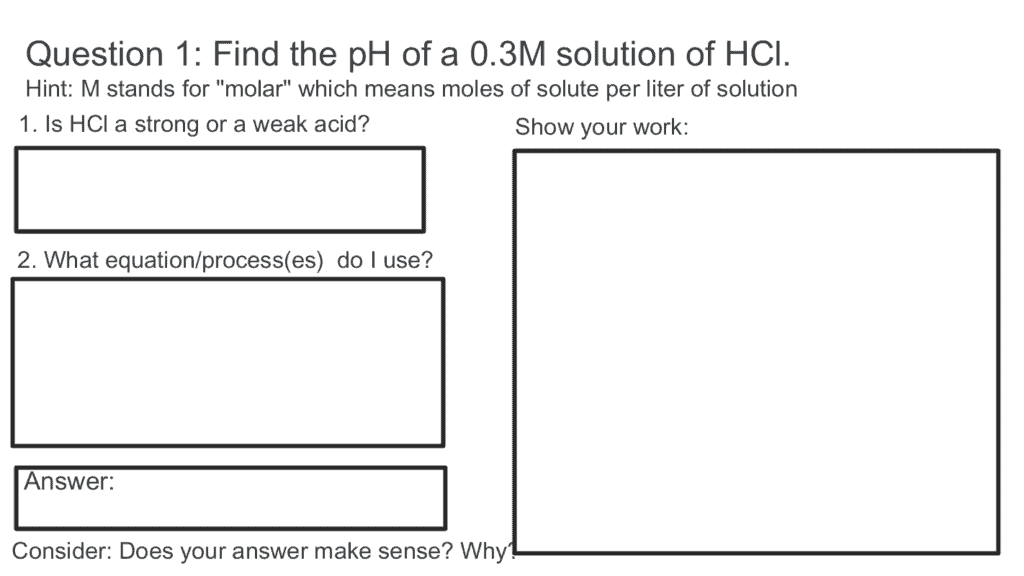
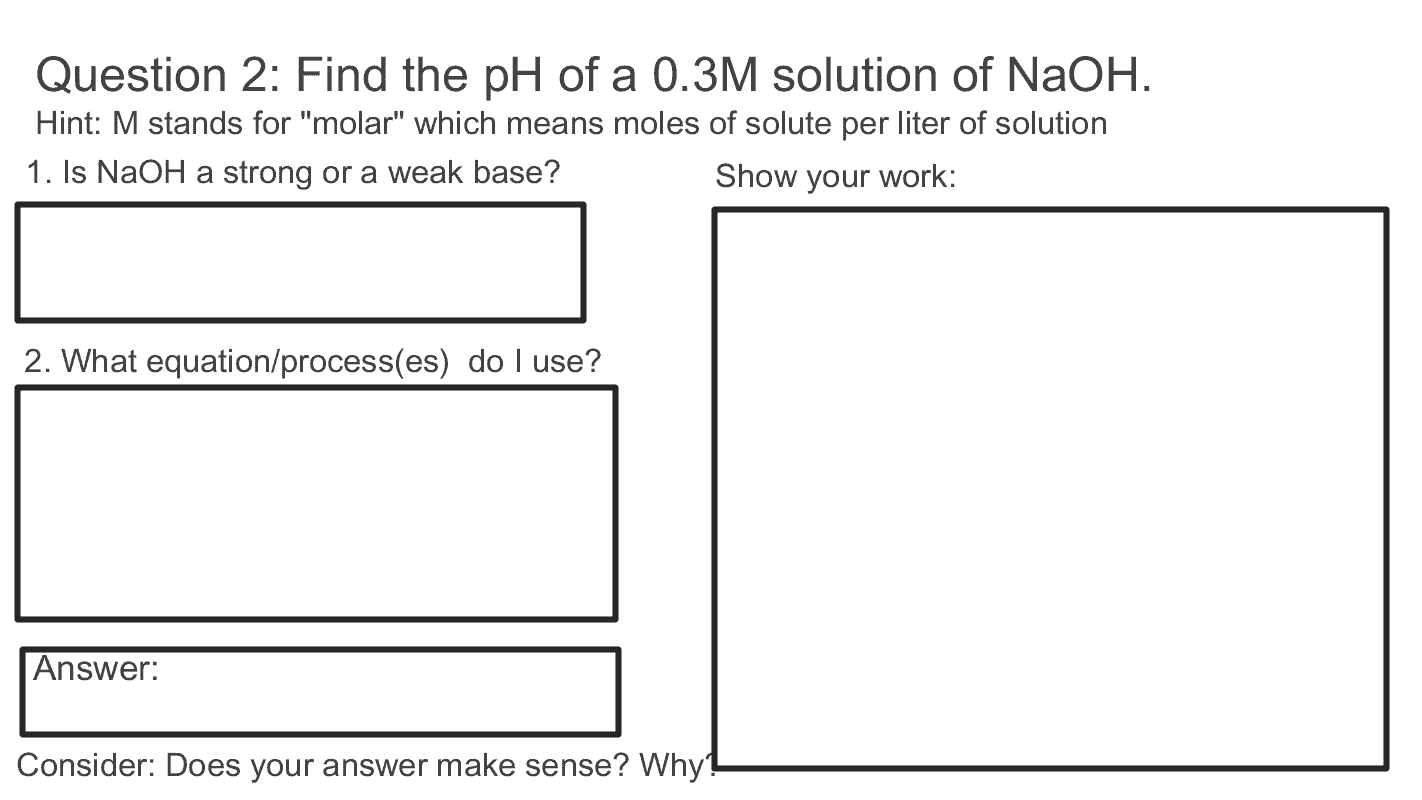
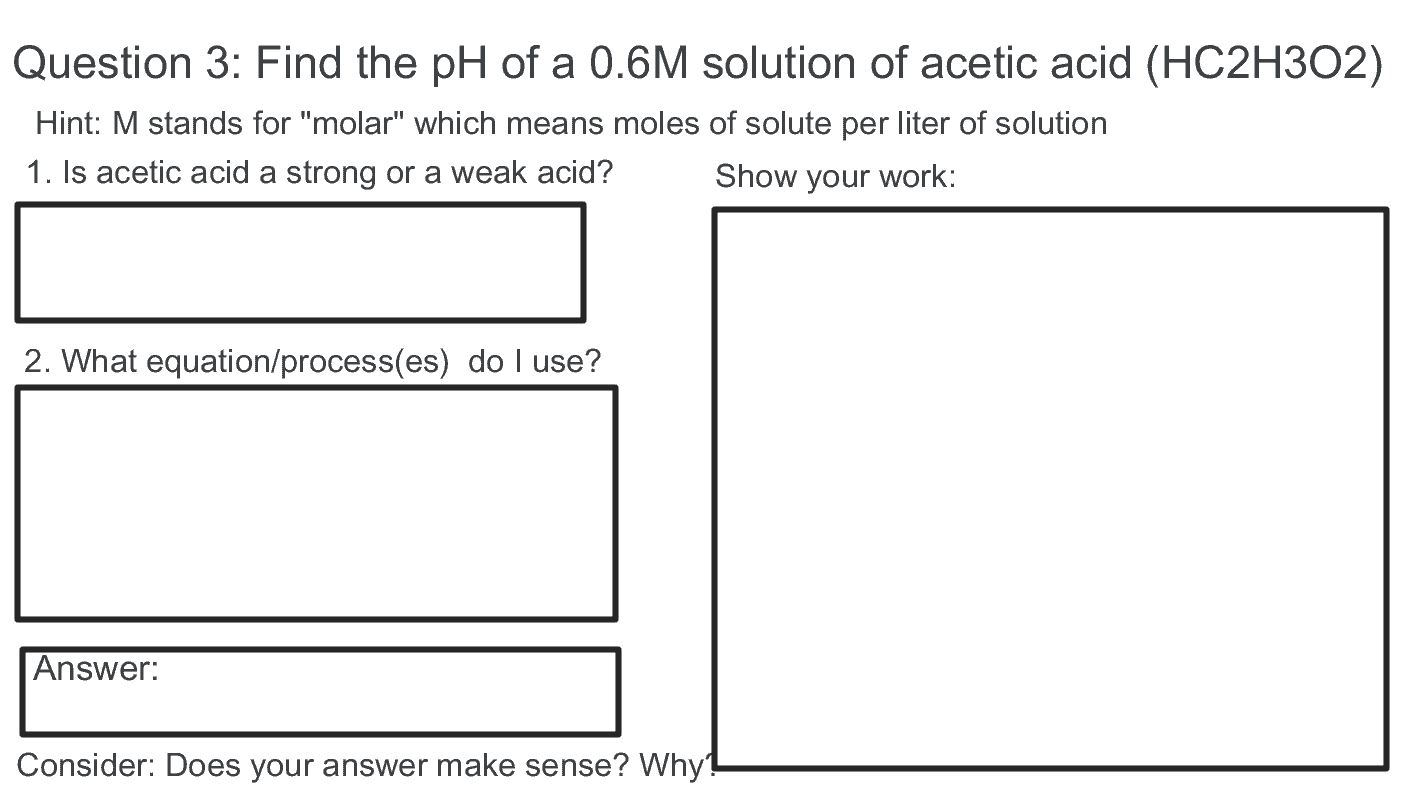
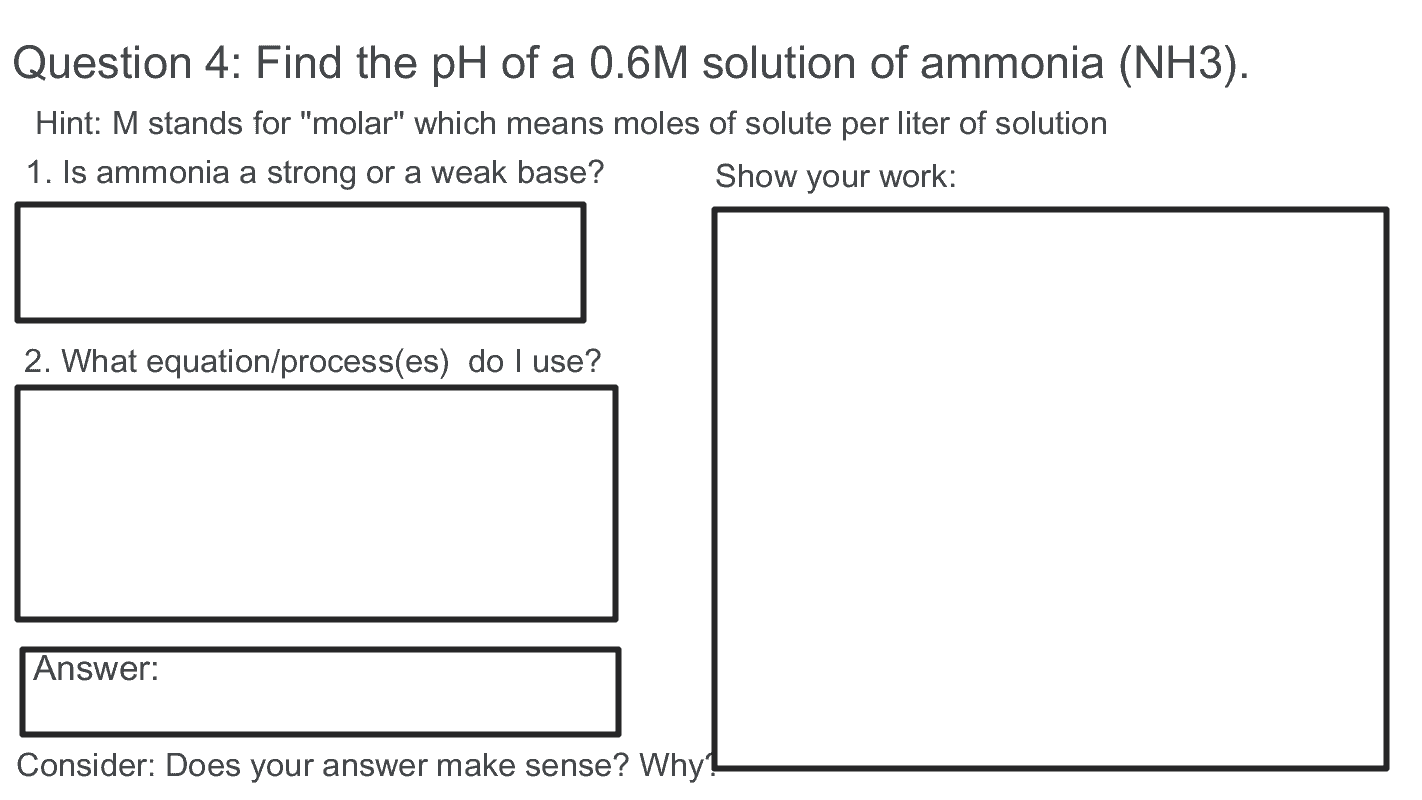
Previously, we learned about acids and bases (you can view the post HERE or be taken directly to my Google site by clicking HERE). One property is based on the pH value, where bases have a pH greater than 7 and acids have a pH less than 7. But how do we find the pH of an acidic solution? Or a basic one? Does acid/base strength matter? This lesson aims to answer all of these questions through the use of Loom screen-casting. Thus, this lesson is for chemistry students with a general understanding of acids, bases, and pH.

Directions to students:

  1. Watch the lesson videos on how to find the pH of an acidic/basic solution
  2. Download a copy of the Jamboard and complete the problems
  3. Check your responses by watching the corresponding videos for each question.
  4. If you still have questions, try watching the lesson video again. You can also review the Google site for more information on pH and acids and bases.

The Lessons: Watch these two videos. One covers how to find the pH for STRONG acids/bases and the other explains the process for WEAK acids/bases.

The Jamboard Activity: Click Here to View.

Here are the videos showing the correct process for each question from the Jamboard activity:

Why Loom ? Loom allows for easy recording. I can have any given document on my screen and viewers can watch as I interact with that document. Since it records whatever is on my screen, I can easily switch between documents (like a Jamboard activity and a whiteboard) to better relay information to students. Screen-casting is really useful for explaining the process behind a given chemistry problem. It can also be used as a study tool at a later date. Since the screen-casting provides a video, the content can easily be shared as well, which might be handy for parents.