Solid Shape Sillies!!!

Block Image by MagicPattern on Unsplash

Link to Edpuzzle if preview is not working!

Grade Level: Kindergarten, Math (geometry)

Instructions for learners: We will watch this video and complete the questions together as a class. This is a fun way for the students to learn about the features of different solid shapes!

Context: This Edpuzzle would be viewed as an introduction to solid shapes. This video will allow students to engage as a whole class and deepen their understanding of solid shapes.

Counting Coins

Photo by Amelia Spink on Unsplash

Context of the activity: This Edpuzzle video would be viewed by students during a lesson on coins and counting. The video would be used both to teach the content and to check for student understanding.

Target Student Group: 1st grade, math

Instructions for students: Watch this video, which will auto pause at certain points to ask you questions or prompt you to think about something.

Link to my EdPuzzle video if custom HTML isn’t displaying for you

Illustrations and Context Clues

Student Group: 1st-2nd grade English

Activity: Practice using illustrations and context clues to figure out the meaning of new words/ideas.

Instructions:

1. Teacher will play this video to the whole class

2. Teacher will pause when the video says, or when any word/phrase that student’s do not recognize is read

3. When video is paused, the teacher will explain how students can figure out the meaning based on the pictures and context clues, or ask students to demonstrate understanding

4. May use glossary at the end of the video to double check and go over definitions

Ex. Figuring out that the word “pipipi” is a type of a snail based on the picture, and that the sentence also said “tiny snails” in it.

The Hero’s Journey: The Movie

Context: Students will be creating their own video through Adobe Creative Cloud Express Video Maker dedicated to the hero’s journey.

Grade Level: 4th/5th Grade

Subject: English Language Arts

Instructions:

  1. Students will be assigned to draft a hero’s journey and then create the final product in Adobe Creative Cloud Express Video Maker.
  2. When first opening the video maker, students will be asked to follow the directions of choosing the hero’s journey as the format for video making.
  3. From there students can input there: the setup, the call to adventure, the challenge (or rising action), the climax, and finally, the resolution.
  4. After creating their posts, students will then have time to share the creations with one another in small groups to show what their process was like and how their story fits that of the hero’s journey.

Photo by Arkinasi from NounProject.com

Using Forms in our Classroom!

https://forms.gle/5jFwBjwpKj9sT2YJA

https://forms.gle/1Xj2B6gjYm7MZiMm9

Google Forms can be super beneficial in the classroom for students to take quizzes and get immediate feedback. I think this subsides anxiety for students so they don’t need to wait for the teacher to grade each one individually and hand it back. I also think that google forms can be beneficial for morning check-ins where students can fill it out when they come in and the teacher can keep track of all the responses digitally. Another way that I think google forms can be used is for anonymous surveys if a teacher makes a link accessible for students to say, admit, ask, etc. anything that has been going on in their personal lives.

Post Featured Image – Survey by mcmurryjulie on pixabay

Fun Ways to use Google Forms in the Classroom

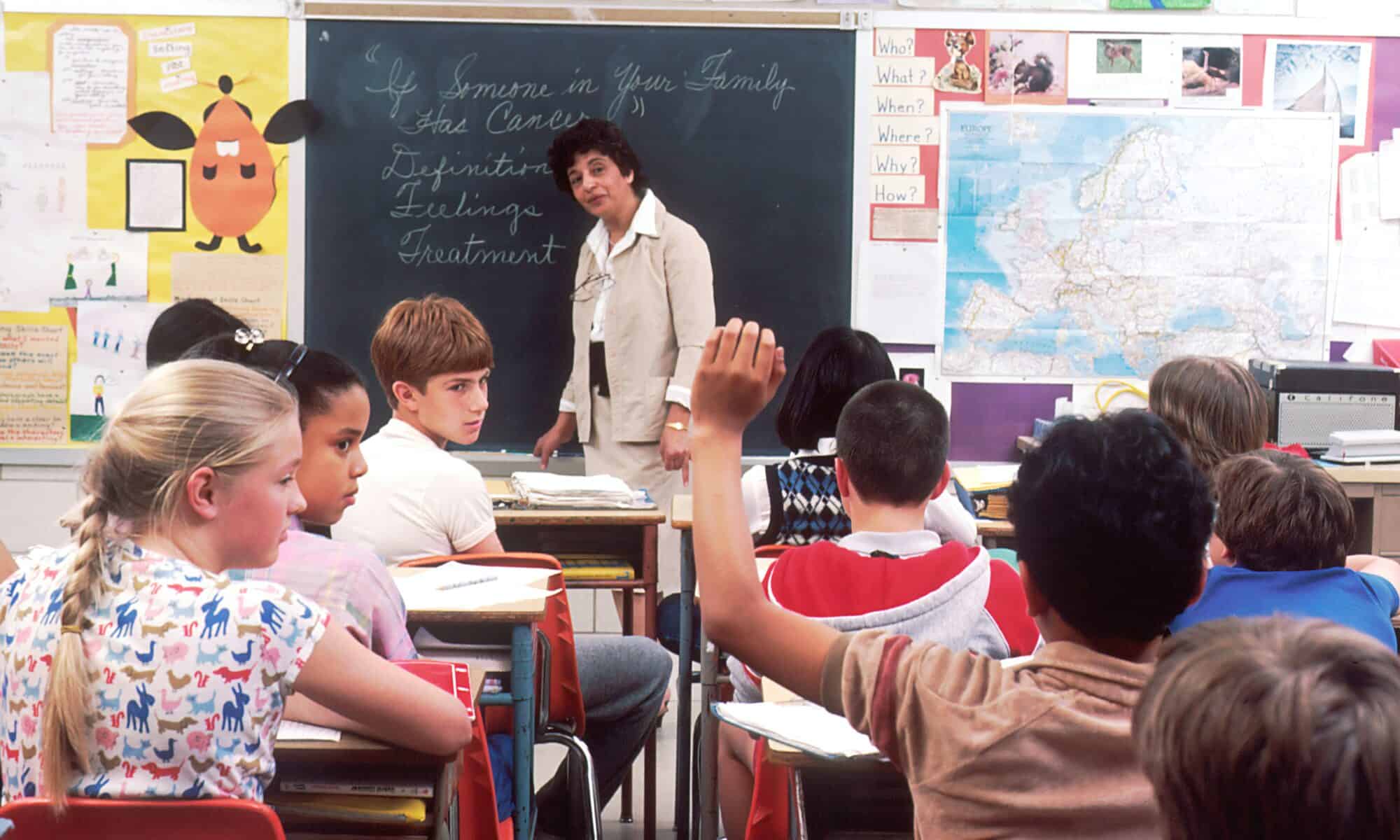
Classroom photo by National Cancer Institute on Unsplash

The first Google Form I made is a quiz for students to take to get to know their teacher. I made the questions silly and fun so students could get to know me as a person while practicing their test-taking skills. After students take the quiz, they can create their own “how well do you know ___” quizzes that the rest of the class can take. I pictured this activity during the beginning of the day while students are getting settled or during the day as a fun brain break from lessons. It is a great way to build classroom community while letting kids be silly.

The second Google Forms quiz that I made is a silly never-ending quiz for students to take. This quiz could be given at the beginning of a period, the teacher could make it seem like a big deal and instruct the students to work in complete silence. Tell them that they can only finish once they press the submit button (which they will not get to) Then, see how long it takes for the students to see that they are being tricked into a silly quiz. I had the questions start out with one topic and then get broader and more random. Some even have students make a sound or movement but are not allowed to say anything to a partner. I think this would be a fun way to relieve testing anxiety and keep humor in the classroom. It could also be a fun April Fools joke.

I like how Google Forms are easy to make and I learned a lot about the different types of questions, how to make self grading quizzes, and the opportunities that are possible using Google Forms.

Experiencing the seasons

Self-graded quiz: How well do you know your seasons?

https://forms.gle/eexGu7evSi1G3SkU6

Branching form: The perfect day!

https://forms.gle/XKyNfPwc1WCQpyLs5

Google forms is a super easy way to collect quick data all at once on where the students in your classroom are at in terms of content. I would love to use forms to conduct mini quizzes or surveys for formative assessments. I would also like to use it to address parental questions and concerns/collect contact information. I would like to create a form and provide parents with the link so they are able to submit any concerns they have, allowing me to keep track of them and keep them all in one place. This can also be done for student concerns if they feel the need.

What would we do without it?

I decided to do a self-graded quiz on addition and subtraction. This would be for a kindergarten lesson and other than learning numbers, addition and subtraction play a huge role in math. We simply wouldn’t be able to move forward without addition and subtraction. Students will simply complete this self-graded quiz at the end of our unit and see how much they understand these two concepts. This will also help me as a teacher to see how well my students did on this unit that I taught them.

Let’s go to our dream vacation!

This was my branching form that I created and this will help you to decide where you want to go for your dream vacation along with how you would like to get there. After you decide how you would like to get there, it directs you to different food places and activities in the location you chose!

All Things Geometry!

  1. Self Graded Quiz – Recognizing Different Types of Solid Shapes!

This self graded quiz would be perfect to do with Kindergarteners to gauge their knowledge on different solid shapes. I created this form using a variety of pictures that represent solid shaped in real life!

2. Branching Form – Jungle Geometry Dash!

I created this Jungle Geometry Dash branching form as a fun interactive activity that the students can use as a brain break or just a small activity in between lessons throughout the day.

All About Math & All About Me

Photo by Annie Spratt on Unsplash

How I might make use of Google forms in the classroom: I loved the self-graded quiz! Like so many other Google products, it was super easy to use and very aesthetically pleasing. I could see myself making weekly math quizzes like the one I made here. It would be a great way to track student learning and I like that you can add videos and links as part of the feedback. This would be a good option for teachers who are teaching online too! I do wish you could differentiate between feedback for correct and incorrect answers on the short answer questions, but other than that, I was satisfied with the way Forms works. I’m not sure I would do as many branching forms just because you have to create so many sections to keep it branching, but it could be fun to incorporate into the classroom every once in a while.

My Self-Graded Quiz: Lesson 26 Quiz ~ Understand 10 More and 10 Less

My Branching Form: All About Me

Google Forms in the Classroom!

Self-Graded Quiz:

Adventure Branching Form:

How is it Useful?

Google Forms can have such a unique and special use in the classroom. I think some really cool ways are, of course, two of the ways I have displayed above. When looking at previous students’ work, I was quite inspired by the Art History gallery walk and thought I would make my own rendition regarding historical periods. Not all the periods I used will reflect that of social studies in elementary school, but I used some of my favorite periods to display how an adventure branching form can be used to teach history. I believe, especially in this day and age, students might find themselves more confident using technology when testing. So having self-graded quizzes for both formative and summative assessments is possible. One great feature of creating a formative self-graded quiz is students then are provided resources to study if they answered a question wrong or are unsure when reflecting on their score.

Sources:

Photo by Christian Wiediger on Unsplash