EDpuzzle: Abraham Lincoln

I decided to use EDpuzzle for this project because I think it’s a really neat tool for the classroom. I liked how you can add questions throughout the video and it pauses the video to allow students to respond. You can put multiple choice questions, open-ended questions or comments. You also have the ability to add audio notes and commentary throughout the video if you want to elaborate a point for your students. I think this is a great tool for the classroom that has a lot of flexibility and opportunities to create student learning. 

The Moon – Edpuzzle

I was part of the group that looked at Edpuzzle and I really liked it. I loved how you could add questions for students to answer throughout the video. I also liked how there was a wide range of videos to choose from including Youtube, Crash Course and Ted Talks.

I chose a video from Crash Course about the Moon. This video is designed for older students as the video is technical. I thought it was very interesting and informative, despite not knowing much about space initially. The video could be used as an introduction or as an ending to a lesson or series of lessons.

Overall, I think this is a great tech tool to use in the classroom. I would use it to make my own video with questions and then get students to watch and answer them as they go.

TEDEd Post: What is a Habitat?

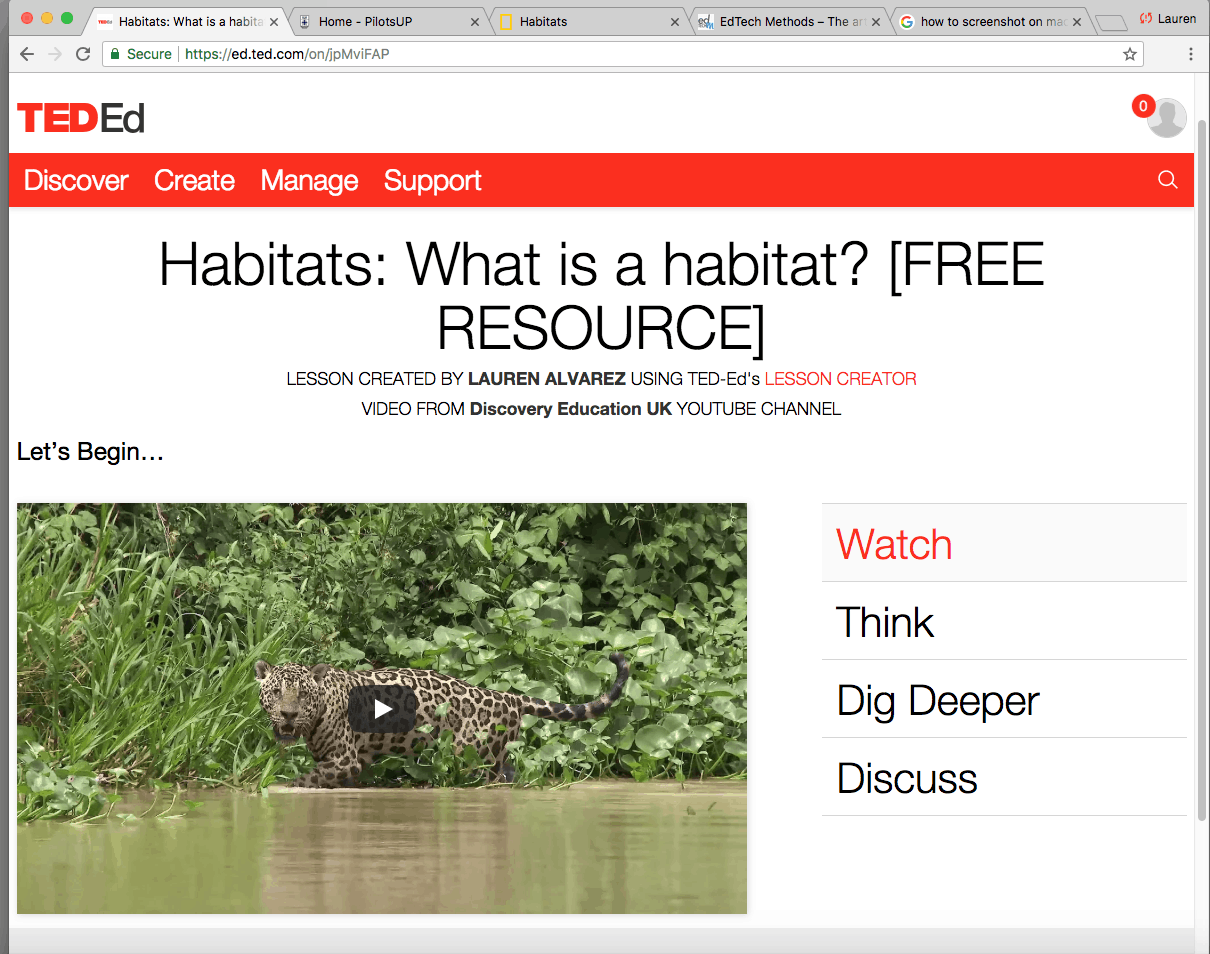
TEDEd is a great resource to ensure that students are comprehending and getting the most out of educational videos. I liked that adding the question, discussion, and dig deeper options is applicable to any YouTube video. This could include Screencasts and one take videos created by the teacher. TEDEd has many pre-made lessons that can be used by students if the teacher does not wish to make their own. The creator of the lesson has access to student answers to multiple choice and discussion questions. This resource could be a fun and engaging summative assessment. The teacher can take students’ answers to build the next lesson, clarifying information that may have been confusing from the video.

Photosynthesis Song

I chose to use edPuzzle to help gauge student understanding while watching the video on the Photosynthesis Song. I like that the questions pop up as they are going through the video allowing students to recall information that was just presented to them. Questions coming in the form of short answer or multiple choice and the multiple choice can have more than one answer or one singular answer. There is also the option to have comments pop up while watching that can point out important parts of the video.

I could see using this program in a variety of different ways in the classroom in order to gauge student learning.

EdPuzzle: Gotta Eat!

I tested out VideoAnt, and then switched over to creating an EdPuzzle because I liked the formatting for the website better. On EdPuzzle, I find it really cool that the online video library is so vast, and that it is possible to find videos that already have quizzes, and audio notes on it. On top of that, the user is able to edit the video and add questions to it.

I created an EdPuzzle video about eating, with the purpose of educating students about how every living thing needs food, not just humans! I aimed the video at a kindergarten or grade 1 level. Because the students are so young, I would show the video to the class on the projector, and go through the questions together. I would read the questions out loud, and have students raise their hands and share ideas. The video could be incorporated at the beginning of a lesson/unit to give students an introduction into our new topic on food and eating healthy.

Volcanoes

I used VideoAnt to make a video lesson. This tool would be very easy for teachers and students to use. I found it very easy to insert a video and add statements and questions to specific parts. The only thing that I didn’t like about it was that it doesn’t force students to answer the questions throughout the video.

VideoAnt

VideoAnt is an app that allows students to watch a video and answer questions associated with the lesson the video is touching upon. For teachers, it is a simple app to use that only requires copying a youtube video link. You can insert questions throughout the length of the video. As the students watch the video, the questions are there on the side and will flash yellow really quickly to let the students know there is a question to answer. When students reply to the question, they can later see other responses. This makes for a good discussion about the subject.

However, once the question flashes, the video keeps on going which does not allow students much time to answer the question. In order to respond, they would have to pause the video themselves to answer. It also does not allow for different questions such as multiple choice or true/false.

Ed Puzzle

Ed Puzzle has a lot of features that are easy to use as a teacher and make your video into a lesson. You can use any video that you upload or from youtube including khan academy or Ted videos. As the teacher you can crop the video or or add a voiceover or audio notes throughout the video as well as quizzes which can be multiple choice questions or open ended questions. In my bee video example, I added activities in the open ended quiz video section that I wanted the students to complete in the classroom before we continue to video. When a quiz question or an audio note comes up in the video, the video will stop.

In my bee puzzle video I would use it in a full class activity rather than having students go through the video and activities on their own.

Weather in Space Video Lesson

Edpuzzle is a really interesting tool that I have seen being used in classrooms to allow students to interact with videos through guided questions and comments created by their teacher. Video has become an increasingly utilized tool in classrooms as it engages students in a. Teachers can add voiceover or comments to the videos to talk about different parts, create live quizzes, and assign it to your class with one button. Edpuzzle also allows teachers to modify already created Edpuzzle videos from other teachers or just show already created ones directly. This tool would be a great way to personalize public videos for your classroom and I can definitely see myself using it in the future as pre-tests, formal, and informal assessments.

This Edpuzzle that I have created uses a Crash Course Youtube video about Weather in Space and guides students through the video via multiple choice and open-ended questions.

Vialogues

Vialogues is a great way for students to collaborate and discuss while watching a video about a certain topic. The creator can either pose questions and polls beforehand, and then have students answer these questions as they watch the video. Or, students can add questions and polls they have for each other as they watch together. It ultimately comes down to the teacher’s purpose of the lesson.

Above is just a simple example of ways you could engage in a fun clip from the Monsters University movie; however, there are tons of educational videos that teachers might want students to participate with.

The application provides tons of videos, or you can upload your own. Students could even create their own videos and have their classmates comment with suggestions, constructive criticisms, or just observations and opinions.

Sharks! Edpuzzle

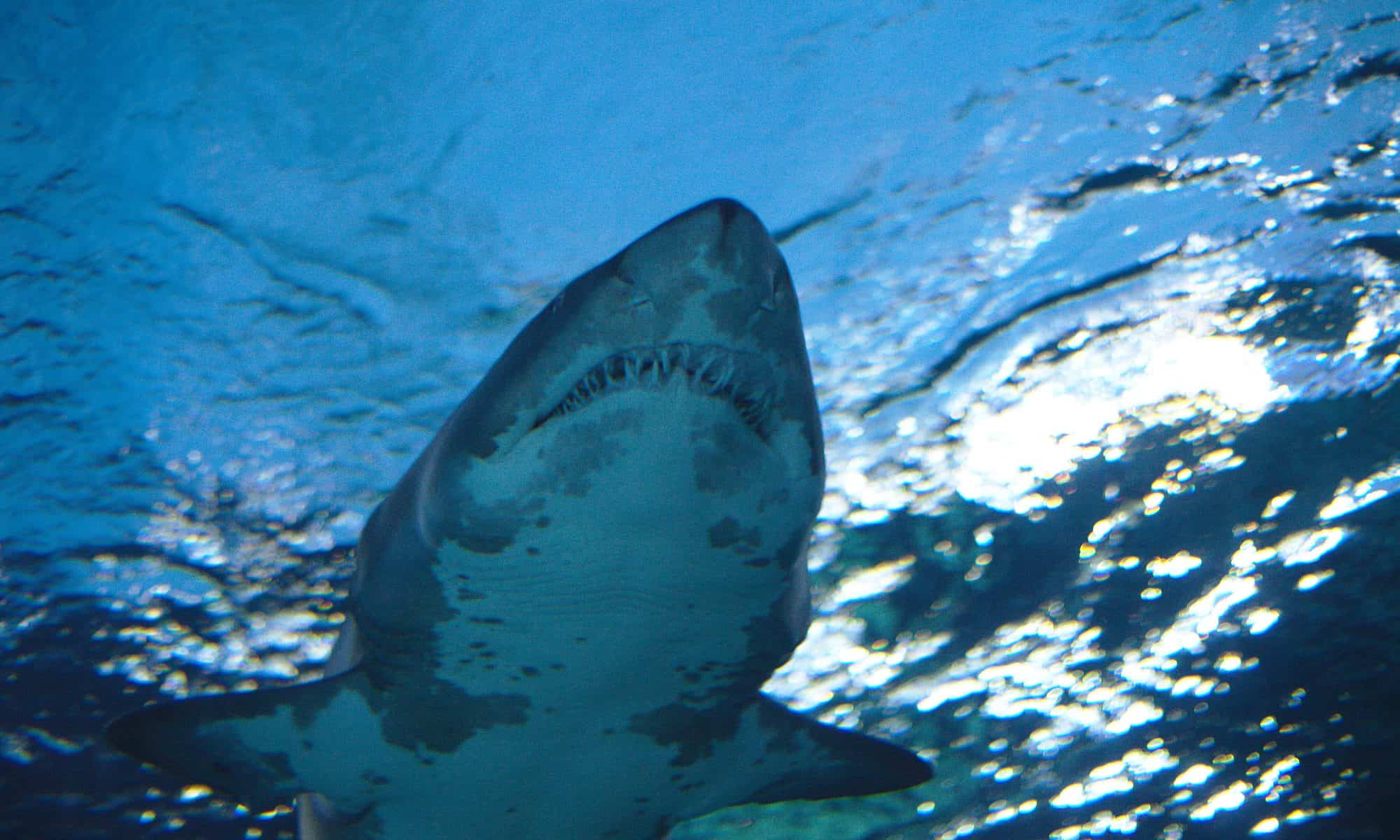
I really enjoyed using Edpuzzle. Assuming the students all have access to a device, this is a great way to assign something they can work on individually. It is very interactive and easy to use and insert questions for students to respond to. It is also really nice that you can cut the video so even if a video is 10 minutes long, it can be cut down into a more manageable section. The option to assign it to the students is really effective and can help the teacher to know that the students are completing their work.

Teaching with QuickTime

We chose to use QuickTime to create a video about how to use Adobe Spark, specifically how to make a meme. We recorded the entire screen and explained the step by step process while we worked. We enjoyed using this medium of recording the screen because it was simple, quick, and effective. In addition to using QuickTime, we also used iMovie to add background music. We found that this minimized awkward pauses and keeps the viewers engaged while systems loaded.

Hope you enjoy!! 🙂

Audrey and Lauren