Collaborative Poetry on Padlet

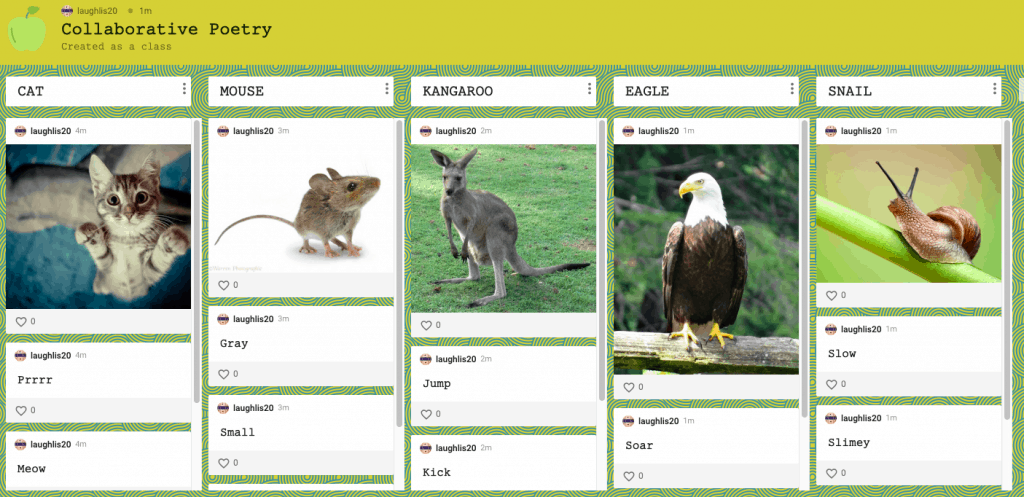
I chose to use Padlet for a classroom poetry project. We are currently doing a similar version in my current classroom but with paper that we pass around and write on. Using Padlet makes this much easier because all students can log on and collaborate at the same time. The teacher puts five different animals with pictures on Padlet. The students then log in and post one word that comes to mind when they think of each animal, and there can’t be any repeats. We will then use these words to create concrete poems as a class.

I really like Padlet and think it could be used for such a wide variety of activities in the classroom. It allows for students to be collaborative and share ideas instantly.
PADLET Study Tool

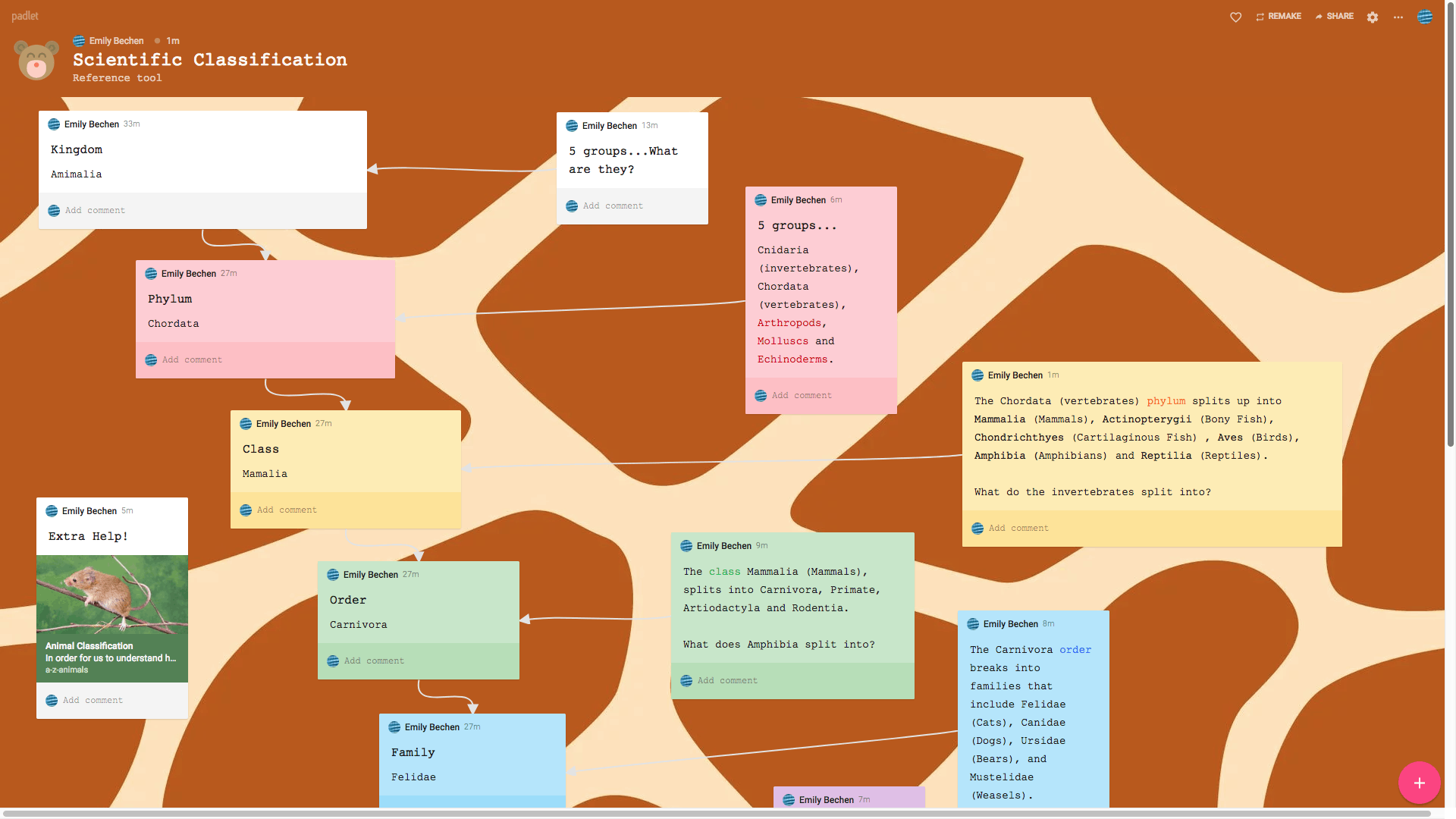
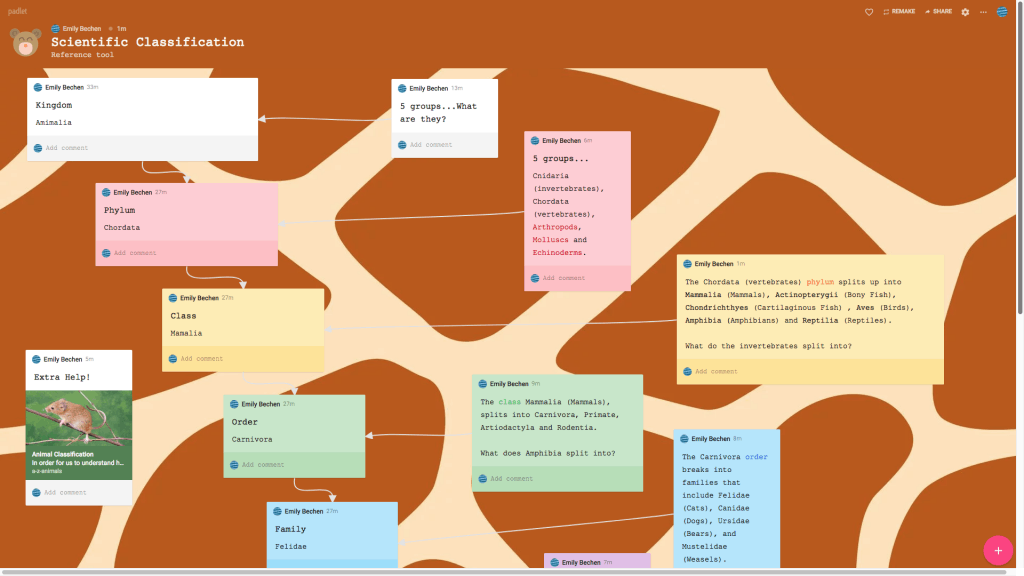
This padlet uses a mindmap format as a tool to help students learn scientific classification. If a teacher was to invite students to edit the padlet, they could answer the questions as a way to help them study and review information. At the end, they are told to make their own flowchart to classify their favorite animal, which gets them using technology to study.

I love how this app is organized and easy to use. The flowchart is simple and customizable to fit any type of lesson. You can even insert videos, links, pictures, gifs, and audio. I will definitely use this app to get student feedback, vote on or rate certain things, make KWL charts, share one thing they’ve learned as an ‘exit ticket’ or brainstorm new ideas. I think mind maps especially are helpful for organizing information in a simplistic, visual, chronological or hierarchical way that is easy to remember.

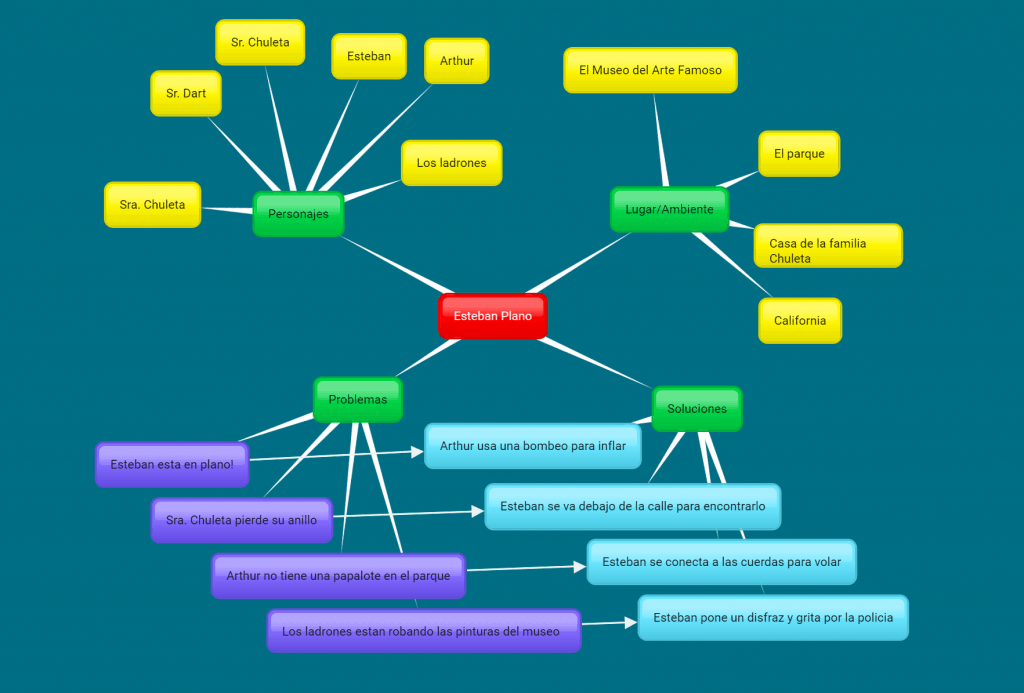
Bubbl.us for Esteban Plano (Flat Stanley)

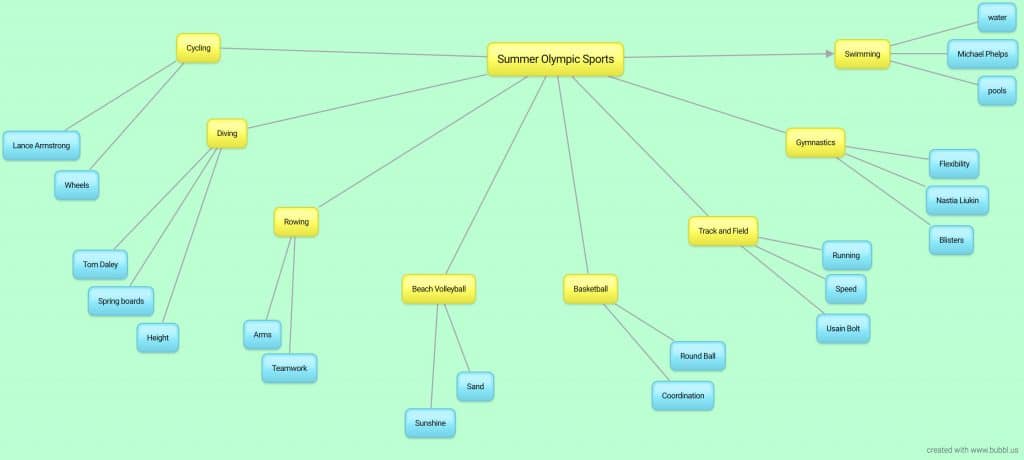
This is a great tool for helping to create things like a chart about a book. Being able to connect the pieces together is very useful and the colors help as a visual aid. Being able to project this instead of having to write everything out on paper is really useful for a class. Students could also make their own individual ones to showcase what they know so those who struggle with writing can type it out.

https://bubbl.us/NTA4MTU1Mi85NzIwMDYwL2E0ZmFkNzlhMWEwNDc1MDQ5NTg0ODY0ODZmOWNlMTAw-X?utm_source=shared-link&utm_medium=link&s=9720060

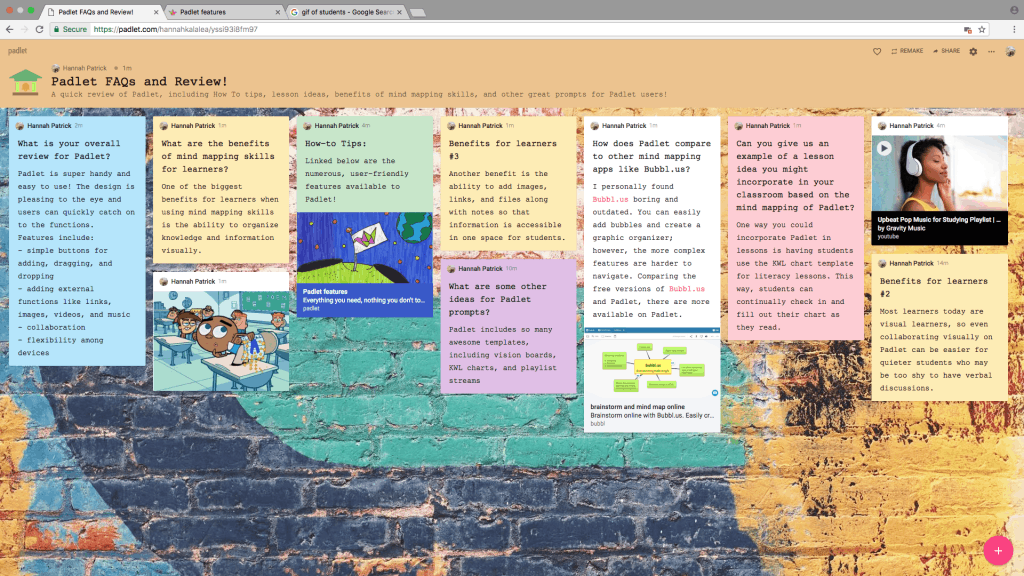
A Padlet Review of Padlet

Click on the preview of the Padlet above and you will be taken on an educational adventure — reviewing a Padlet whilst visiting a Padlet. Crafty right? I know! Check out some FAQs of this mind mapping website, including reviews, tips, and learning benefits of the site.

All about Bubbl.us

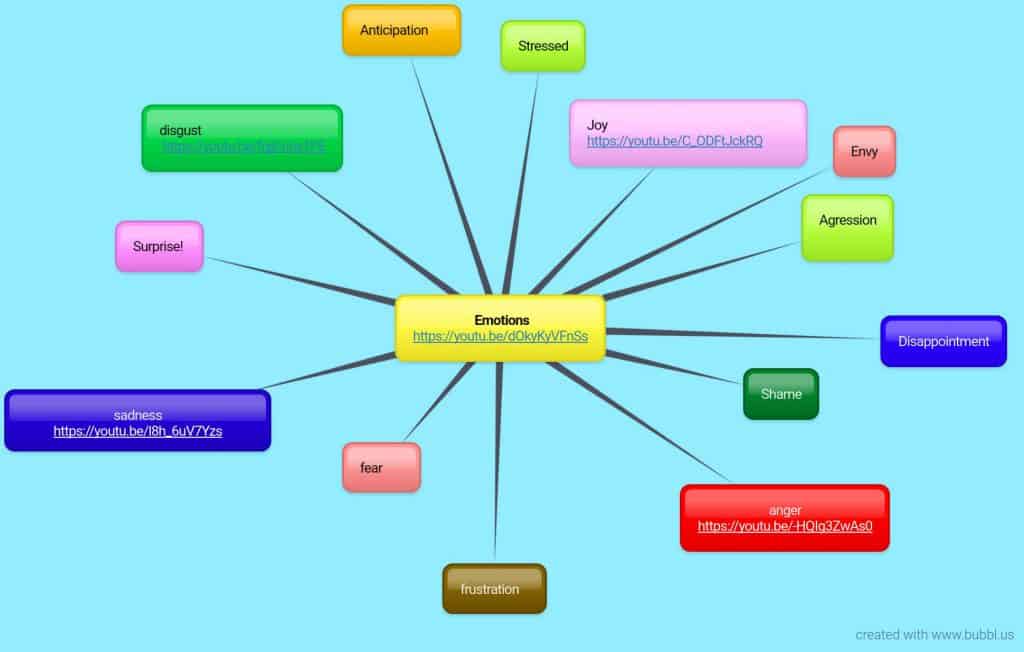
Bubbl.us is a ‘free’ app to use for mind mapping. I say ‘free’ because the user is only allowed to make three mind maps with a registered account. After the third mind map, the user will have to pay for an account. The app is easy to navigate and makes a basic mind map. The mind map I created is about emotions, and I was hoping to add in photos of emotions and then have a second bubble attached to each picture that gives a bit of info about the emotion. Unfortunately, I was not able to do so because I have to pay to add photos to the mind map. A good aspect of the app is that the user is able to change the colors of each bubble as well as the background, which gives the user the capability to at least be a little creative. The user is also able to download the map as a jpg or pdf. Bubbl.us could be helpful in classrooms when students need to create a diagram about a certain topic, but overall, the app does not have very many capabilities.

Bubbl.us

https://bubbl.us/NTA4MTQ0OS85NzE5ODkwLzg4ZGUyOTk0NDgzZTdlZjU2NmRhMDE2YzdjYjEzNDdi-X?utm_source=shared-link&utm_medium=link&s=9719890

Bubble.us is an app that allows someone to map out their thoughts in regard to a certain topics. It can be used for anything such as a family tree to writing out prompts for an essay. One thing about it is that it is relatively simple as it does not allow anything fancy such as embedding links or pictures. Anything extra may cost the user money in order to use the function. While making the mindmap, users can change the colors of each little bubble and also the background color of the entire mindmap as well. One helpful function of it is that you can download a jpg image of it which students can print out for their reference. This could be beneficial for someone who has a hard time handwriting as the app does make it look more organized versus if you had to write it out yourself. However, in the end, it seems that it may easier and more time manageable to have students physically draw out their own mindmaps rather than go through the trouble of digitalizing it.

Solar System KWL Chart using Padlet

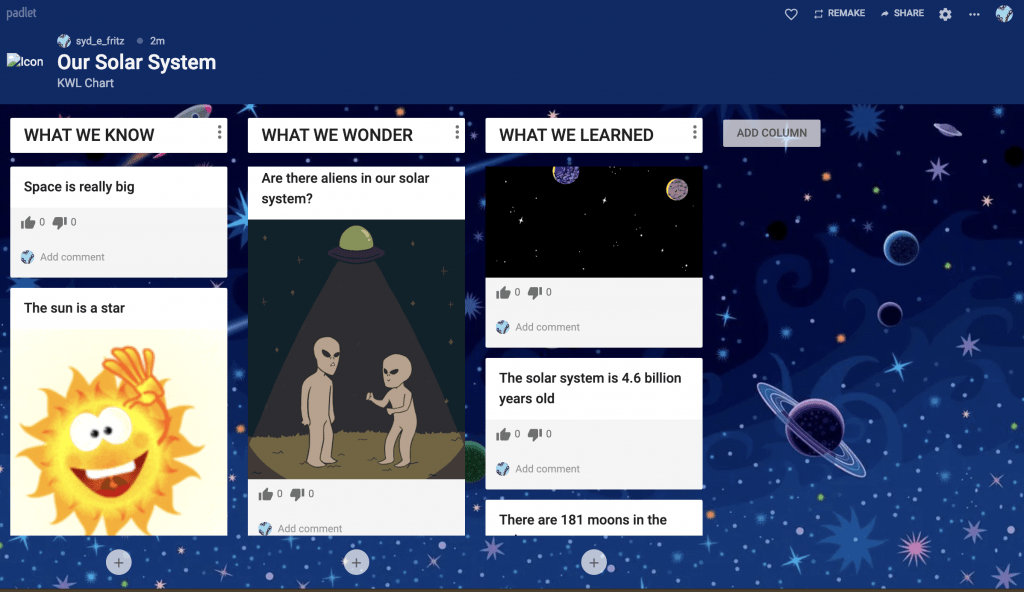
This app has a variety of ways of making learning activities fun and easy to follow such as a book review, minilesson, or a timeline. I choose to make a Solar System KWL Chart. In this chart, the students will state what they already know, what they wonder, and what they have learned after the lesson. As a teacher, I would start with this before the lesson and fill out what we know and what we wonder. Once the lesson is complete, we would come back to this and fill out what we learned. This app is super easy to navigate and has fun little tricks so the students can really get involved in the lesson. For example, you can insert photos or gifs into the comments posted. You can also allow the students to comment on other’s posts or like/vote/rate their posts. It’s super fun to use and super fun to make. Definatlely recommend it!

Padlet

Click on the screen shot above to go to the padlet page where this KWL chart was made.

Padlet is an app and website that is easy to use for educators and students. It allows you to attach images and easily edit already made templates as well create your own. The downside to padlet is that you are only able to create 3 times before you have to pay $8 a month to be able to make new padlets.

Besides creating Know, Wonder, Learn charts like I created for this post you could have students create picture story boards for a book they have read and then post it to a class reading club website. In addition, you could have your students create mind maps.

Mind mapping helps the students because it allows the student to use key words and pictures in a non linear format that makes sense for the student. By drawing arrows you can see how different ideas connect in a non-lin2ear fashion. Mind maps are also beneficial for visual learners (95%) of people.


Mind mapping helps the students because it allows the student to use key words and pictures in a non linear format that makes sense for the student. By drawing arrows you can see how different ideas connect in a non-lin2ear fashion. Mind maps are also beneficial for visual learners (95%) of people.

Evaluating a Text

https://padlet.com/ysabelle_saguin/rrr9rt0q4sqm

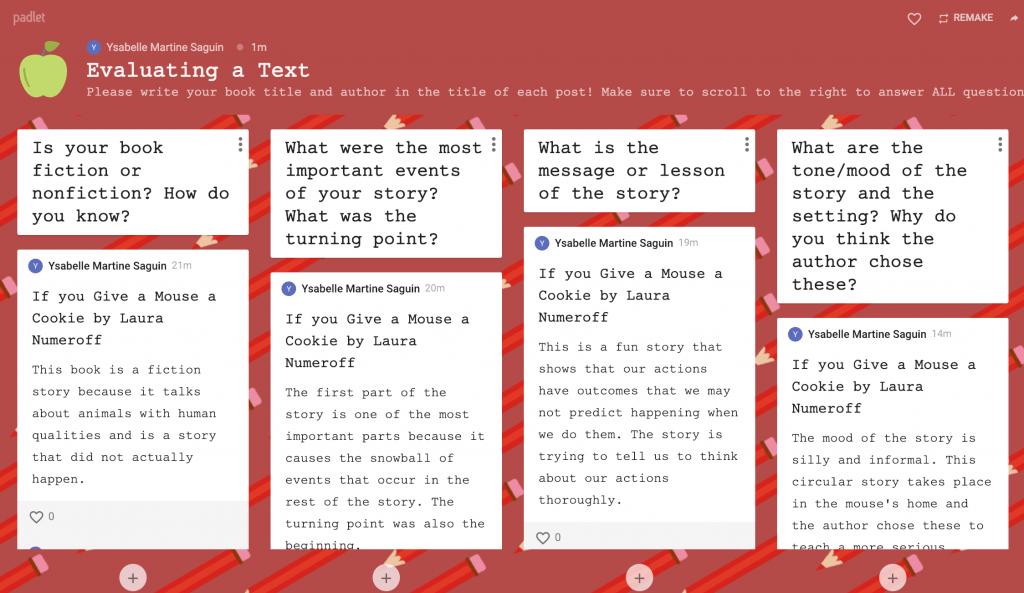
This padlet is designed to help students delve deeper into stories that they have been reading, perhaps after reading them as a mini report, or just to organize their thoughts. It is an easy way to evaluate the students’ thinking and guide them along the way through the use of comments from the teacher. Comments can also be utilized by students to ask their peers questions and comment on their ideas with support and constructive criticism.

Cover Image: Books by Vicente

Padlet Oregon Zoo Activity

By Lauren Alvarez

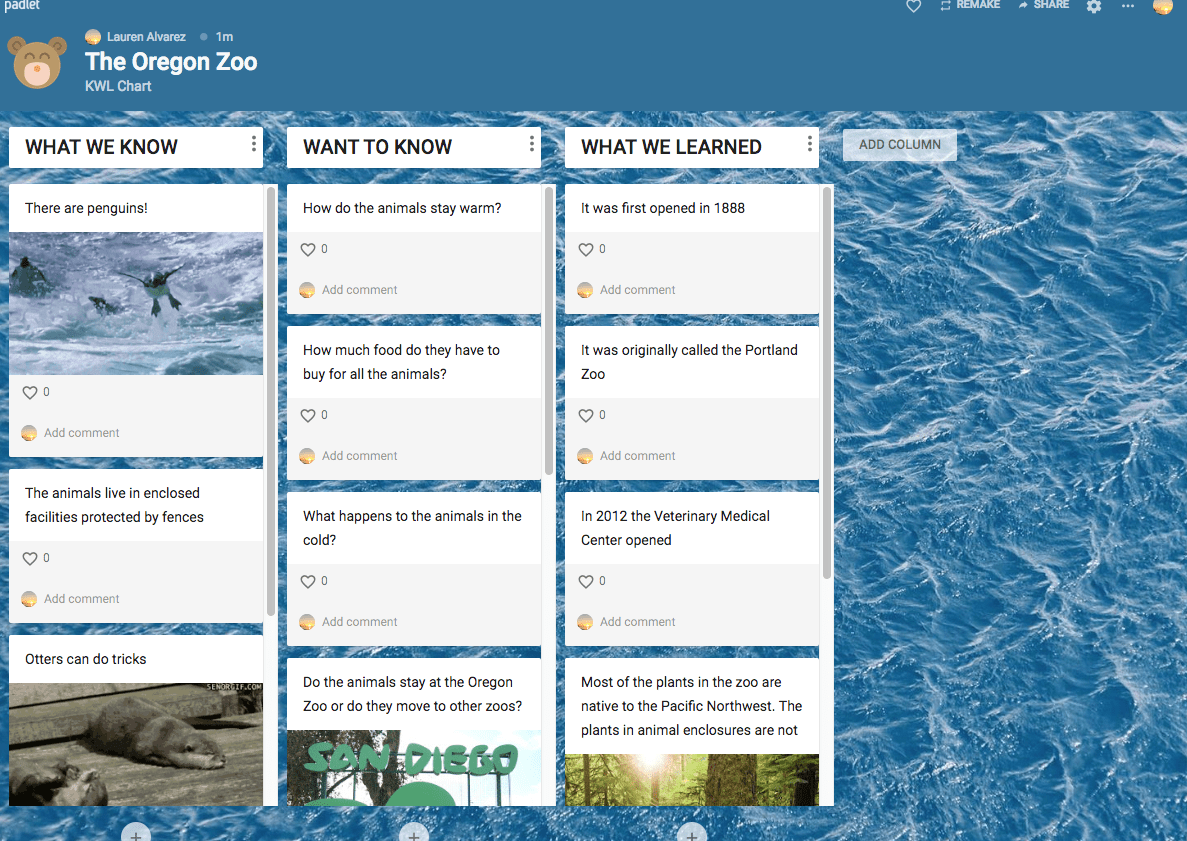
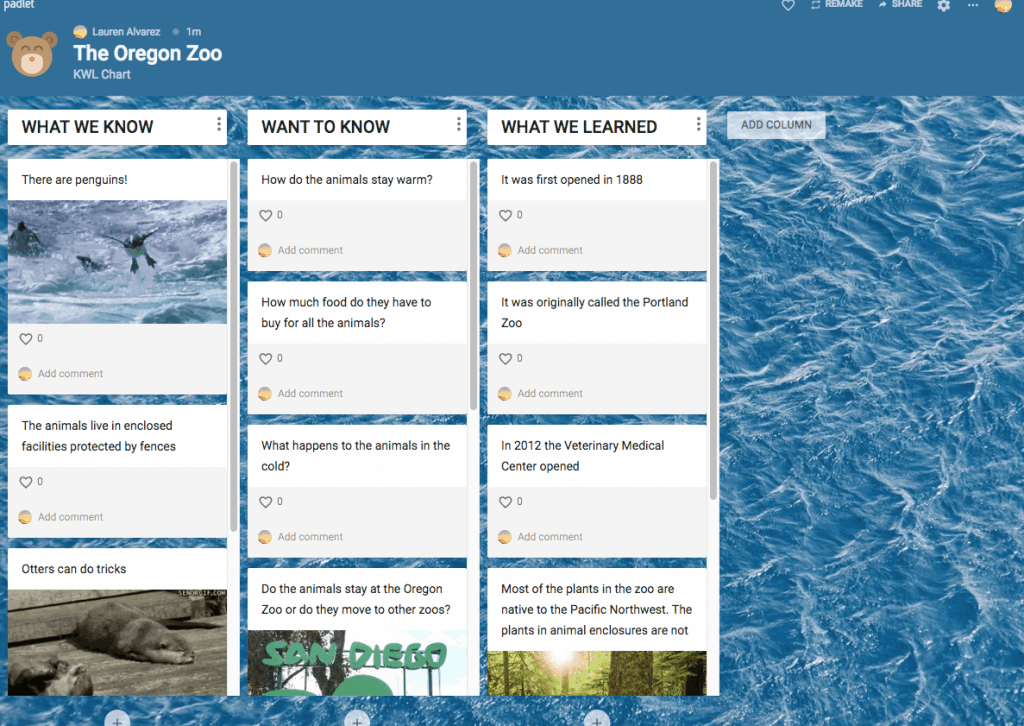
I think that in my future career as a teacher, I will probably end up using Padlet the most. It is very easy to use compared to the rest. It comes with ready templates that make creating activities simple. Teachers can ban profanity and add comments to everyone’s posts. These types of KWL charts are a great way to ensure all students have a chance to participate. My lesson can be used as a preview activity for a field trip to the zoo with the K and W portions of the chart. Then, students can share what they learned under L!

My future

By: Rylee Seekins

How to tips:

  • Express creativity
  • Have an idea/ plan in mind
  • Keep an open mind

Benefits of mind mapping: 

            Mind mapping allows students to layout their ideas in a creative way that makes sense to them. But it is also an easy layout for someone else to follow along. Very beneficial for visual learners. And is also helpful when a student is stuck on a specific idea. 

Bubbl.us Review:

Very simple and easy to use. Allows students to layout ideas and its very easy for others reading to follow ideas. Only downside is that you can’t get to creative, and it is kind of boring to use.


From Teacher To Teacher

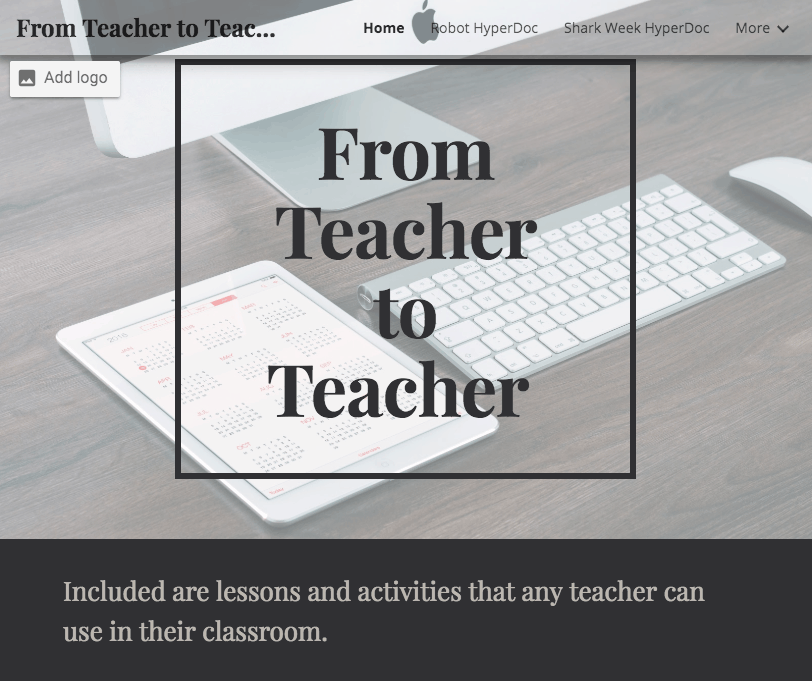
I think that google sites is a great way for teachers to be able to share their lesson or activities that they do for their students. I made a site that has different lessons from different platforms that teachers would be able to use in their classrooms. All the lessons are interactive and fun for the students, so no boring learning going on here. I would hope that teachers would find the site to be helpful.