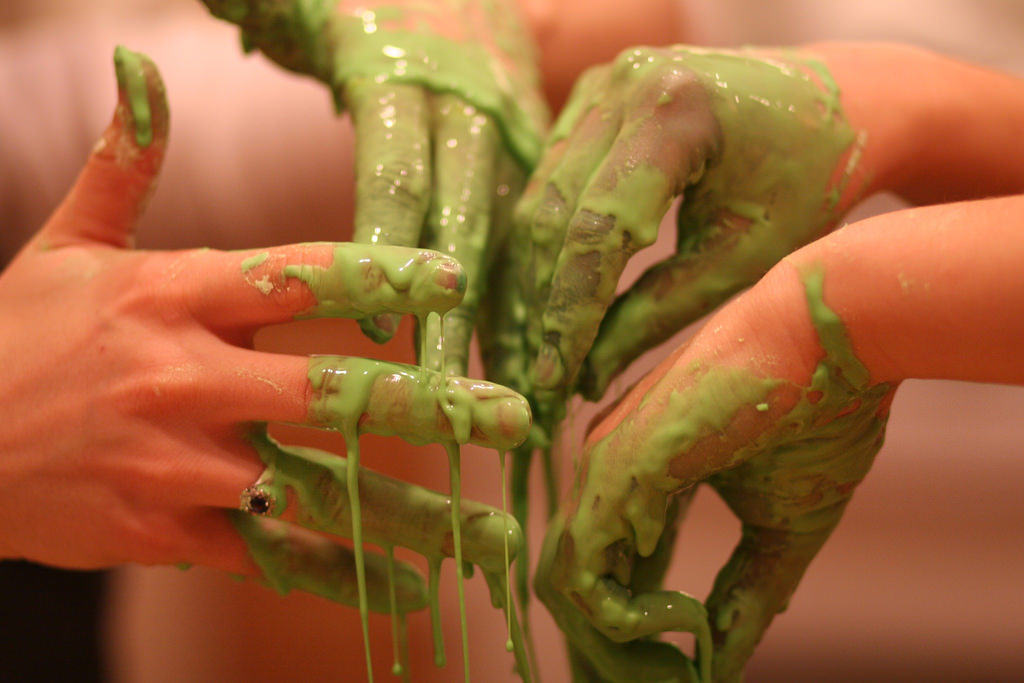
How to make Oobleck

I created an Adobe Spark Video about how to make Oobleck. This is a science experiment you can easily do with students. I used this website to make the video because it was easy to navigate and it was also easy to use the narration feature on it. You can add images, change the font and size. You can also edit the format, colour and timing of each ‘slide’.

I think Adobe Spark is a good way to create videos for students. Students can follow along with the video or listen to it as an instruction for a future activity. It would be easy for students to create their own video using this site for any topic, such as science. Overall, I think this is a simple website to use to create simple videos with narration.
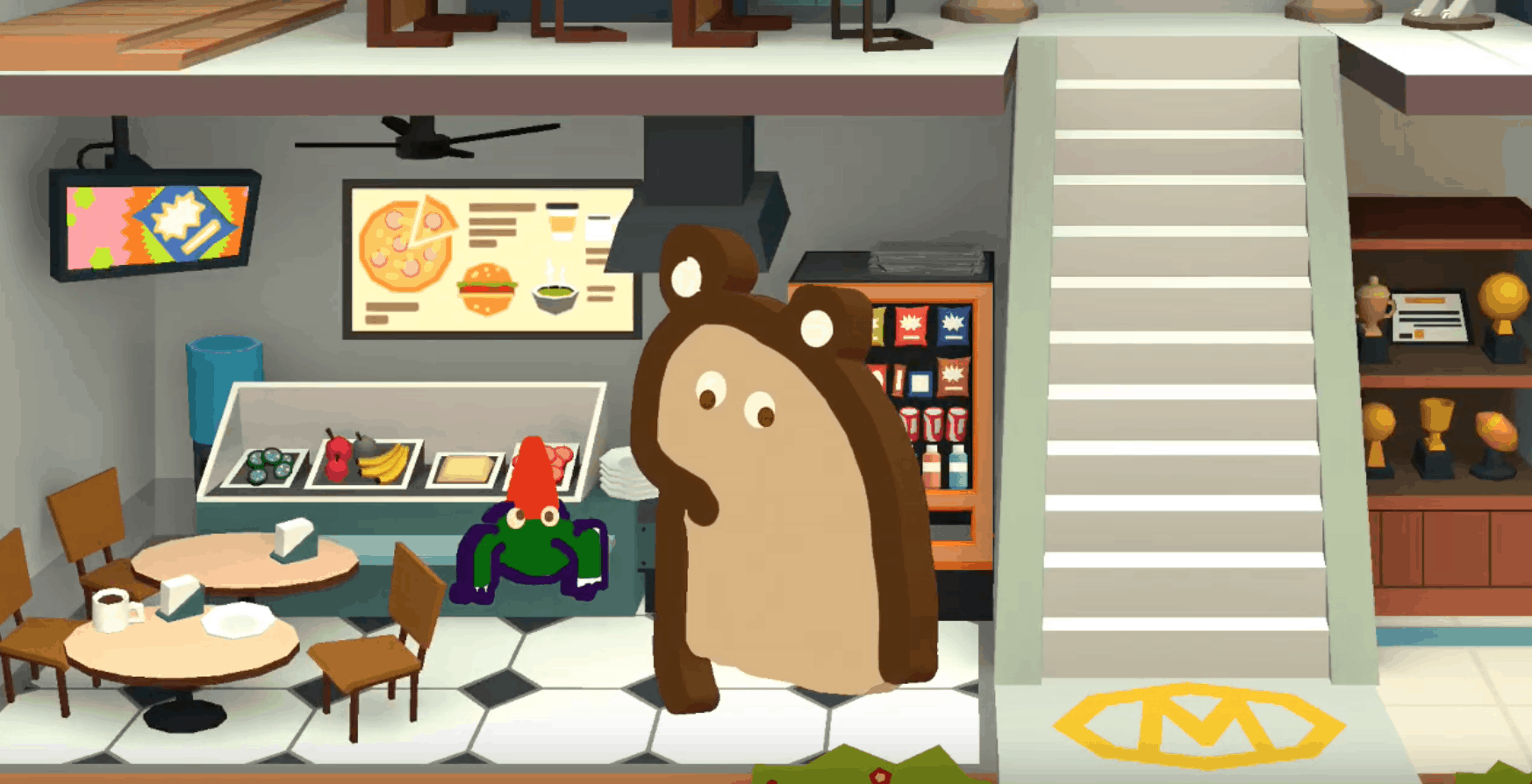
Retelling of I Want my Hat Back

Toontastic Retelling of “I Want my Hat Back” by Jon Klassen, directed by Ysabelle Saguin

Toontastic seems like a great tool to use with students to assess their content knowledge. You can have them retell stories, as I have modeled above, create their own stories around learning, demonstrate new ideas, or to teach others with a “how to” video. This tool is simple to explain and I can see myself using it with mid to upper elementary school students. The characters are fairly straight forward to create and narration is a great aspect, however, it is quite limiting in some respects. The students would be limited to using the music and movements in the app, and would only be able to use it on mobile devices. Otherwise, it is an interesting tool I look forward to implementing in my classroom.

Adobe Spiderman* Video

Adobe Spark Video is a super easy and simple way to create videos. Enhance your story by adding videos, images, and music! The app provides different templates, layouts, and options for any occasion. One of my personal favorite features is the voice recording ability, which I used to narrate my story about Spiderman.

The narrating feature of Adobe Spark Video is especially helpful because it allows educators to modify lessons. For example, if students aren’t quick, fluent readers, they can listen to your voice while they also read the captions.

You can also use this feature to have students practice fluency by having them record their voices as they read. This allows them to demonstrate their ability to read with punctuation, expression, and comprehension.

A specific example of a lesson you could incorporate in your classrooms would be having students create their own read-alouds. This would require students to combine multiple skills including visual, auditory, and writing concepts in one lesson, but uses fun tech and media to produce it!

In addition, you could have older students create videos about fun things they did over the weekend, over the break, or even a step-by-step process for a maker space project they made!

THE POSSIBILITIES ARE ENDLESS.

Spring Break Cancun

This would be a good tool for kids to learn how to do when presenting . They could do it with their Labs that they make Hypothesis, procedure, materials, data, analysis, conclusion. Also students can upload videos, this would be good to show lab procedure

Bubbl.us

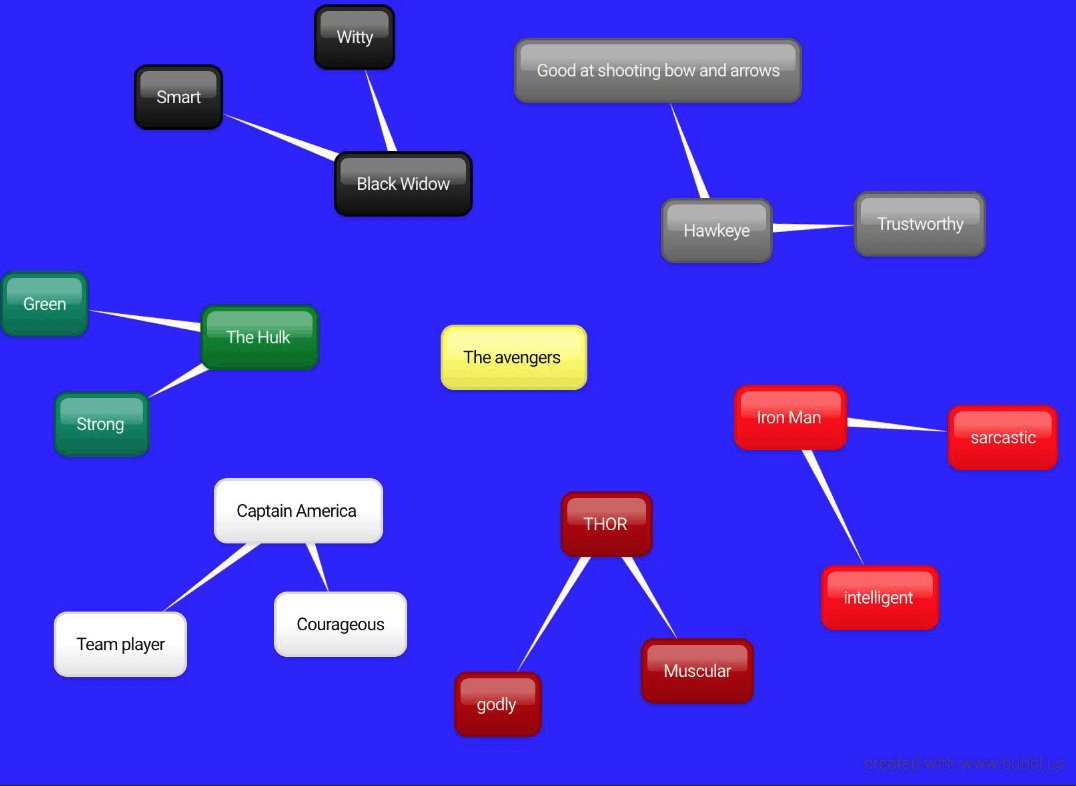
I choose to make a mind map about the characteristics of The Avengers. I personally think that it is easier to make mind maps by hand and it would be less time consuming. To make the actual map was simple, but the bummer part is that the mind map can not be interactive or visual. The mind map is all text based, so not good for visual learners to use. Also to use the full capabilities of the application you are required to sign up and pay, which is not going to be feasible on a teachers salary.

I would not recommend using this application in the classroom. It does not have any fun amenities and it would be easier on the teacher and students just to do the mind map on paper.

https://bubbl.us/015190838919679897

Learn About Europe!

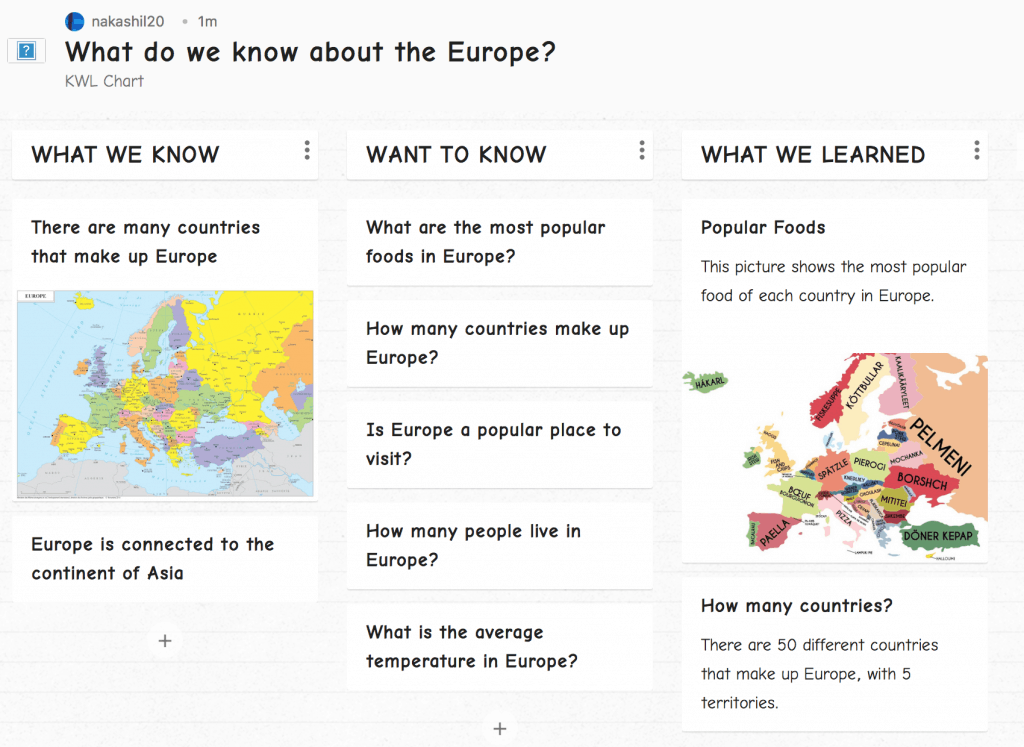
This lesson is a KWL chart about Europe, made using Padlet. This lesson is geared towards 4th graders to have them learn about a different continent. This lesson is asking different questions that students would be interested in learning about Europe. It is a great way for students to learn in a fun way, while also gaining knowledge and learning new things about Europe!

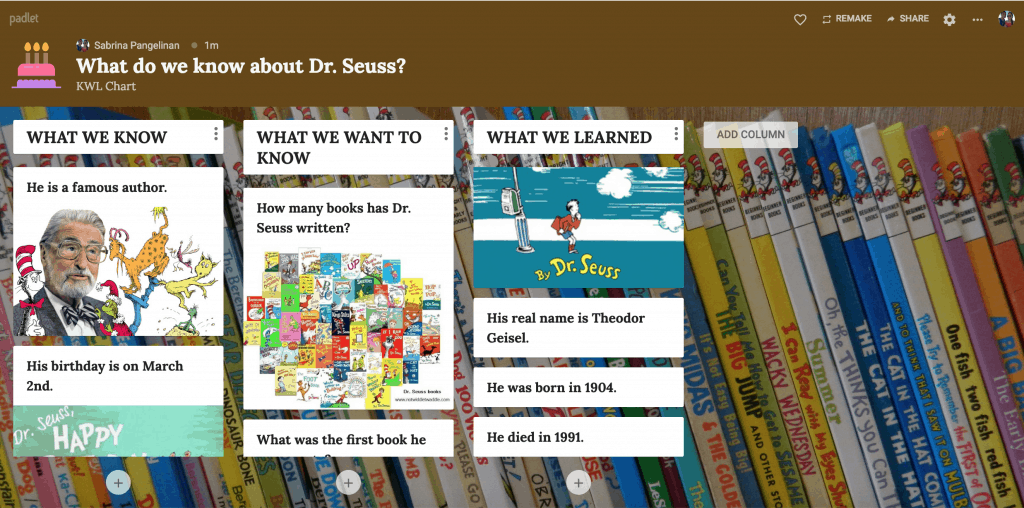
KWL Chart of Dr. Seuss

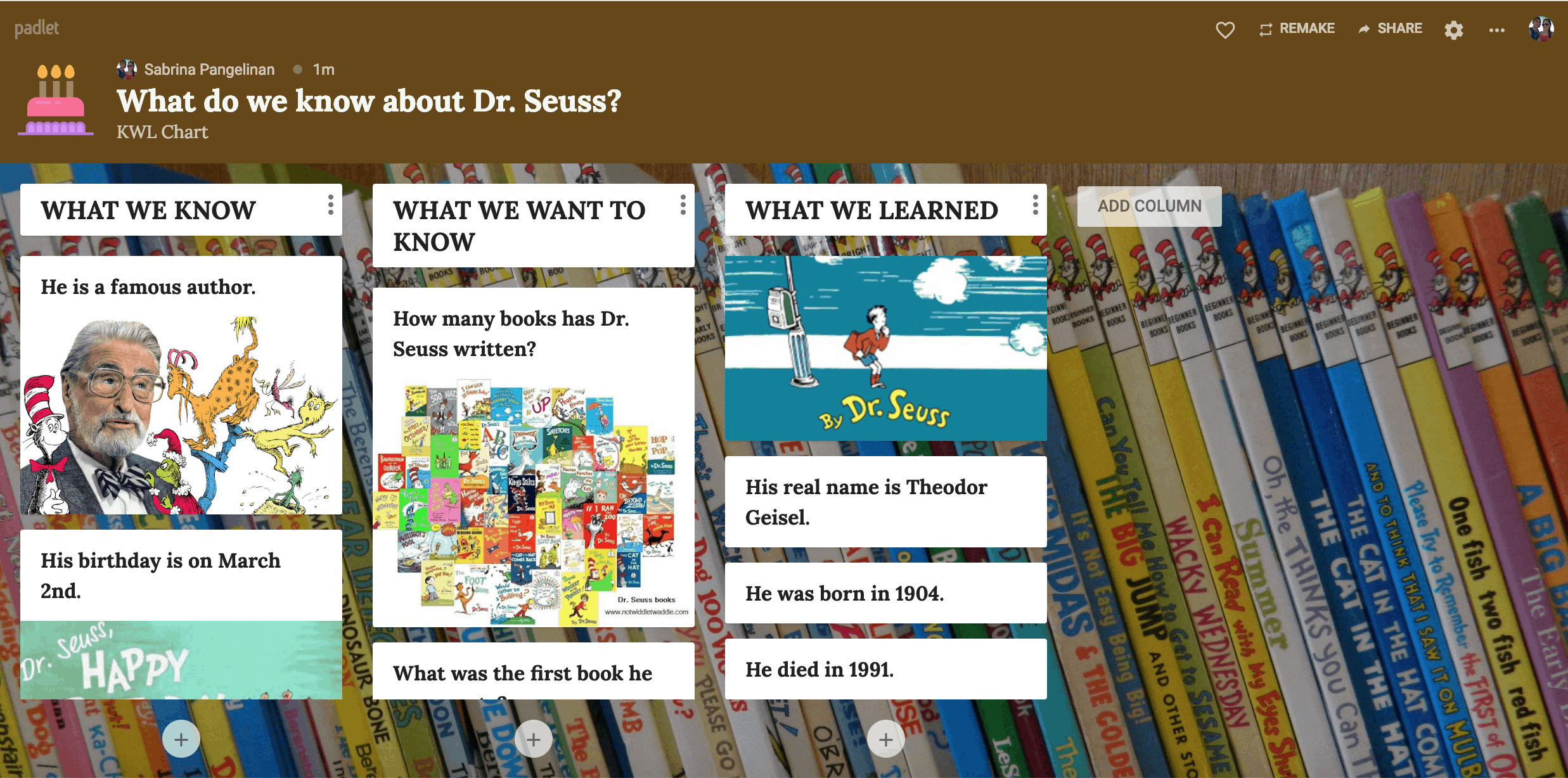
Who doesn’t love Dr. Seuss? He has a holiday named after him on his birthday, March 2nd! I believe it is important to acknowledge him and appreciate all the children’s books he has created. One way I could acknowledge and appreciate Dr. Seuss’ work is by doing a KWL chart using Padlet about him with my students on his birthday/holiday. First, we would meet together as a group and discuss what we know about Dr. Seuss and come up with questions on what we want to know about him (we would add the information to Padlet). Then, I would pass out a sheet full of facts about Dr. Seuss and have students go over it with a partner. Lastly, we would come back together, answer the questions we wanted to know and add them to Padlet.

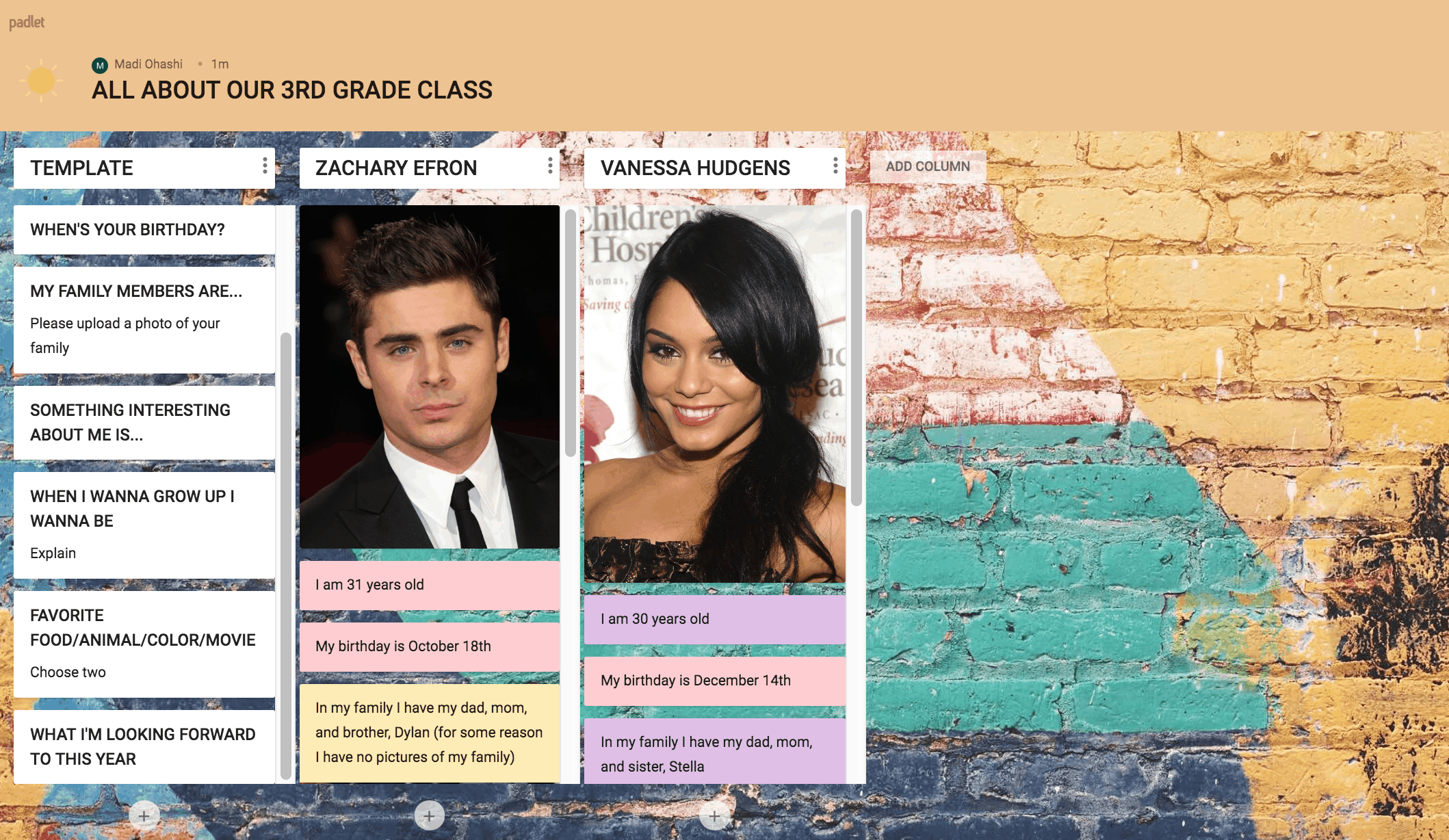
All About Me Padlet

I made a Padlet for my future classroom. I made a shelf format Padlet for students to input information about themselves. Students can easily add information about themselves from the given prompts. I used celebrities to make examples of how students should input their information. Each student can then press the ‘add column’ button and add their own information. As student’s information slowly start to come in it will line up and people can see facts about their classmates in one document.

I can see myself using Padlet in the future, because it was very easy to use and read from. I really enjoyed learning all about Padlet!

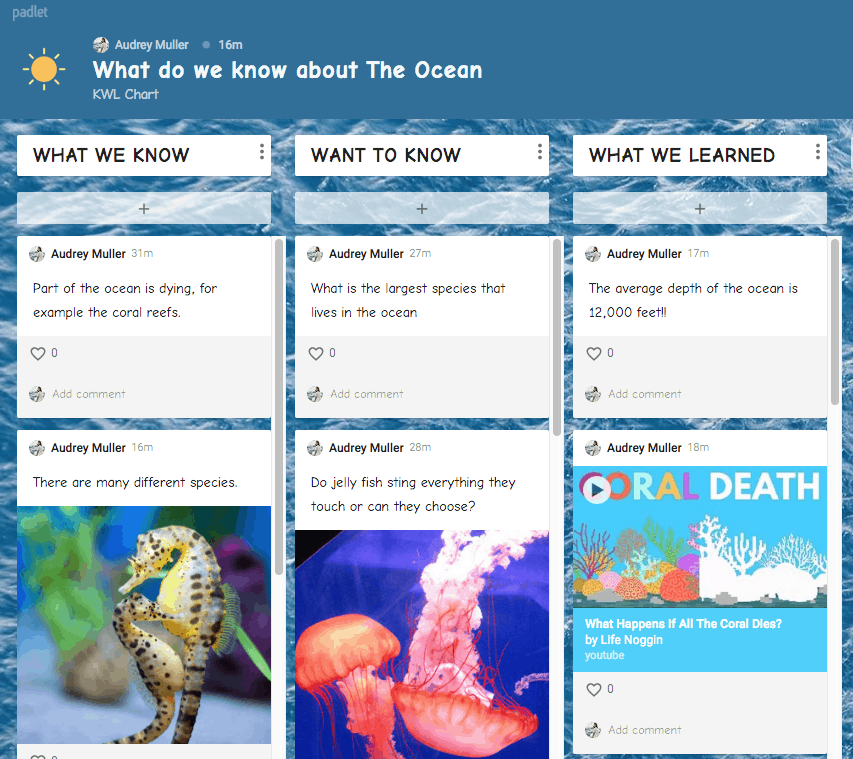
What do we know about The Ocean – Padlet

Padlet is an online program that allows several individuals to collaborate on ideas, sharing, commenting, and contributing. After logging into an account, you have the option to create a Padlet from scratch, or use of the many existing templates, such as KWL chart (as seen below), a storyboard, a question and answer chart, and a flow chart.

Click for link to Padlet KWL About The Ocean

This program can be used in a classroom to encourage students to share their ideas. It allows for all students to be able to see what their classmates are thinking, yet provides independent work time. It also gives students who are quiet, the opportunity to feel comfortable sharing their opinions. I highly recommend this site for classroom conversations and to enhance the learning experience.

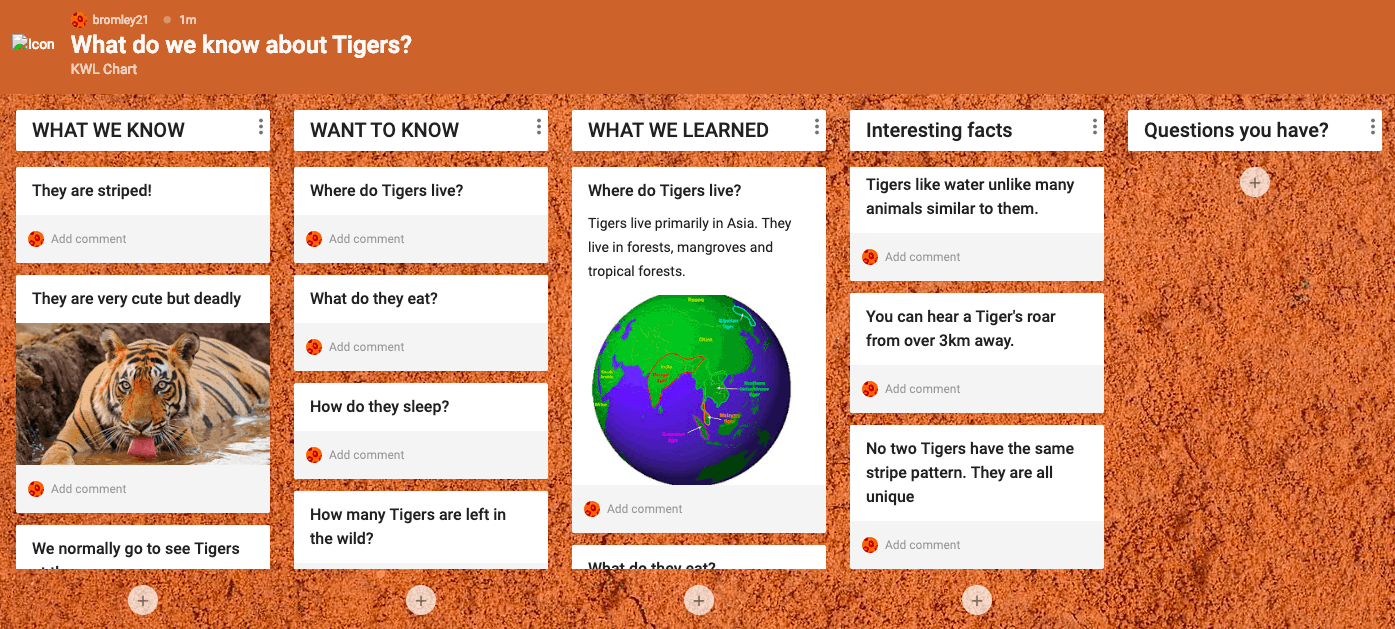
What do we know about Tigers?

This was created by using Padlet. Padlet was pretty easy to use in comparison to Popplet. You can use a variety of different templates or create your own template. I made a KWL chart all about Tigers by using the template they provided. For this chart students can state what they know, what they want to know and what they learnt. Additionally, I added another two columns which are interesting facts and questions you might have. I added the last column for students to ask questions about Tigers or even about using Padlet itself. Teachers can use Padlet to show information about a topic or to demonstrate to students how they can use it for a project. I think this is a great tool for teachers and students to use.

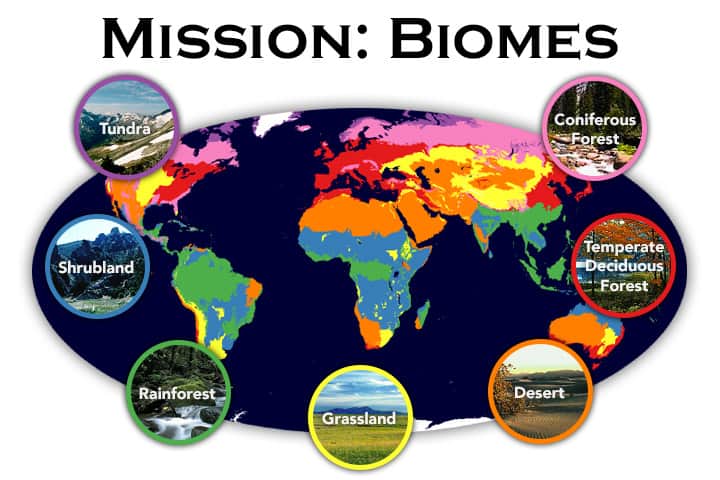
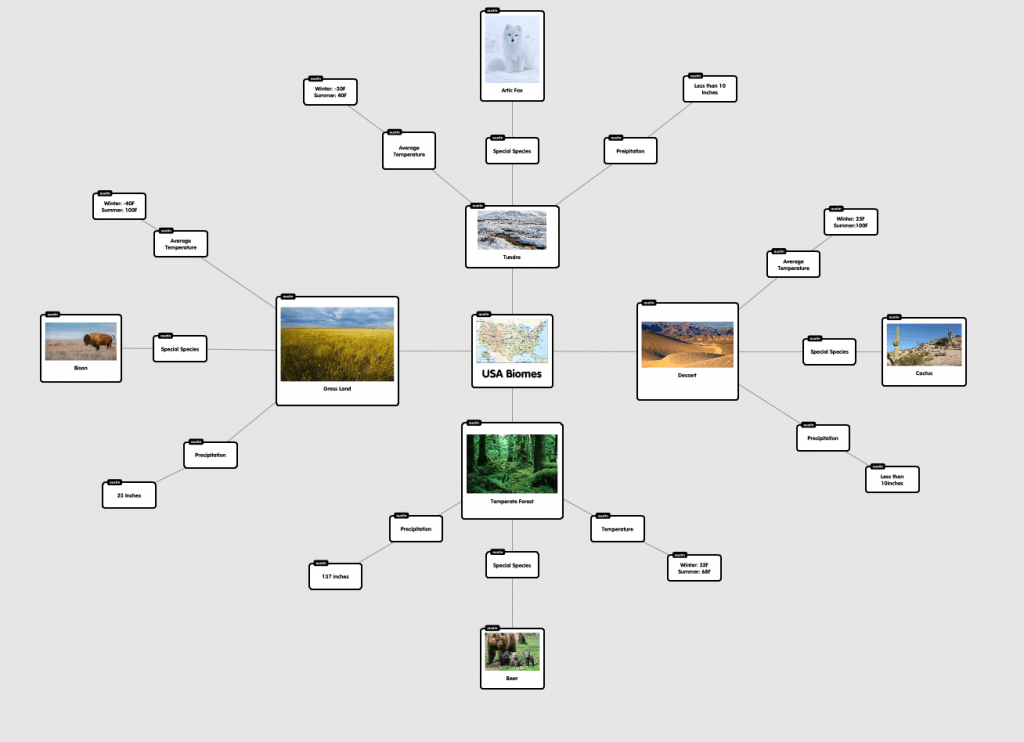
Mind Mapping: USA Biomes

  • The app is super easy to use and student friendly
  • In the right hand corner there is a “How To” in the App
  • I would use this as a assignment where students are to work in groups and create a learning map
  • The students can visually see information.
  • I can have students make a phylogenic tree.