I found Adobe Spark video very simple and easy to use. This is something that I would consider using as a teacher to present lessons. But this is also an easy tool for students to use for assignments and presentations.
3 forms of rock


The art and craft of teaching with technology
I found Adobe Spark video very simple and easy to use. This is something that I would consider using as a teacher to present lessons. But this is also an easy tool for students to use for assignments and presentations.

This video was made using Adobe Spark Video. It is a lighthearted story about a boy and a dog. This program is helpful for teachers looking to make fun and informational videos for the classroom.
The only struggle I had when using this program was the limitation on picture options. I would suggest having all of the pictures on your desktop, instead of trying to look them up within the program. I do like the feature of adding music to make the video more engaging to the audience.

This is a fun tool to use that students can use to create a product to showcase their learning. For example, if students are learning about the Hero’s Journey, they can create a video explanation of their learning. With this tool, students can use photos, text, music, and voice over to create a product that shows their learning. The biggest issue is that the more slides that are added, the longer it takes for everything to load. Though everything is free, it is a bit time consuming to create a whole product, but if there is enough time, this could be used as a good learning tool, time permitting. There are some issues but overall could be useful.

I used the Adobe Spark to create this video. I made mine around the life of a dog named Lulu! It can be used for students to create a story about what they do with their pets, or they can make up their own story as well! I thought that it was good to use, and it can be used to show students an easy way to make videos! It was a bit difficult with the text because it could not be moved around easily. Another thing that I had a hard time with was finding a picture of the same dog doing multiple things, so just pretend all of the corgi pictures are Lulu(:
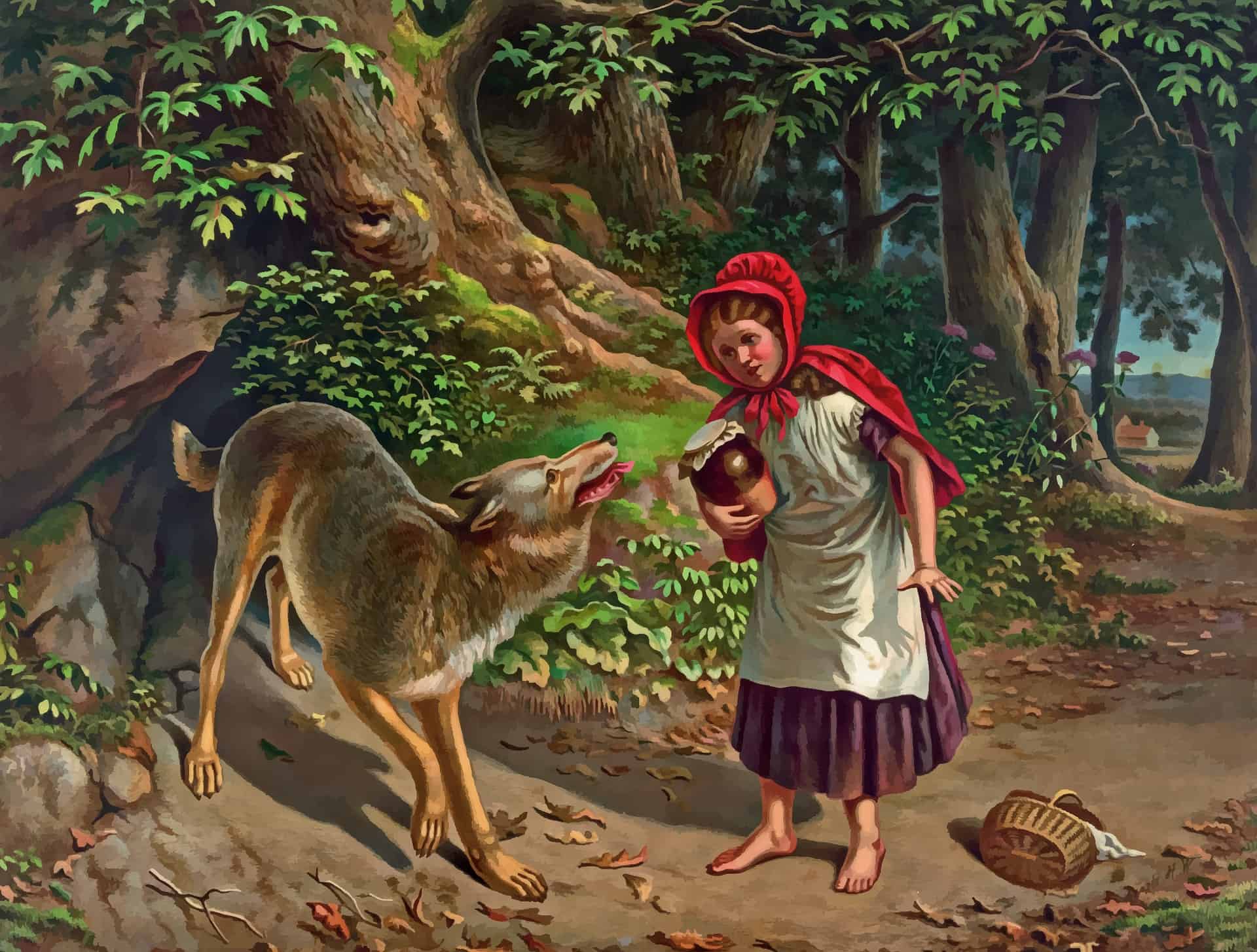
I used Adobe Spark Video to create a summary of the popular children’s book Little Red Riding Hood. Students could easily replicate this with any story! They can use their own creativity to search for images that represent the text. This activity would be a perfect way to measure comprehension. The main benefits to using this app are its versatility on a computer or phone and simplicity.

This video made on Clips is a read aloud with pictures, and captions that appear as the words are said. Although I didn’t use every feature on the app, I liked the simplicity of it, how each slide is easily timed through however long you talk, and how easy it is to edit the words after. I think this tool can be used educationally for students to practice their fluency, write their own stories, explore technology, and get creative. The only downside is that it can only be used on a phone or tablet which is not always available.

This Adobe Spark Video serves as a book talk/introduction for the Harry Potter & the Sorcerer’s Stone book. Depending on your students’ reading levels, I would read the text aloud as the video plays so students will know what each part talks about (or record your voice on the website). You could use this tool to book talk/introduce any book you decide to read as a class so students get an idea of what they will read.

Today I told you all how I won the lottery! I made my story through adobe spark. Making the video was super fun and really easy to make. I made my video with doing a voice over which allowed me to tell my own story.
In the classroom I think Adobe Spark would be very easy to use with students. The students would be able to make their own stories and make simple video projects. A good way for the teacher to use this program in the classroom is through a read aloud. The teacher can record herself and add videos or pictures and really make the story come to life. 10 out 10 would use this in any classroom and for any subject.
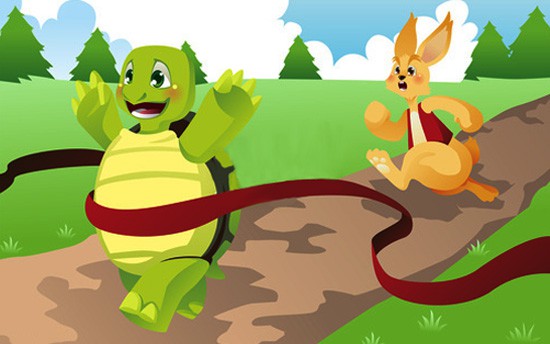
This Adobe Spark Video is a narration of one of Aesop’s Fable, “The Tortoise and the Hare.” Students can use this app to re-tell an already existing story or use it to narrate their own made up story. Teachers can have students write their own story first, and then let them use Adobe Spark to create a narration with images. Since it is easy to add images and narration, students can easily make their writing come alive. One challenge to using this in class would be the amount of laptops available. If there is not enough for every student, it could take awhile for every student to make their own Adobe Spark Video.
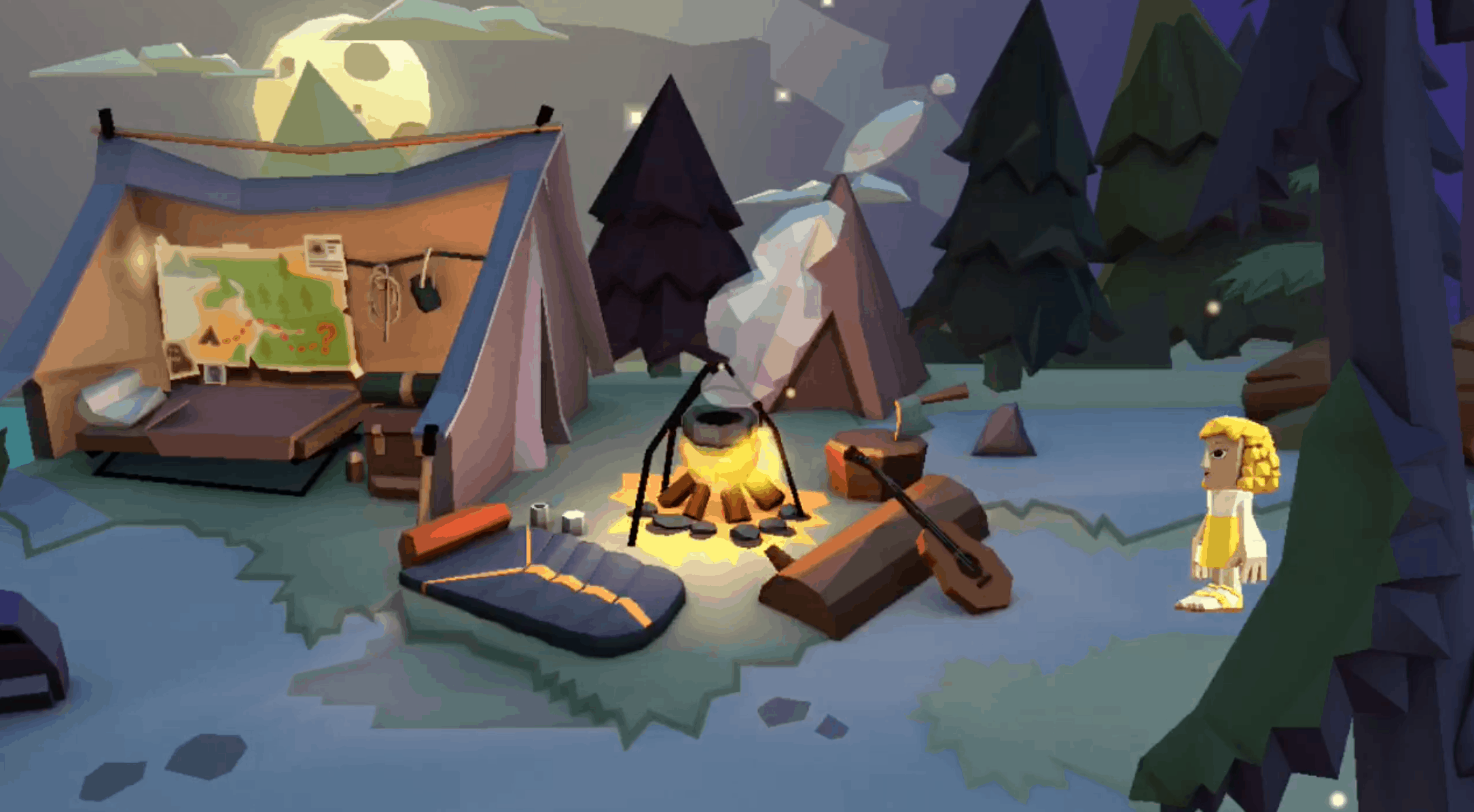
For this assignment, I used the video/animation app, Toontastic. I had such a fun time using their premade sets, characters and layout. I really enjoyed how easy this app was to use. I used this app to do a read aloud of the Goldilocks and the Three Bears. It was pretty easy to use this app and I made use of the voiceover to tell the story. Although my retell is not all that great, I definitely can see myself using this in the future. I can incorporate lessons, stories, and other video ideas using Toontastic.
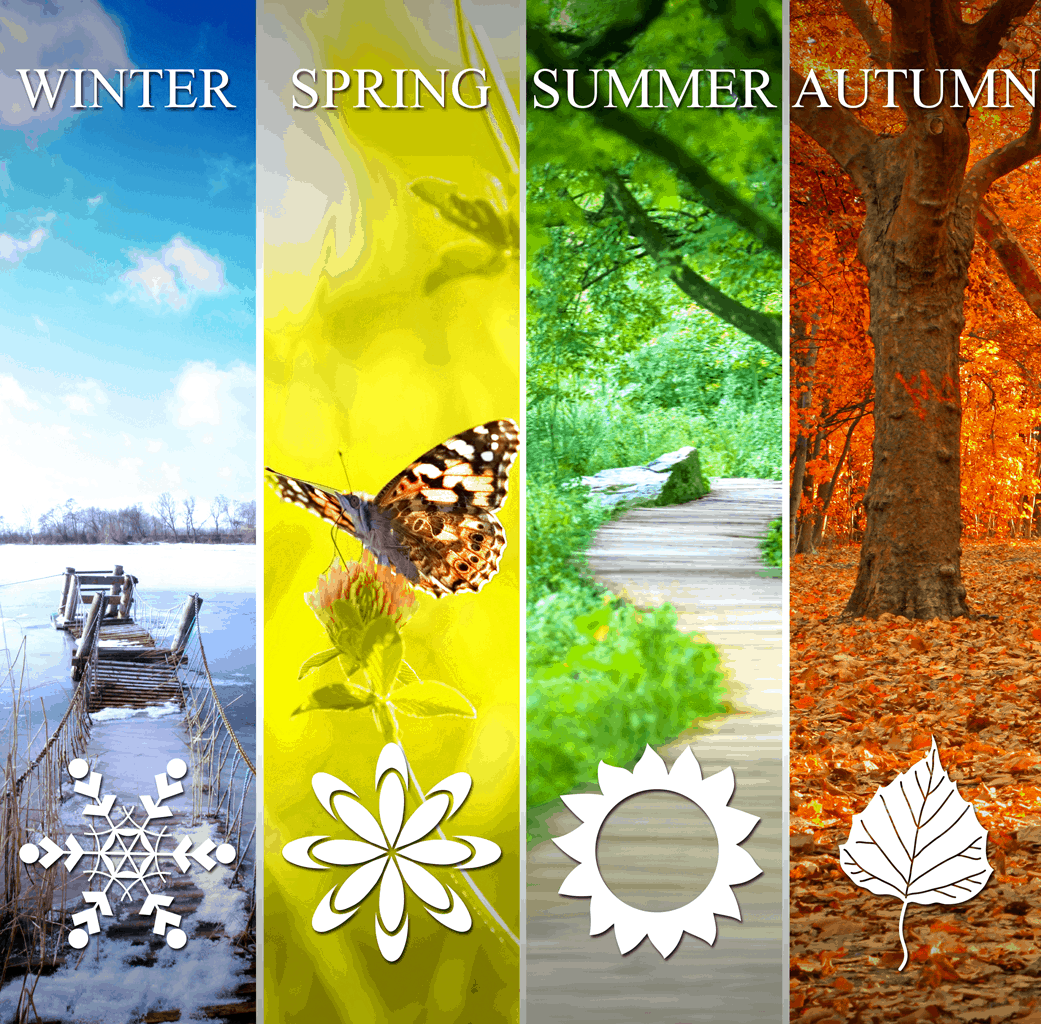
I used Adobe Spark to make a video about the seasons. I attempted to use it simply and add in photos to describe each season and then use my voice to narrate information about the seasons. This app is simple to use to make a basic video, but I am sure there are many more features than the ones I used in this video. It would be cool if you could add clips from youtube into the video, but I don’t think there is a way to. The app is very user friendly, and students would be able to create projects on it.

I chose to use AdobeSpark to retell the story of Charlotte’s Web. I’ve been working with my students to retell stories in their own words using the main ideas and the beginning, middle and end. We recently finished reading Charlotte’s Web as a class and I thought this would be a great way to demonstrate a way to retell the story. Students can use this tool to help showcase their understanding of a story and a different way to represent it.