How do Seeds Sprout?

Using Adobe Spark and the Quicktime player I created a lesson on how seeds sprout for a kindergarten class. With schools moving to online classes and teachers having to accommodate for and switch around their teaching, I think using these programs are very helpful, I was able to record myself teaching the lesson and provide pictures that could help students better understand what I am talking about. Using these programs is an easy way to teach a lesson in a very accessible way.

Featured Image by Sarah Richter on Pixabay

Weather Weather Everywhere!

cartoon cloud with raindrops

As the title suggests, weather is EVERYWHERE. And as such, it is important for kids to learn about! This video would provide one of the learning stations in a group of learning stations about weather and climate. The question features in this video are mainly designed to gain an idea of students initial thoughts and see how they might apply the information that they’ve already learned to make a prediction. This video was designed for 2nd or 3rd grade.

Featured Image by OpenIcons from Pixabay

Google Classroom Tutorial- Screencast

I have created a short 7 minute video for my students and their families about using Google Classroom! With school closures, I wanted to make a video on how to access the Google Classroom and what to expect. I showed them what the main page looked like, how they can access information, and where they will complete and submit assignments. Parents/guardians may also watch as it shows some information that will be helpful for them. I made this with my third grade class in mind and I am sure that they will be able to successfully follow the videos instructions and use Google Classroom successfully.

Sorry for the low quality, I am not sure how to change it!

Photo by Mitchell Luo on Unsplash

An Introduction to Desmos

This lesson is for 8th grade students and acts as an introduction to the online resource of Desmos. The main point of this lesson is to introduce the table function of Desmos, as my students would have already used the linear graphing function of Desmos.

Weather Screen Recording

silhouette of a bird in a sunset sky

I used this screen recording to look at a few different websites that talk about various weathers. One of my lessons I was supposed to teach was about weather and the various facts that come with each. I liked using the screen recording and how easy it was to demonstrate what I was looking at.

Reading Workshop

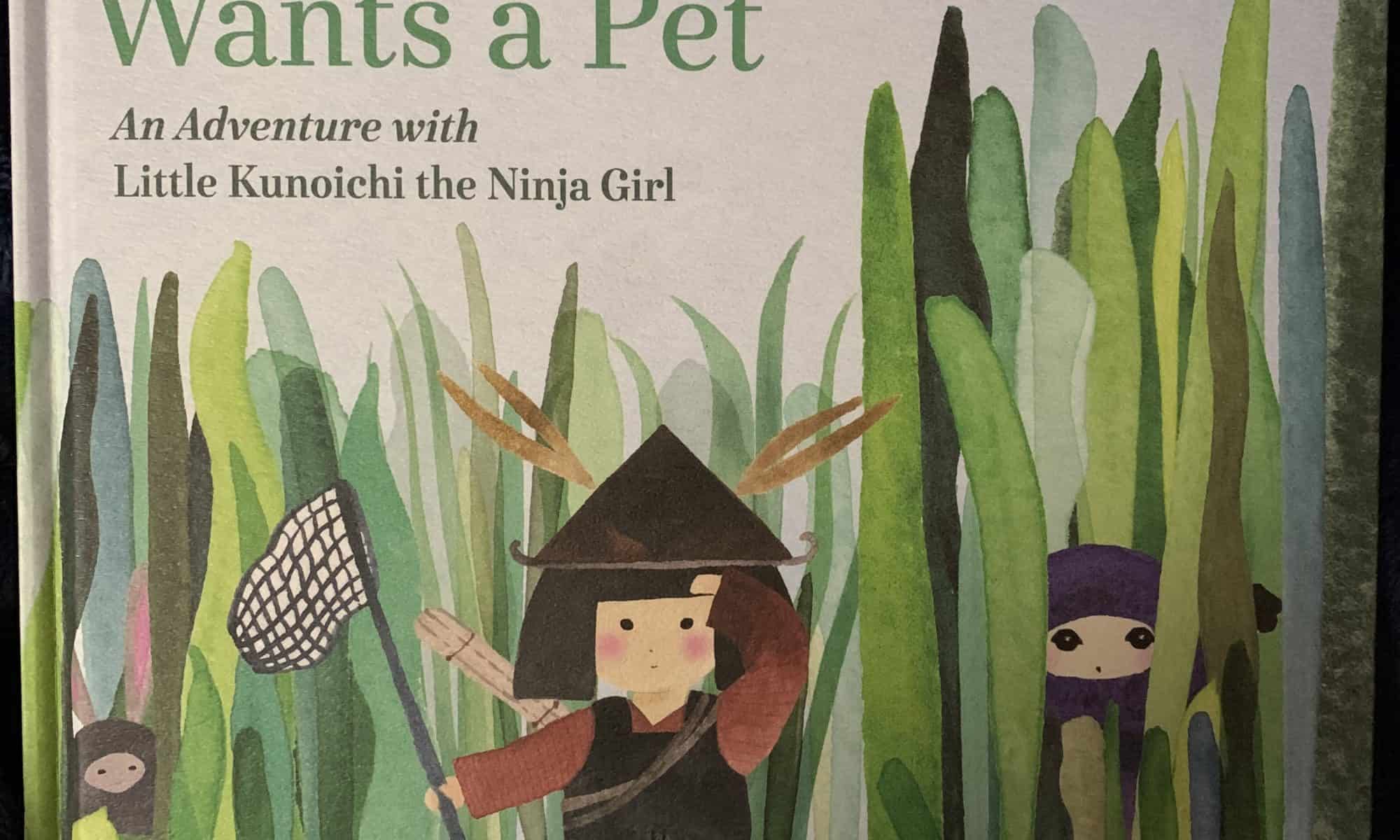
Chibi Samurai Wants a Pet by Sanae Ishida

This book would be good for students of all ages. Overall, This book would not as part of one unit, but as part of a series of books throughout the year that showcases authors and characters of color. By including this book, I can expose my students to more diverse authors and characters. Also, thinking through the lens of a becoming a culturally responsive educator, I want my students to see themselves and to get an insight into the cultures of other students/people that they may know.

In the time we are living in now, where most schools are going to online classes, video read alouds can be helpful to parents who may not have access to books. Additionally, teachers/students can still have some kind of interaction or normalcy through their routine read alouds. It also, provides access to younger students, who may not have the fluency,

The Legend of Naupaka

This video is about the Hawaiian legend of the naupaka flower. There are two kinds of this flower, naupaka kahakai (which grows by the ocean) and naupaka kauhiwi (which grows in the mountains). Each plant’s flower blooms only in half, watch the video to learn about the legend.

I designed this video with all grades in mind. Sometimes it is hard to find books designed for children that focus on Hawaiian legends, but by using AdobeSpark video it can make these legends easier to access. I think this could be a cool introduction to Hawaiian myths and legends to an upper elementary class. The unit would be a intersection between language arts and social studies. With the students later on researching their own myth/legend and then creating their own video rewriting the myth/legend that they had researched. This idea could even be used with myths/legends of different cultures, but have the same central theme; which could be used to illustrate how some stories told in cultures are similar.

Class 10: Promote Active Viewing

Promote Active Viewing

This week our focus will be designing lessons around existing video content. There’s so much video content out there , but you need to help students truly interact with the video content, rather than passively consuming it. 


First – take a quick look at ViewPure – share video content with students without related sidebar video suggestions. 
Click here to “purify” a video.
This is a great tool to shelter your students from nasty YouTube content that may only be a few clicks away.


In this lesson we will use EdPuzzle. It’s a free web-based tool that you can use to pick a video, add your magical touch and track your students’ understanding. It allows you to add questions, audio and notes to existing videos from Y ouTube, Khan Academy, Crash Course and more. If you’d rather record and upload your own video, go for it!

Create a free teacher account at EdPuzzle.
Follow these steps to create an account, a test class, and make content

Here’s a guide to using EdPuzzle (plus more info here)

Here’s how to get an embed code from EdPuzzle to use with HTML Snippets
Courtesy of Claire
ASSIGNMENT | EdPuzzles 20-A10

Use EdPuzzle to turn a video into a lesson.

  • You can use a video you create or a video you find on the internet.
  • Your EdPuzzle should include a variety of questions, comments and notes. How about a voice over?
  • Embed into a WordPress post that includes a written description of the audience and purpose of your lesson. 
  • As always, be sure to include a featured image and clever title for your post.
  • Need Ideas? Here’s 6 Ways to Use Edpuzzle for Elementary Students

Finding the Author and Illustrator

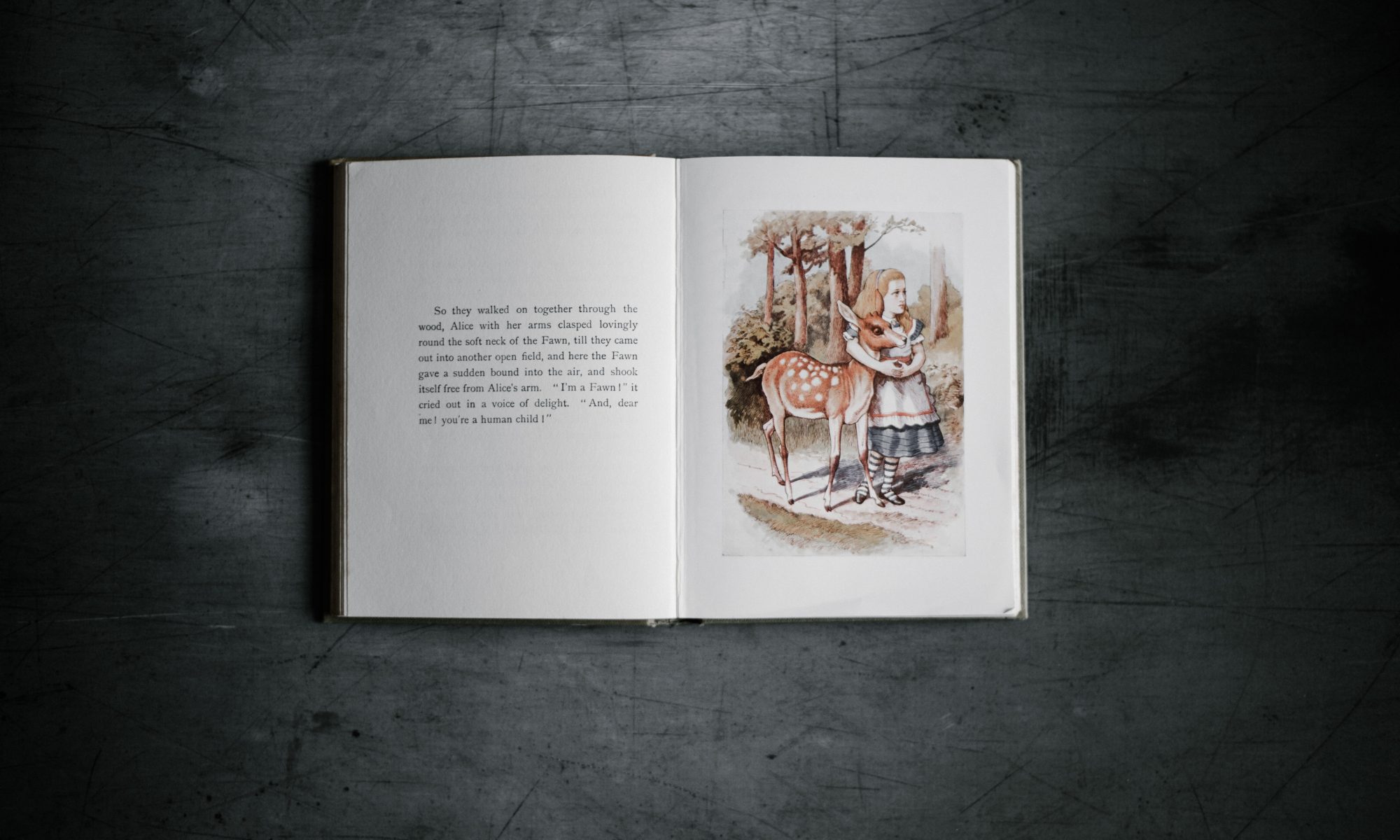
open Alice in Wonderland book with text and Alice with a deer

For this screencast, I am teaching kindergarten students how to find where the author and illustrator of a picture book is displayed on the cover. This will help them complete CCSS.ELA-LITERACY.RL.K.6 With prompting and support, name the author and illustrator of a story and define the role of each in telling the story. I used iMovie to edit together various screen-recorded clips. It was very easy to use and I could see myself using this in the future as a resource for students to reference when working independently or in small groups. It was even simple enough I think older students could do this on their own.

Featured Image by Annie Spratt on Unsplash

Screencast for web navigation

I decided to do a screencast for my assignment. I made a video that could be a lesson for navigating the web for research. I planned on doing a lesson with my students from field experience on how to navigate the web and look things up for a subject. This would be a video for them to see how to find information for the topics they wanted to do a “research” paper on. Most of the students I have worked with get very distracted or don’t know how to navigate the web but are using computers more and more so this was also something I was trying to help with.

The Writing Process

I used Adobe Spark Video to create a writing video lesson. Adobe Spark Video was very easy to navigate and could serve as a useful tool for many teachers. My video lesson includes each step of the writing process along with questions that students can ask themselves while writing. The video is fun and engaging, and was created for students to refer to on multiple occasions. This video lesson could be used for second to fourth grade students and is a great resource to add to a classroom website or student’s “toolbox.”

Video created by: Braelyn Higdon

Introduction to Penguin Lesson

I created a video through Adobe Spark to introduce the topic of penguins to my first grade class. I would use this video at the beginning of the unit. I enjoyed making this video because it was easy to use and had a simple layout. I can definitely see myself incorporating this into the classroom.