Ed Tech Review

Reflecting on the semester of Edtech class, I have realized how much knowledge I am leaving with. I had no idea what to expect when the semester began and am fully confident that I know multiple technology tools now to help me as a future teacher in the classroom. I would not say I am a super techy person, but once I take the time to learn things, I can catch on pretty quickly. Throughout every lesson we learned a new tool that could be used in the classroom. These tools are all user friendly for teachers and students to use, which I love. I have been given a new perspective on technology. At the beginning, I wasn’t sure if I would use/allow much technology in my classroom just to keep things simple, but with the tools we have learned about as well as students learning in different ways I am in full confidence that I will be using most of what we learned in my classroom one day. It is all about adapting to the learners. Some of my favorites that we learned about were My Maps, Edpuzzle, and Padlet. All three of these were super hands on for both teachers and students. I think whenever and wherever a student can be hands on in the classroom is so important. It keeps them engaged, lets them have fun, and they learn while doing it.

I also learned a few things about myself as a learner too. I learned that I about how much fun teaching can be. All these tech tools take a lot of creativity and flexibility and these were both aspects of myself I needed to work on. Using the Apps we learned about caused me to challenge myself as a more hands on student and future teacher. I definitely think I have or am becoming a “tech-savy” teacher due to this course, and will be implementing a lot of what I learned in my own teaching one day.
 

That’s a Wrap!

I think the idea of everyone focusing on a certain tool that we have learned throughout this course is a great idea. It will give us a chance to put together a book handy for any teacher looking for some extra help with using technology in the classroom. I think each person could either add on to what they have already created or make something new that shows the tools full potential with a completely honest review of whether or not it would work inside a classroom. We should make the book as interactive as possible and easy use and decipher.

Edpuzzle Review

Edpuzzle is a fantastic idea for the classroom. There are so many ways this video lesson can be used in the classroom by teachers and students. Edpuzzle offers an interactive experience that will engage the students in what they are learning. There are multiple features that an be added to any video a teacher or students is sharing. There is an option to narrate or add audio notes at any point of the video which will help students with extra information on top of the video for clarification. Videos can also be cut to keep students interested for the right amount of time. My favorite feature is the opportunity to place questions at any moment in the video. The video will pause and then a question will appear. This keeps students accountable for doing their work.

Here is my video. I would definitely use Edpuzzle in my future classroom!

Adobe Spark Video Review

Last week in class we had the opportunity to use three different apps to create videos within the classroom. We were split into different groups, which reviewed and played with a different app each. I was able to test out and try Adobe Spark Video app. The app proved to be a success within in my group, but also had a few setbacks.

To begin,  the Spark app can be used on most any device, which is handy for teachers. It will work on iPads and computers depending on what is used in a particular classroom. The making of a video is pretty simple. You can either use a template made or start from scratch, both seem to be student and teacher friendly. my group agreed that any grade third and up would easily be able to maneuver the app. It is a simple app, which for students, can be considered a good thing so it doesn’t become too complicated.

A few downsides were found as well. You could not record a video on the app, you had to upload from what you already have. The font size, and placement of text only had one to two options which was sometimes frustrating.

I enjoyed using this app, and I would use this in the classroom.

iMovie How to – Ideas for the Classroom

When experimenting with iMovie in class, I realized how easy and accessible it is not only for me as a teacher, but also for students. All that is needed is an idea, videos, and creativity. I had this idea and it really could be used for any subject of school. I thought that students could use iMovie to either reenact scenes from a book they are reading in class, reenact a history lesson, or even perform science experiments.

Through not only reading about these occurrences but actually reenacting will offer students to be more hands on.  This will give them extra insight on what they are learning. Since students will be recording themselves, they can also present their movies in front of the class which will give insight to the other students findings and interpretations of the lesson. This will spike students creativity which I think is very important in the classroom.

I was having trouble finding an example for this, but  I really do think this was be a beneficial way of learning.

Dear Lauren

Dear younger self,

Boy, has the world of education changed with the help of technology. Fifteen years ago these things would have never been imaginable. After a handful of years teaching now you are adapting well to what technology has to offer in the classroom. If you remember back in your ed tech class you had the chance to experience virtual reality, this gadget has been implemented in every classroom for all sorts of interactions that used to never be possible. Students are now given so many amazing opportunities they would have never had previously. Virtually reality gives students a look into different fields of study they may some day be interested in studying for their career. Along with virtual reality, new learning opportunities have been created to make the classroom even more hands on and interactive, which has proven to be the most beneficial way students learn.

As you grow in your career always remember to be open to new experiences and opportunities given to you through technology. Your students will have a whole new world in their hands that you could have never imagined possible.

-Future self

Padlet Positivity

Padlet is a great idea for any classroom and any subject being taught. Padlet offers a wonderful outlet for students to interact with each other, as well as work on their own creativity, while learning at the same time.  I decided to make my example about a positivity wall for my future classroom. I think that for a class to function trust and positivity should be at the core. On this wall students can share kind and encouraging posts for each other.

Made with Padlet

Haiti

We were introduced to Sway on Microsoft this past class. Through Sway an interactive story can be made and shared with others. This is a wonderful new spin a PowerPoint like presentation. This can be used in many ways within the classroom setting. I decided to make my Sway about a mission trip I went on a few years ago in Haiti.

MyMaps to Facilitate Classroom Relationships

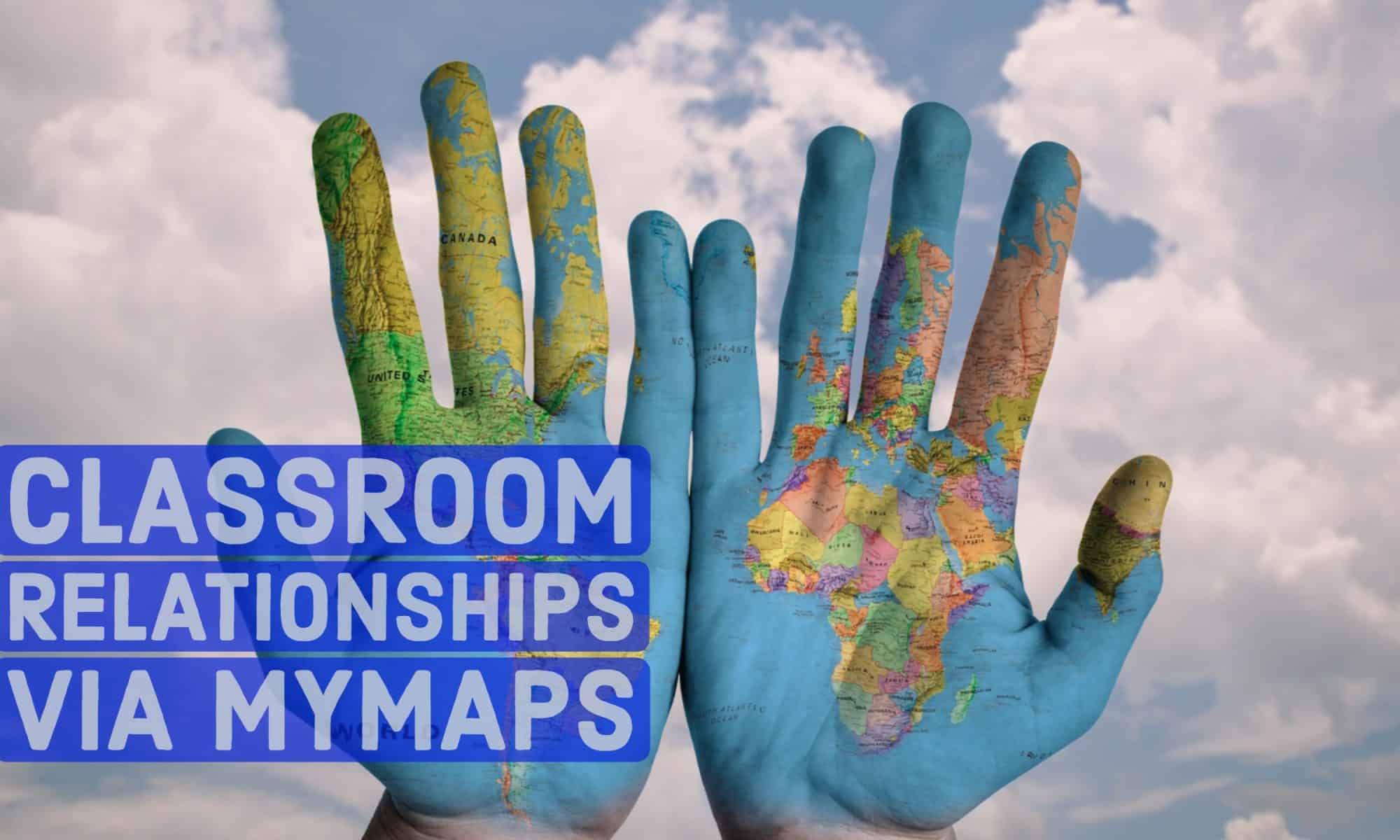
In this project, students and teachers will create a MyMap of their own that illustrates where they are from. Students should use pictures, videos, and short dialogue to inform their maps. The students are free to share whatever they feel comfortable sharing. This may include homes, schools, favorite restaurants, or general cities. We ask students to have at least five points with at least one picture and a short paragraph for each.

 In creating this map, we hoped to help students get to know each other better, build classroom community, and better understand geography. Additionally, students learned how to use and manipulate their own MyMaps to tell a story – ultimately furthering our goal of digital literacy.

This project helped us learn the background of our students to help us better understand where they are coming from. This is crucial for teachers and students both to understand each other as we begin to form our classroom community.

Madison and Lauren’s Project

“Somebody Loves You, Mr. Hatch,” by Eileen Spinelli, is about a lonely man who one day receives a mysterious letter in the mail. The letter changes his outlook on life, and he begins spreading joy to all his neighbors, until he is told it was meant for someone else. Mr. Hatch goes back to being lonely, but his neighbors surprise him, and he reverts back to his cheerful state. Our lesson will teach children the message that you do not need objects to keep you happy. They will learn this through the powerpoint which will include little projects and writing prompts.

Teamwork

Teamwork Activity

This activity would be used at the beginning of the year to build community, as well as add some comfort to the classroom. The slide show below would be shown to the classroom at the beginning of the activity, with the following questions:

  1. How are the three pictures related to one another?
  2. How are the people in the pictures helping each other?
  3. Would they be able to achieve the activity working alone?

This slideshow requires JavaScript.

Once these questions are answered and talked about, they will work on a team project, keeping these pictures in mind.

David Ingram

Andrea Caligaris

rawpixel.com