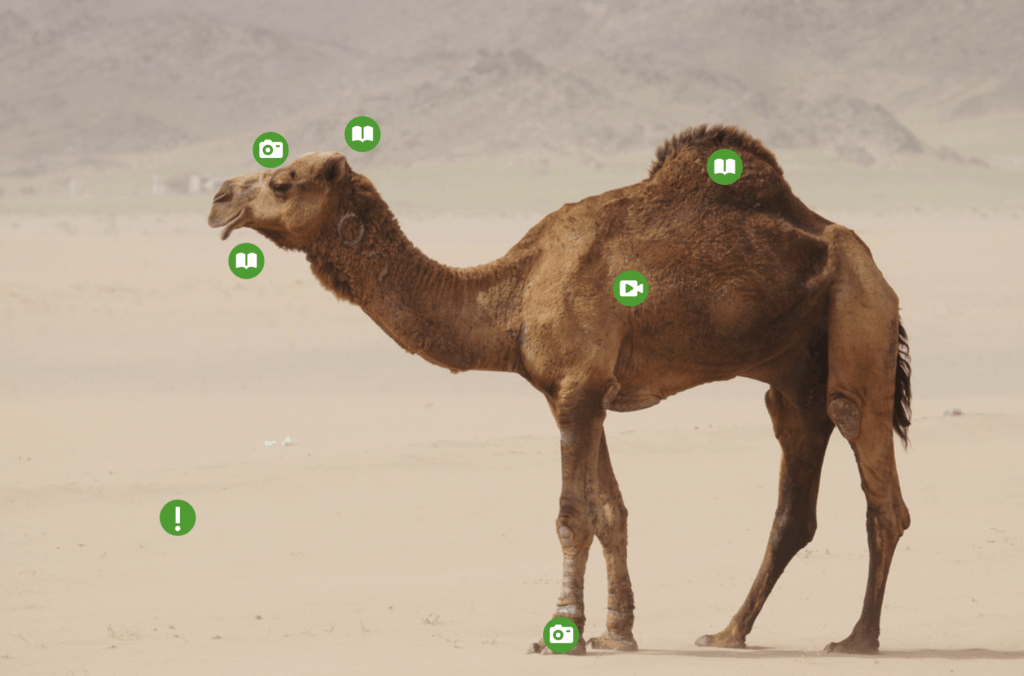
Facts About Camels Using ThingLink

The art and craft of teaching with technology

Thinglink is a platform where students and teachers can tag a picture to add more information to the picture such as a video, an embed link, or an additional image with text or a link. This would be great for a lesson where you want students to research a concept, directing students to specific websites using links as well as specific videos. In my example I embedded a pallet board where all the students can post what they have learned from their “research”. Thinglink would be a great tool for students to use as a final project to put all their work in one spot. For example, if they created a youtube video of them modelling a bee pollinating a flower they could post that link as a tag on their thinglink.

The google tour could be useful if maps are needed for a lesson, but it is pretty time consuming to add different locations and scenes. It wouldn’t be useful outside of a social studies lesson and has a pretty specific use. While it is functional and easy to use, the practical application is relatively limited in the classroom.
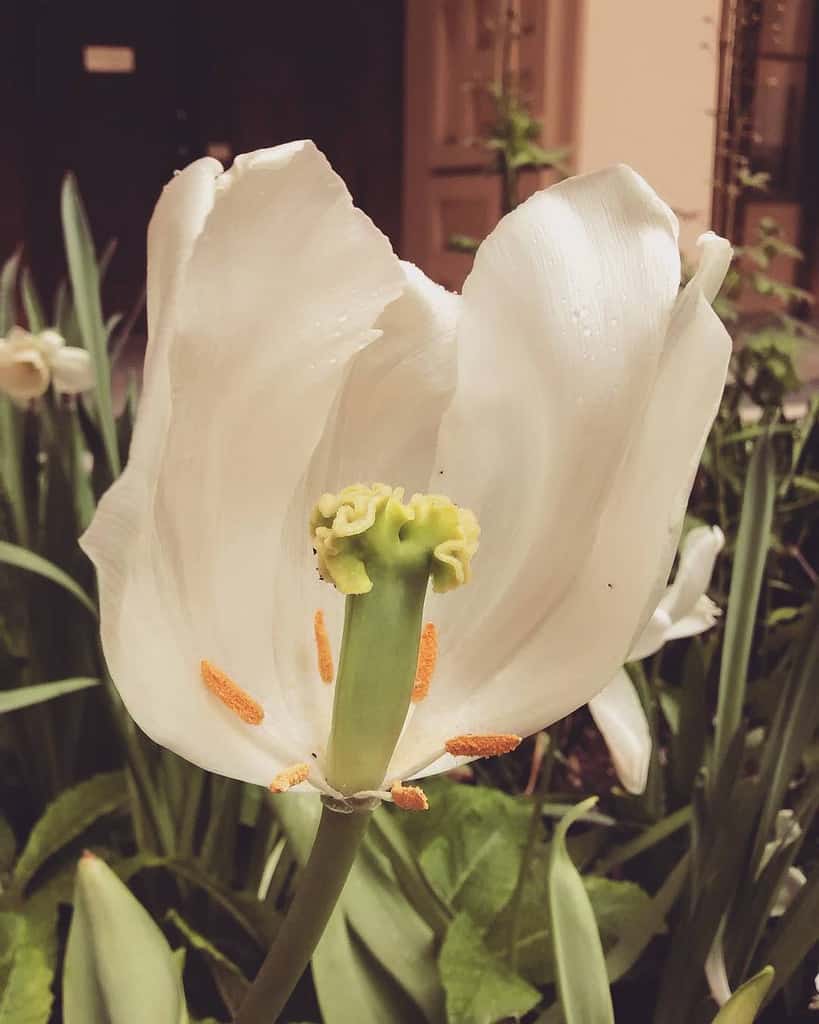
Thinglink is a very cool tool that allows students to interact on a more personal way with their learning. With the ability for the teacher to input all information they they would like their students to learn, the research process for students is streamlined. This is a great way to present information in a new way with the ability to use virtual reality creating an exciting experience for students. I can see myself using this software to teach a variety of subjects, such as science like with this flower anatomy lesson, with geography and social studies to tour a setting, as well as for history. I really enjoyed creating and look forward to using it in the future.
Google’s Tour Creator is also another wonderful tool that I can see myself using in the classroom to give tours of cities. This can easily show students historical information as well as social aspects. The ability to connect it to VR devices is also an interesting way to bring it into a classroom and would be very exciting for students to use with their own creations.
Mouse over the image to interact with it!

Photo Credit: Tulip Cross Section by r reeves

Thinglink and Google Tour Creator are both super cool options for incorporating technology in the classroom. Whether teachers are using it as an interactive lesson or students are creating their own to demonstrate learning, both apps have awesome features.
One of my favorite things about Google Tour Creator is the option to view it with virtual reality on the Expeditions app. This way you can really see your projects come to life.
On the other hand, I personally found Thinglink more user-friendly, and it was easier for me to get the hang of it. Thinglink could be really practical in the classroom, and it would be a great option for differentiation. For example, if you have some really tech-savvy students in your class, this would be a wonderful option for assessment.
Below is a Thinglink that could be used for a lesson on habitats. I uploaded an image of an ocean habitat, (specifically a coral reef) and added tags where certain information matched the image. Some tags include animals, functions, and elements of coral reefs.

Above is the Anatomy of a King Salmon with ThinkLink being used as the Application!!! Works super great and straight forward!!!
Okay….So I tested the water with both ThinkLink and with Google Tour Creator. For me personally in Biology classroom ThinkLink is best used because we don’t really perform many tours…unless I was to use it for a biomes lecture. ThinkLink works perfect for diagrams and adding in information. But Google Tour is also great but it’s more centered around a guided tour feel. Which seems above and beyond what I would need for my HS biology class.