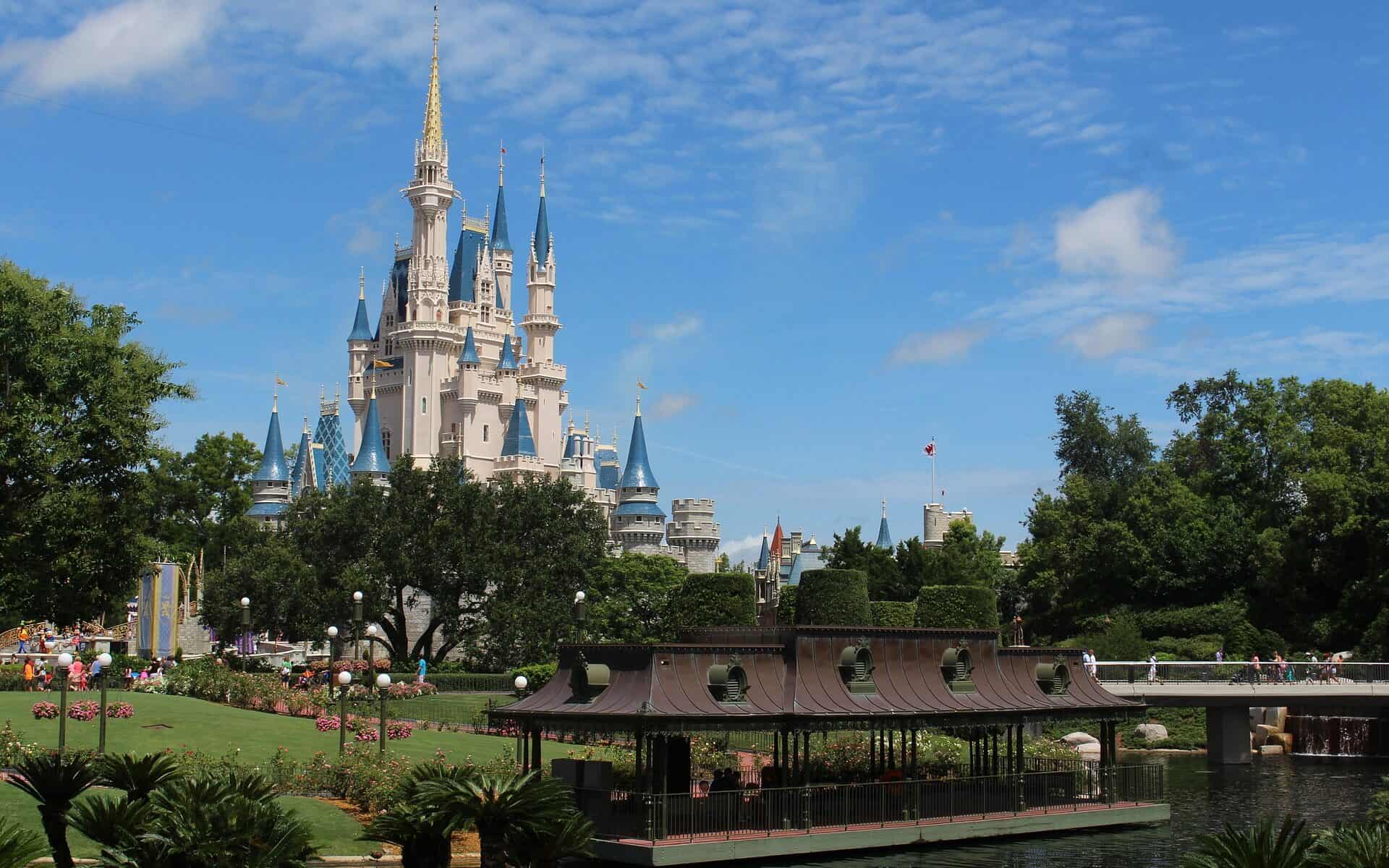
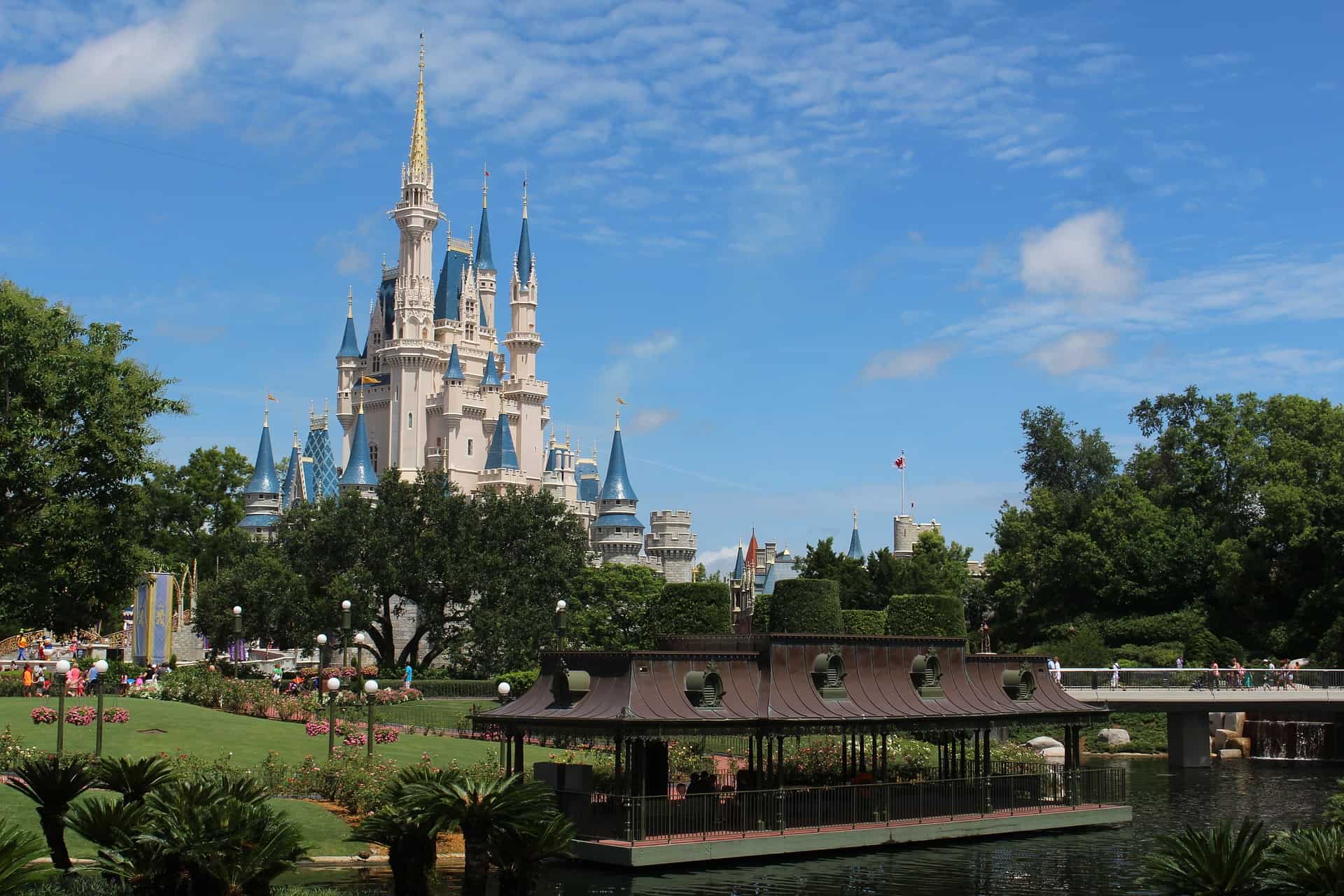
Cinderella vs Cendrillon

Image by stinne24 from Pixabay

My current first graders just read Cinderella and Cendrillon so the stories were on my mind while creating these.

Google forms is such a great tool and can be used in a variety of ways. I didn’t know that you could make branching forms with google forms so I will definitely use this in the future. I would love to make a fun and educational escape room that my students could play, I think it would be super engaging. I would also like to use google forms at the very beginning of the school year to learn about my new students and their families, I would ask them to fill it out together within the first week of school and would offer paper copies if they don’t have access to technology.

I am from Hawaii

I am from Hawaii
I am from the deep blue oceans where people surf all day long
I am from the luscious green trails where people make new trails
I am from a culturally rich place where people meet each other
I am from a place where it is warm all year round where people stay out late
I am from Hawaii

https://sway.office.com/s/VunaxiNMzgosJasm/embed

I choose Sway for this project. It seemed like a very easy to understand website and program. Sway was very intuitive to me and it made it a lot easier than I thought it would be. it also had a lot of imaged I could choose from which were not copyrighted, which was helpful. Over all I think Sway was a really cool program.

My Neighborhood & Me

Teaching a Kindergarten lesson on neighborhoods can be an excellent way to help children gain a sense of direction, distance, and familiarity within their own neighborhoods. Also, this presents a great opportunity in supporting children learning their own home address(es), as this is an important safety skill all children should have mastered by the end of Kindergarten.

This MyMaps activity requires previous class discussions on neighborhoods: what they are, who live in them, and other important features that make up the neighborhoods we live in. Serving more as a summative project, teachers can direct their students in using this tool to showcase important places in their neighborhood that are special to them.

Activity Instructions

  1. Using MyMaps, students will create maps of their neighborhoods by pinning four locations: one location MUST be their school and another MUST be their general neighborhood. For example, I live in University Park, so I added that marker as where I live. Some friends may need help with knowing what their general neighborhood is! (After maps have been shared with the class, encourage students and families to add their home addresses for further exploration and more precise locations).
  2. The last two locations can be anything students choose! A favorite place to eat, a toy store, or perhaps a friend’s neighborhood. Think of two places that you visit often or just really enjoy visiting that you think are important to you and your neighborhood. In my example, I chose my favorite restaurant and the grocery store I go shopping at every week.
  3. For all four locations, have students add pictures and one sentence stating what that place is.
  4. Lastly, have students choose any two destinations and pin the route from one to the other so that they may explore the different possibilities for travel. For my example, I chose to do from my neighborhood to school because that is the route I take most often. Allow students to choose their own two locations, or they can create routes for multiple! This will help them see the journeys they take to get to some of their favorite places.

Direct link to map: https://www.google.com/maps/d/edit?mid=1MG1iIdL4sVQMwbZhyey_S4VbMcugi04&usp=sharing

Aside from the directional skills students will gain from this lesson, it can serve as a great community-building activity. Having students share their maps (whole class or small groups) gives them the opportunity to share with their peers, places that are important to them and may encourage others to visit them too, ultimately expanding everyone’s neighborhood!

Featured image by Prawny from Pixabay

Shape Scavenger Hunt Relay

“Shape Scavenger Hunt Relay” is a ChatGPT created brain boost using the prompt: “Create an activity, incorporating movement and teamwork, for a Kindergarten class. The activity should address the standard: K.G.A.3 Identify shapes as two-dimensional (lying in a plane, “flat”) or three-dimensional (“solid”).”

One engaging activity for a kindergarten class that addresses the standard K.G.A.3 and incorporates movement and teamwork is “Shape Scavenger Hunt Relay.” Here’s how to implement it:

Materials:

  • Flashcards with pictures of 2D and 3D shapes (e.g. square, circle, triangle, cube, sphere, cylinder, etc.)
  • Two baskets or containers labeled “2D Shapes” and “3D Shapes”
  • Two cones or markers to designate start and finish lines

Instructions:

  1. Divide the class into two teams and line them up at the start line.
  2. Place the two baskets or containers with the shape flashcards at the opposite end of the room.
  3. Explain that the teams will take turns sending one player at a time to run to the baskets, grab a shape flashcard, and identify whether it is a 2D or 3D shape.
  4. If the player identifies the shape correctly, they can run back and tag the next player in line to go.
  5. If the player identifies the shape incorrectly, they must return the flashcard to the basket and try again before tagging the next player.
  6. The first team to correctly identify and retrieve all the shape flashcards wins.
  7. After the relay, have the children sit in a circle and discuss the different 2D and 3D shapes they found.

This activity encourages movement, teamwork, and helps students identify and distinguish between 2D and 3D shapes. It also provides an opportunity for the children to practice communication and problem-solving skills as they work together to complete the relay.

Written by ChatGPT

Using AI in the classroom can greatly benefit teachers, as it offers another form of support in writing lesson plans and developing activities for students. It seems like a great way to help relieve some of the stress of being a teacher as it offers creative and helpful prompts that can be completely copied or simply used as a starting point. I can foresee myself using this in the future, especially to brainstorm ideas.

Something I struggled with, however, was writing a detailed prompt that would guide ChatGPT in writing an activity that fit what I was looking for. However, if I already have lesson plans written out and continue to practice using this software, thinking of prompts will become easier over time. Another thing to keep in mind when using AI-generated texts/ideas is that it does not have the experience working with students as you do as their teacher, so you will need to consider students’ accommodations, interests, and other important factors when editing and implementing any lesson plans or activities written by AI. But overall, I think it is a helpful, time-saving tool that I hope to become more comfortable using.

Featured image created by Oleksandr Panasovskyi from Noun Project.

Getting to know your 4th grade Teacher.

Building trust and relationships with your students is very important for us as teachers. This is because we need our students to know that we are there for them, allowing them to learn topics and subjects with an open mind and heart. Trust is also a two-way street and our students love to hear about us and our personal lives so I decided to make the book about me. The thought behind this book is that I will show my students at the beginning of the school year when we are starting to build the foundation of our relationship. This could even lead to an activity in which the students make a book about themselves and once a week we have someone read their book out loud like I demonstrated and showed.

https://read.bookcreator.com/PoegPsnK9eShKv0jIqvLoYmAa0v2/zXP7pbExTIGt9_VNWRKq3g

The Cultures of Latin America

I decided to create a book that goes over different countries and cultures in Latin America. The book is meant for students that are learning Spanish language and culture, and it is important to understand that not all cultures are the same. It is also important to understand how all of the cultures have an influence on each other, and when learning Spanish, to know the differences. It is an introductory book to these countries, and it isnt meant to learn Spanish, but learn about the communities that speak Spanish or similar languages.

Using the Book Creator was a good experience, but there were definitely a few things I didnt know how to do. Some of the shapes I would have liked to be able to change the color, but I could not find out how to do it, and some of the lettering I would have liked to change size. Either way, it worked out well and it was very direct and straight to the point with several options to choose from.

Credit:

Image by Gerd Altmann from Pixabay

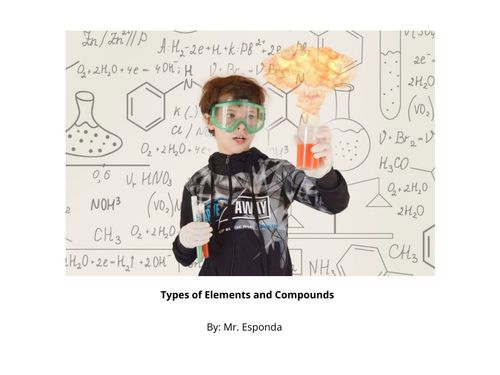
A Book on Bonds and Elements

I made an introductory book on elements and types of bonds for students. I used this book for students to be able to gain a general familiarity with these two topics and to be able to get a better visual understanding of them.

I liked using bookcreator because it was quick and easy. I experimented with a lot of different writing options, shapes, and media. Ultimately I found that it was a good way to be able to get across information for learners of diverse needs.

Direct link to book: https://read.bookcreator.com/FV74cbktZvT9AJj9Xt14JLDYNwp2/OrnfrbyZRYykXADatXrTkg

Featured image via Pixabay

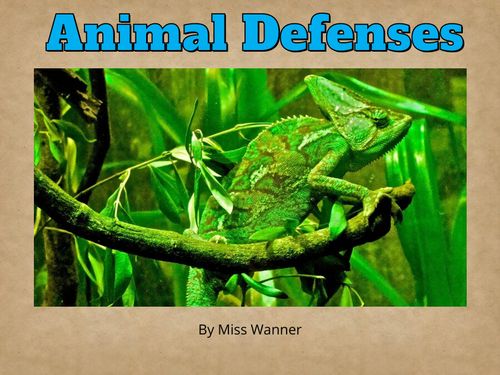
Adaptations for Survival Against Predators

This week, I created an interactive picture book using Book Creator. The purpose of this book is to teach elementary students about different defenses animals use to protect themselves from predators. Through reading the text, looking at the pictures, and watching the videos, students will gain an understanding for how adaptations, such as being poisonous or playing dead, help animals survive in the wild. It is a great addition to any primary grade lesson about animal adaptations, animal populations, or food chains. This book also has an option for students to read along with audio recordings on each page.

Direct link to my book: https://read.bookcreator.com/CNn0z2t8g8ZbXq2Md0UpRstLRpy1/0y0ZRPEsQFGmFLqKeooV0w

Book Creator is a great tool for creating classroom content. In addition to the options for visually designing each page, it allows you to include videos, audio recordings, 3D models, and so much more!

Featured Image by Susanne Jutzeler, Schweiz 🇨🇭 💕Thanks for Likes from Pixabay

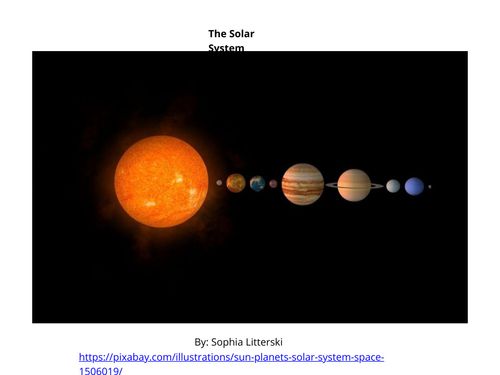
The Solar System

I created this book for K-2. I am aiming for this book to be read to a 2nd grade class. Students will then be assigned a planet to research and write about. The link that I used for the information was a kid’s version of the Solar System created by NASA. We would first read the book in class and then kids would write questions they would like to know about each planet. Each student must write about 4-6 sentences about what they found that answers their initial questions. A drawing of the planet must be included. I would like to take it a step further and help them create a physical model of their planet in class. Each student would then be able to talk to the class about what they wanted to know, what they discovered, and talk about their drawing and/or their physical model. A link is below to view the book.

Direct link to book https://read.bookcreator.com/tBhmUPQ1EpbWOe8j0tOprPG8OFy1/y9qzWH4vQLyXBf34jzc2ow

Creating a Class Vocabulary Book

This week, I create a book using Book Creator designed for my high school Geometry class. Throughout the year, my students fill out important vocabulary, theorems, and definitions in their own personal reference packet. I thought I could use Book Creator to create a fun, interactive, and digital book of those important terms for students to use. When students are absent, they can look at this digital book to fill out their reference packet.

For this assignment, I made a demo book that could be used in my Geometry classroom. I divided the book up by units, so students can easily categorize definitions. I also put the lesson it was from in the unit, so students can easily write down terms from the lesson they missed. For the Pythagorean Theorem, I also included a voice recording of me saying “Pythagorean Theorem” because students often forget how to pronounce this important theorem. Because this was a demo book, I only included a few definitions and theorems from Unit 2 and Unit 3. However, if I utilized this in my classroom, the book would cover every unit and theorem we discuss in class.

Overall, I really enjoyed using Book Creator. I found it pretty easy to use and was impressed by its many functions. It was very customizable and simple to add in fun features. I particularly liked the recording feature. This is a great tool to record hard to pronounce words or even use as a fun read aloud feature.

Direct link to my book, click this link! https://read.bookcreator.com/ojVLoKwJd8hbvOSFYtPaYK6l95g1/joUvGHk8SyerX5RHNOuNHQ

Featured Image: Image by Your coffee donations and likes 👍👍👍 are appreciated from Pixabay

Meet the teacher!

I created this book as a way for students to get to know a little bit about their teacher before the first day of school. I made this book for a kindergarten class, however, it could easily be done for any grade. The book could be sent out via email the week before the first day of school and students could flip through it with their families. The goal is that it would make kids feel more comfortable coming to school on the first day and I think that book creator is such a fun and easy way to do this!

Biomes of the World

For this project, I created a book intended for 1st grade that could act as an interactive science activity about biomes on a very basic level that they can engage with or the teacher can go through. I did really enjoy using book creator, I was honestly surprised at how easy it was to make and how many edits you can do with just one page. This could be such a better way to do presentations over just lectures or the regular PowerPoint slides.