Rocks Rock!

Introduction to a week of fun geology themed learning activities for 1st-3rd graders.

Goal of the lesson

Students will be participating in a week of geology themed learning activities including three field trips. This would be something they do on the first day to introduce them to what the week is going to be like and to get them thinking about geology and its history. The goal of the lesson would be for students to navigate an interactive map and gather information from online sources about a specific topic. Hopefully they’ll be able to find something interesting that they can remember as we go throughout the week and share with friends or family!

Student facing instructions:

Hi Geologists! To start our week off, we’re going to look at a map of all the cool field trips we have planned. We’ll be going to OMSI, the Rice Museum, and Circuit Bouldering! Each of these places (including our school) are on the map and your job is to work with a friend to find find each place and learn some interesting facts by clicking on the links on each place. Let me know if you need any help!

Directions:

1. Find our school!

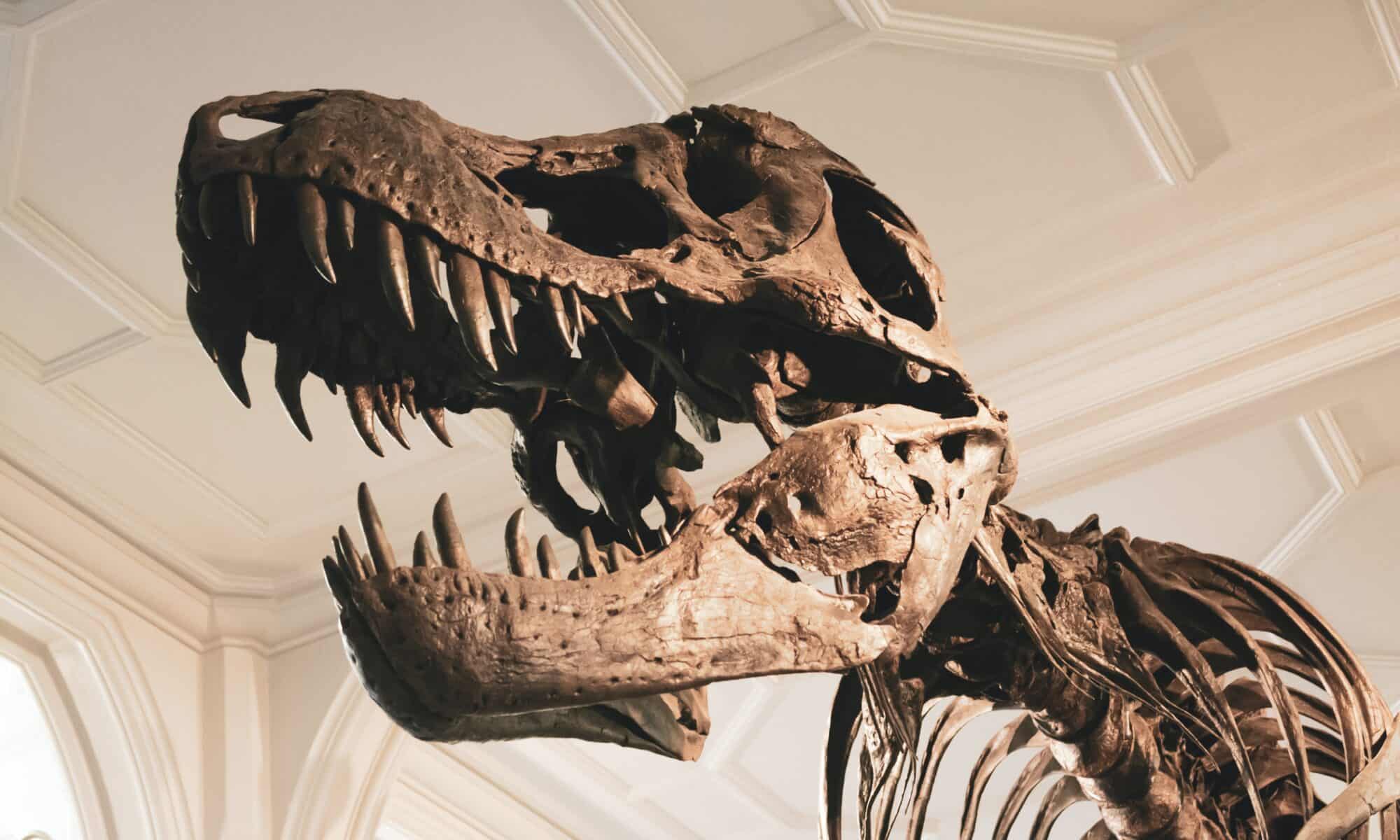
2. Find OMSI and learn something new about dinosaurs! Tell your friend what you learned and draw a picture.

3. Find the Rice Museum. What can you use labradorite for? Draw a picture of your favorite crystal.

4. Find the Circuit Bouldering Gym. What is the 5th highest mountain in the world?

Featured image: Photo by Oliver Paaske on Unsplash.
Two Very Unrelated Google Forms for the Classroom!

Here’s two very unrelated Google Forms: one about converting units of measurements and one about exploring geology.

Link to converting units of measurement form: https://docs.google.com/forms/d/e/1FAIpQLSeC3p8r8Mlb8YS0W8C-Jj4g8UkW9l13hAna6XH0Xi_Aa2LDOw/viewform?usp=sf_link

Link to geology form: https://docs.google.com/forms/d/e/1FAIpQLSfSDQZS7TMxLVuiY_LuMPjscINtrK1PL8lX6R7HtzP6zj1VEA/viewform?usp=sf_link

How can it be used in the classroom?

Google Forms can be a great tool to help students with self-guided work and new technology. It’s also good for easy grading and feedback. I recently did a very short unit with 1st-3rd graders on geology and we covered all the topics mentioned in my branching form. While this might be too advanced for the 1st graders, it would’ve been awesome to have the older students use this form as a brief introduction to a topic of their choice. It also would’ve given me feedback to see which topics students were most interested in so I could have figured out what I wanted to spend most time on. Google Forms is also a great tool for exit tickets. I like to have a math “cool down” every day that allows me to see how much they got from the lesson and I think this would be a quick and easy way to get formative assessment results. Also, the instant feedback from a self-graded quiz will give students more time to ask me questions and get more individualized feedback based on their results.

Featured image: Photo by Jon Butterworth on Unsplash

Enhancing Math Education with Google Forms

Above, I created an eight question Trigonometry Quiz that I would use in my Geometry classroom. This quiz has a variety of question types and is self-graded. Students would be able to take this quiz and immediately get their score. This is very useful as it grades the quizzes immediately, I can quickly see which students are struggling or excelling in this topic, and I can see which questions were the hardest for students. Using this type of technology gets rid of the time teachers need to grade assessments and analyze test scores. I did find Google Forms is a little tricky when trying to type math equations. I found that in order to properly type math, you would need to install a separate extension that allows you to import math equations into the Form. Hopefully, Google will add an “Insert Math Equation” function soon like they have in Google Docs.

The next Google Form I created was a branching form for my Algebra 1-2 students. I designed this form as a check-in quiz where my students could test their skills on solving one-step equations and I could also see who needs more support. The form is designed in a way where students see one question at a time. If the student answers correctly, they move on to a new problem. If the student answers incorrectly, they are directed to a video and then can try the problem again. While making this form was very time-consuming, I really like the idea of utilizing these types of forms in my classroom. Branching forms can be a great way to build in more individualized supports in the classroom.

Featured Image: Photo by cottonbro studio

Let’s Learn About Ziplet

Diarra Brown Jenkins and Haley Vick

Ziplet is a web browser app that allows teachers to make questions to check in with their students, gauge student understanding, exit tickets, and formal/informal assessments. Similiar to Kahoot, the teacher will provide a code that the students can sign on with, so they do not need to sign up. The teacher can create questions, use predetermined questions by the app related to a theme or topic (they have many great options!) and can use a variety of response choices for students, that can also be anonymous! For more information on how to make it and how to use it, use the following great resources.

  • Target audience: We think this would be great for ANY grade level because it is very customizable for their developmental needs (K can use emojis or pictures, University students could answer with text in large lecture halls where professors have a harder time collecting personal feedback).
  • Subject of lesson – embed or link to teaching content: https://ziplet.app.link/signup?referrer=02f9cc49-079f-4dec-97c0-c3f290403d50. This includes a warm up with ice breaker questions and an exit ticket with two questions about how students felt about the lesson.
  • Lesson context – A teacher could use this for a number of things including formal or informal assessments, check ins, or exit tickets to gauge student understanding or to see how students are feeling about anything assigned, either at the beginning or end of a lesson or the day. For more formal assessments or to collect data, we suggest teachers make the responses not anonymous to check in with individual students.
  • Instructional goal: Students will be able to let the teacher know how they feel about a lesson, ask questions, check in, or show what they know. Students should also be able to feel comfortable being honest about reflections so the teachers can help them personally for future lessons and implementing instruction.
  • Technology being used: Ziplet will require students and teachers to use a device of any kind. They do not need to create an account, all they need is to input the code the teacher will provide.
  • How technology supports instructional goal: The technology we elected to use accommodates many learners who respond better to images and expressing themselves in other ways outside of just text. It also has a setting to make questions anonymous if the teacher wants to have an overall understanding of the class. The teacher, whether they choose to make questions anonymous or not, will then be able to analyze all responses taken to better assess lessons and student needs.

Animal Classification Lesson

By Iliana Iniguez and Nicole Pagtakhan

Today we are continuing our lesson about animals and their features. Please use this check-in to review what we learned last class.

Check-in/Review Google Form:

https://docs.google.com/forms/d/e/1FAIpQLScbD2_Vgma074RWi1fhI21zAkSLALSxLUKF0FVBlQy1SO-asg/viewform?usp=sf_link
Loading…

Comparing Animals:

Go to National Geographic and search for two animals to compare and contrast based on their traits, or what their traits are for. We will be using Canva to share our findings! Students will be asked to share with the whole class or the group next to them. Please include:

  • 2 differences for each animal
  • 2 similarities
Animal Classification Venn Diagrams by Nicole Pagtakhan
https://www.canva.com/design/DAFcAV8Ityg/view

Image credits:

Image by homecare119 from Pixabay

Native Tribes Lesson

By: Sarah Beth Leach and Valerie Garcia

This google site guides students through learning about two different native tribes from Oregon. This lesson is aimed for 4th grade students, and entails having two different pages with information as well as an exit ticket where students can demonstrate what they learned from the lesson.

https://sites.google.com/view/4thgradenativetribeslesson/home

Featured Image

Image by Michal Jarmoluk from Pixabay

What’s the Weather Like?

By Sophia Litterski and Lydia Wanner

Greetings teachers! This Google Site exhibits a showcase of short activities that can be used to teach weather topics to K-2nd students through scientific inquiries. These activities can be used as stand-alone mini-lessons or activities that you build on throughout your weather unit. 

Each activity is complete with:
– the goal for the exploration
– materials needed
– directions for the exploration
– guiding questions for closing discussions

https://sites.google.com/view/weather-mini-lessons/home

Feature Image by Author

Water Cycle (Hold the Wheels, Extra Google Site)

The author of this lesson is: Chandler J. Marelich

This lesson was created by: Chandler Marelich UP ’23

Title: Evaporation, Condensation, Precipitation.

Target Student Group: Third Grade Science

Lesson Context: This would be a comprehensive intro to the basic concepts of the water cycle. In other words, the introduction to a longer unit that covers all the building blocks for student understanding.

Goal for the Lesson: The goal for this lesson would be to introduce students to the concepts of the 3 basic pieces of the water cycle. Those being evaporation, condensation, precipitation. I would also like them to answer a small exit ticket, and explain where these different processes occur.

This site will bring this to light by providing students with a google forms quiz, a video from which the basic information can be garnered, an in-depth explanation of all 3 processes with images.


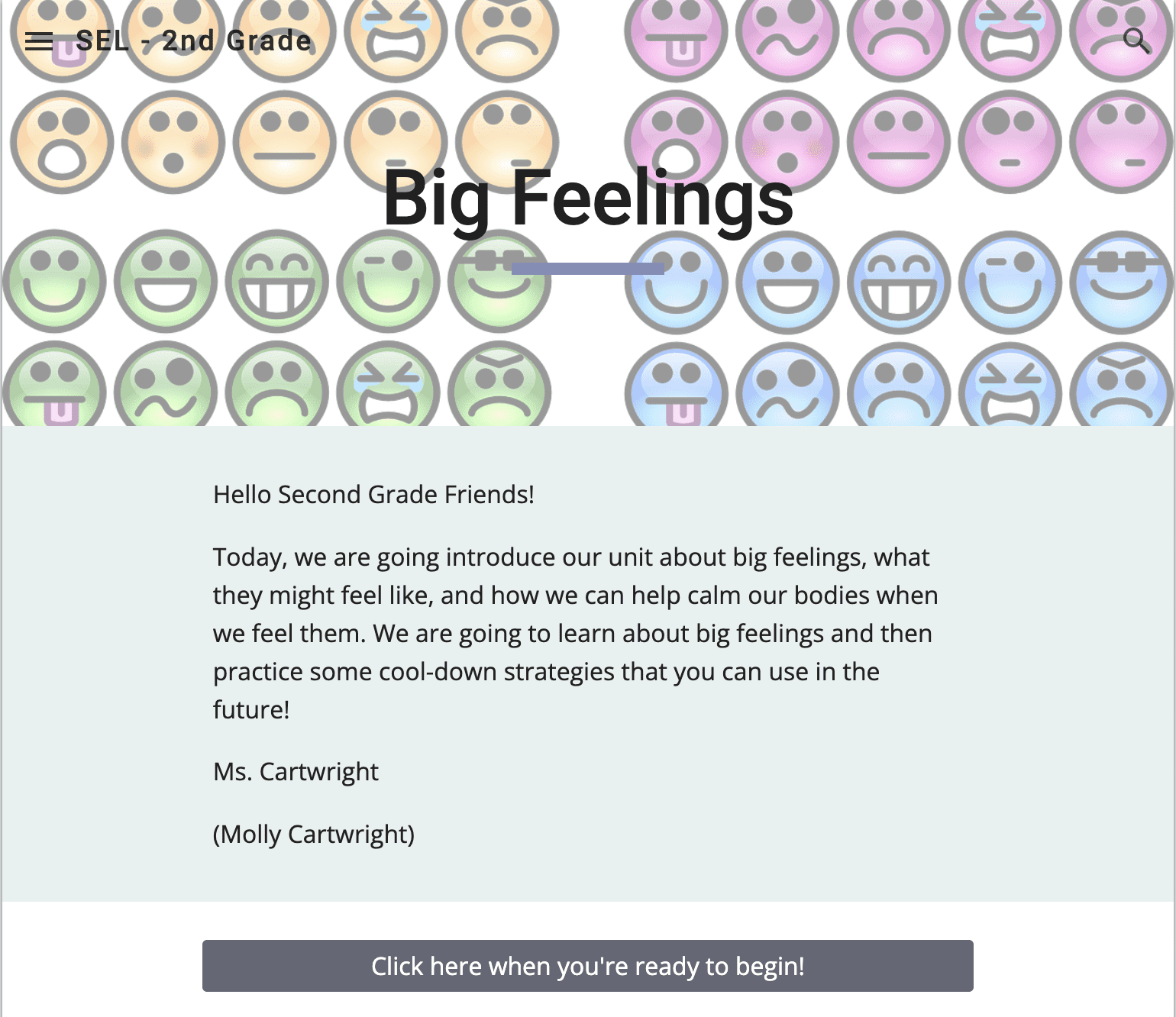
Big Feelings Google Sites

https://sites.google.com/view/sel2ndgrade/home

This SEL lesson is designed for 2nd grade but could also be used for 1st with aid from the teacher and upper elementary with some supplemental activities. This lesson would be an introductory lesson for the start of a unit about big feelings and calming strategies.

The goal of the lesson is for students to learn about big feelings and how to calm down when they feel them. The site allows for students to interact with online cool-down strategies that they can use in future situations.

Teaching the Middle Grades with Google Forms

This week, I used Google Forms to create a self-graded assessment and a branching form.

Self-graded Assessments

Creating a self-graded assessment was fairly easy to do and I can see this being an especially helpful tool in the future. Teaching multiple subjects, it can be difficult to stay on top of grading. While I am not saying that using Google Forms will solve that dilemma, I do believe that it could help with minimizing how much time is spent grading summative assessments if you decided to utilize this tool. Not only does it mark whether responses were right or wrong, but it also allows for you to give predetermined feedback based on the correctness of an answer. Additionally, the data from the form can be put directly into Google Sheets, making it easy to read and enter into a grade book. I chose to make my self-graded assessment on foundational chemistry concepts targeted at fifth and sixth grade.

Branching Forms

Branching forms are perfect for “choose your own adventure” type lessons. You can have students complete a series of tasks in the order of their choosing or lead them down a road of their own design depending on which way they go at the forks. You can also have students work in groups to complete an online escape room that incorporates material that they have learned in class. For mine, I decided to turn it into a choose your own adventure through reading for 4th graders. Using books that I remember enjoying in school, as well as books that are brand new to me, I created a series of choices that would lead students to their next reading adventure. I ask students what genre they want to look at, who they want to meet, and what they want to do. I can see this branching form being used throughout the year whenever students need suggestions for books, whether that be an assigned book report or fun reading. A modified version of the form can also be used for picking read-a-loud chapter books.

Feature Image by Gulfer Ergin from Unsplash

The Spanish forms you never knew you needed.

Google Forms is definitely one of those applications that I would use more often in my classroom due to the uses that it has. I practiced making a simple Spanish test and then a fun adventure of taking languages in high school, but I would really use google forms for students to practice there spanish. Altough they will be graded, it will be low points which isn’t meant to truly affect the grade that much, it will be used more as participation grades. It would have images to connect with phrases or words that we learned, and translating sentences in english. It is mainly more of a constant form which would be given every week or two weeks as another reinforcer to their spanish learning.

Credits:

Image by tjevans from Pixabay