
Featured image by Free-Photos from Pixabay
In this class we will explore Book Creator – a simple tool for creating awesome digital books. Create your own teaching resources or have your students take the reins. Combine text, shapes, images, audio and video to make a book that can be viewed online or printed out. There is a paid iPad app, but you can also use the free online version in Safari or Chrome browser.
Setting up a free Teacher’s Account
With a free account, you can get 1 library and create up to 40 books to use in your classroom. There’s no cost per student, and there’s no limit on the number of students that can join a teacher’s library. Also you can delete unused books and keep going.

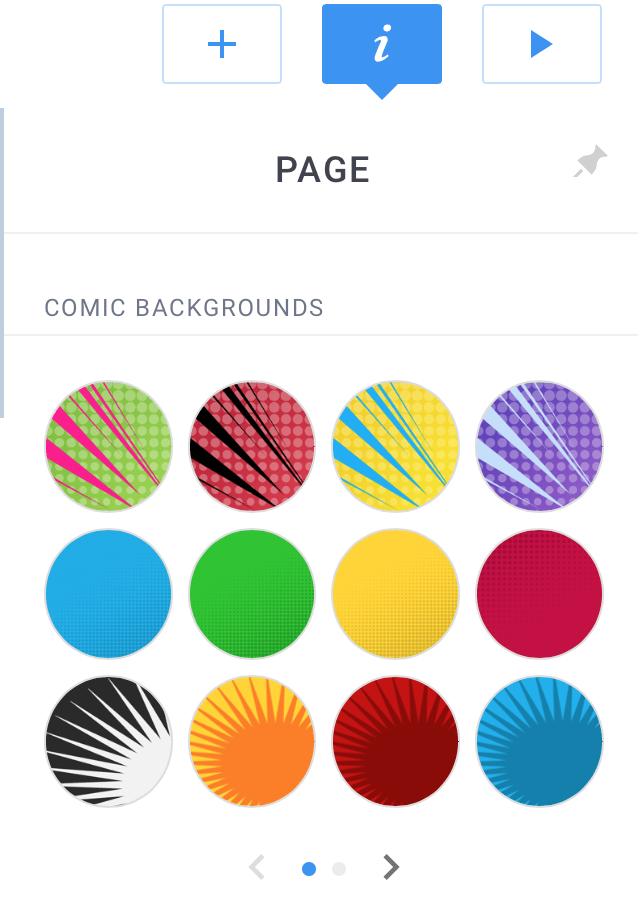
It’s a very easy app to use. Start a new book. I recommend a Landscape 4:3 Comic book. Looks good on computer screen and you to get comic elements even if you don’t use a comic book grid.
Click through these 4 screenshots to see the content you can add to a page.
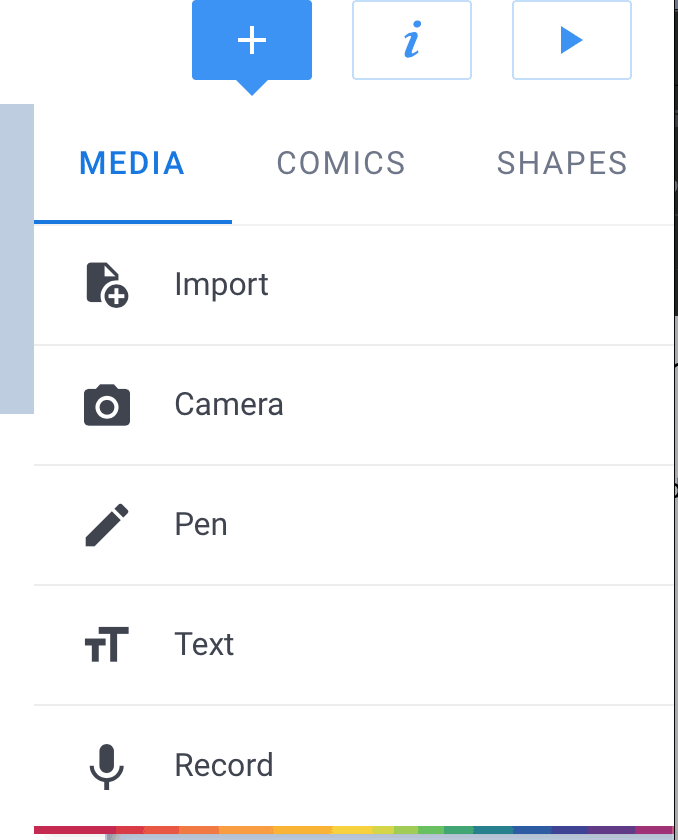
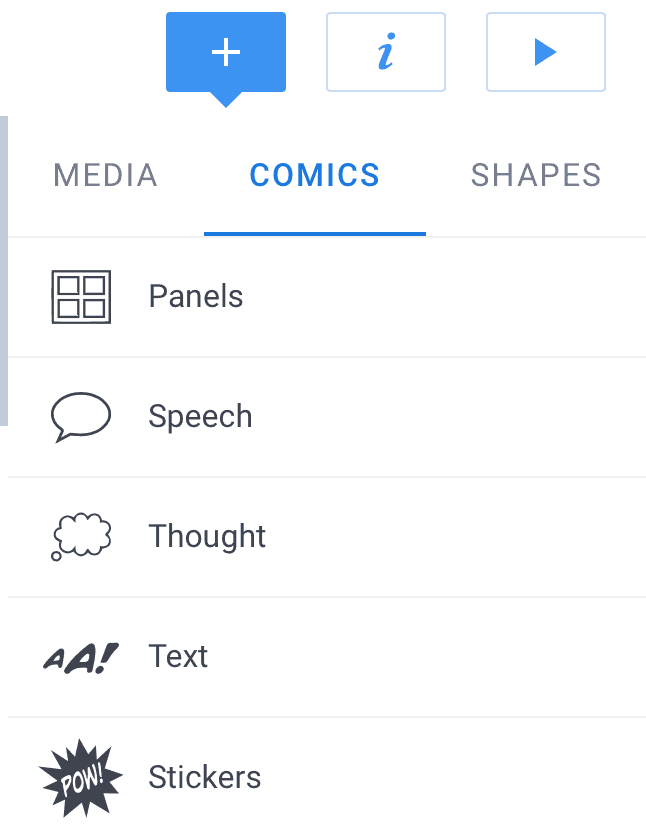
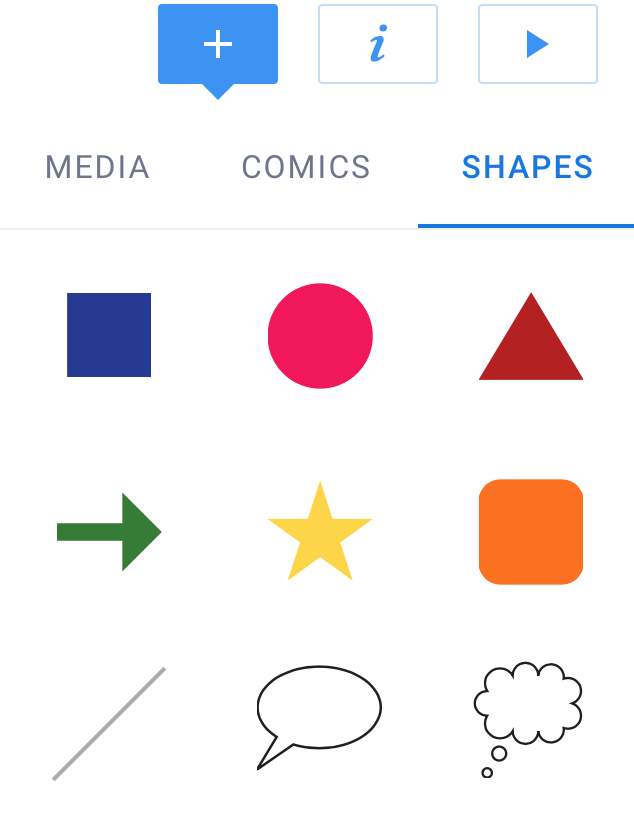
Assignment 6: Create a Book | Books 23-A6
Use Book Creator to make a book – it could either be a resource for students to use or a model for books students would make. Or you might want to make something to share with parents.
Have fun with it. Tell a story or create a lesson or resource for students.
The book should be a minimum of 8-10 pages.
Your post should include should explain your intent for the book – audience and purpose and your reaction to using Book Creator.
Try a variety of content:
- Be sure to include your name somewhere on the cover (you’re the author!)
- Photos: your own or from the built in public domain search
- Text, shapes, stickers, backgrounds.
- Add some external media – a video or a recording
Since our embeds using “Custom HTML” are no longer working – just add a hyperlink to your book in your post. The instructor will be able to embed it for you in your post.
RESOURCES
How to get started with Book Creator
Here’s three books created by spring ’22 students
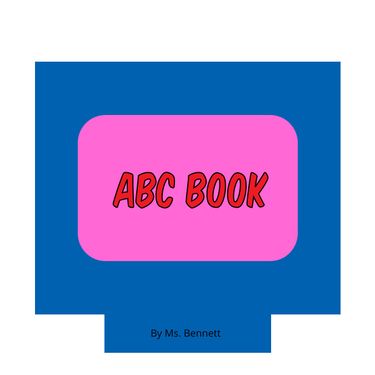
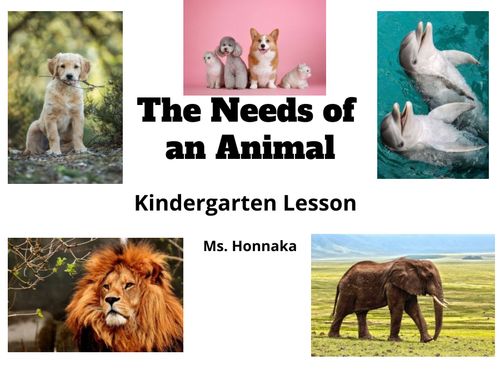
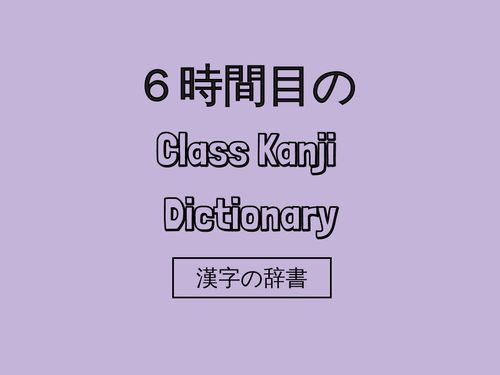
For inspiration click image link below to go to a whole library
of books made with Book Creator
