Teacher Diarra’s Technology Tools

Featured image by Stephan Kelle from Pixabay.

Over the course of ED 424: Technology in Education, I have used different technology tools to create a variety of posts that include possible activities for teachers to integrate into their own classrooms and posts that showcase myself in a creative outlet. I was exposed to many tools for the first time and though some were difficult to use, many I plan to incorporate in my own classroom with my students. Some of my favorite assignments were those that provided me with the opportunity to share something about myself in an individualized style, or those that enabled me to introduce learning content in a different manner than lecture and textbook teaching. Here, I have showcased some of those posts.

Using Microsoft Sway, I wrote a poem and used accompanying images to illustrate where I am from – “A Home on Zelzah Ave.” Though I felt the technology was a little difficult to use, I enjoyed working with the prompt and am happy with my final product.
I absolutely love this post of mine! The intention behind it was to create an assignment that helped Kindergarteners develop an understanding of their neighborhoods and be given the opportunity to map out some of their favorite places within it. This activity helps students learn about direction, distance, and their own home addresses.
Although not an activity I developed on my own, this post highlights some of the (dis)advantages and abilities of AI and how teachers might consider utilizing it in their classrooms.
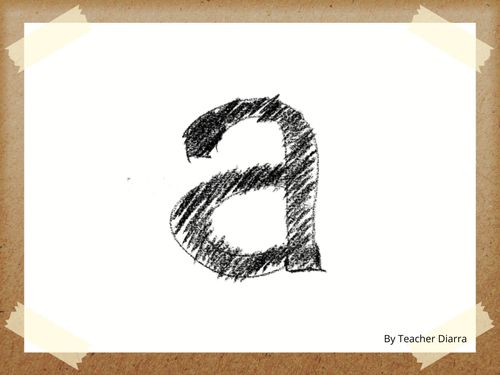
I greatly enjoyed using Book Creator and plan to use it in my own classroom. I think being able to create a library that students and families can contribute to AND use as a resource is incredibly beneficial to all parties. In my post, I created “All about A” to provide young learners with the basics of the letter A. In reading this book, students will learn the vowel’s short and long sounds, how to write A’s upper and lowercase form, and identify some words that begin with “A”.
I highlight this post not because I necessarily favored the technology tool, but because I enjoyed engaging with the Google Forms I created and think others might also.
This post was developed in collaboration with a peer. Here, we highlight a technology tool, Ziplet, that allows teachers to integrate digital exit tickets, check-ins, assessments, and more with their students in a private and anonymous fashion. Ziplet is free to use, does not require students to create an account, and is a great way to build teacher-student relationships within the classroom.

Flowers and Animals Oh My!

Featured image by Dim Hou from Pixabay.

Help the Flower to Grow (Google Form – quiz format)

Image by Pexels from Pixabay.

Animal Adventures (Google Form – choose your own

Image by Ralf Siebeck from Pixabay.

After creating both a quiz and an adventure-style Google Form, I think I would only use this technology in my classroom for adventures for a few reasons. First, I felt that creating the actual form was time-consuming and using the self-grading tool would be backstepping for teachers that want students to participate in whole class/small group self-corrections. Though I think using technology to administer assessments can be beneficial, especially for students with certain accommodations, I do not think Google Forms provides sufficient enough support to do so. However, I do appreciate the ability to add images and videos and the ability to alter the order of questions students see. I preferred creating an adventure-styled Google Form and can see myself using it in the classroom for fun “get to know me’s” and an opportunity for students to explore learning material in a different setting.

Alphabet Books

Featured image by Gerd Altmann from Pixabay.

The intent of my book is to serve as a teacher’s example of what Kindergarten students will create for a letter/vowel of their choosing. This assignment would benefit students after the entire alphabet has been taught and learned. Rather than serving as an assessment of students’ knowledge, this project would be a creative and collaborative way of incorporating learning material with computer skills.

Having students choose any letter/vowel from the alphabet and creating a book demonstrates alphabet knowledge, technology skills, and can serve as learning material for future students. Book pages and content can be adjusted to accurately represent student ability. This project can also be completed in collaboration with technology teachers, peers, or older students practicing their own teaching skills with the younger grades.

After all books have been completed, the teacher can share the library with current families as well as incoming families so that they may use the books to practice alphabet knowledge at home.

I really enjoyed using Book Creator and can most definitely see myself using this technology in my classroom. I think using the tool to develop projects that are creative, individual, and connected to content material is easy, especially considering that all the finished books can be compiled into a library for students and families to continuously go back to. Book Creator is simple to use, harbors multiple features to customize your own book, and when used in younger grades, can be used in collaboration with older peers or in technology classes.

A Home on Zelzah Ave

A Home on Zelzah Ave
Diarra Brown Jenkins

Sat in the middle of swaying palm trees and dirt covered mountains lays my home of fading yellow walls and grey painted bricks. She has withstood WWII veterans, the 1994 Northridge earthquake, 3 divorces, and four generations of an emotionally withdrawn family. Though bolted to the foundation for stability and safety, she struggles to emulate that same secuirty within her cracked popcorn walls. A blanket of weeds, plum trees that only blossom for hopeful children, overpowering rosemary and tomato bushes, and a fading yet still present 'I Love Jesus' painted sidewalk adorns the front of the house. At night, forest green carpet weeps with each step taken, as she is reminded of who she once was. 
I decided to use Microsoft Sway because it seemed the easiest to use of the two digital tools. I like how the final product looks but I struggled with the technology a little too much to want to use it again. I did not necessarily have specific difficulties with Sway, rather, it was finicky at times when inserting images and adding slides. However, I do recognize it as a useful source that allows users to create personalized digital stories.

Using Technology to Build Student-Teacher Relationships

Featured image by Richard Duijnstee from Pixabay

Ziplet is an online resource that helps teachers build meaningful and trusting relationships with their students. It creates a space for students to share their thoughts, personal perspectives, and understanding of the learning content in an efficient and anonymous manner with the teacher. Ziplet allows teachers to collect student data that informs them of the success of a lesson and the emotional, mental, and physical well-being of their students; also, it provides opportunities for teachers to create community engagement in their classrooms by posing fun, open-ended questions for students to answer.

Teachers can implement Ziplet in their classroom in a variety of ways and at different times of the school day, making Ziplet a teacher and student friendly technology. The goal of using Ziplet is to strengthen teacher-student relationships through the use of lesson understanding checks, open-ended questions that require individulized responses, and opportunities for emotional/mental check-ins through private communication between teacher and student.

For 2023 Diarra…

April 25, 2033: A Letter to My Former Self 10 Years from Today

Diarra, 

Hi girl! How is college life treating us? This year, 2033, marks exactly 10 years in the future from when we were a junior at the University of Portland. As you can imagine, a lot of things have changed since then. Many of which we may not have anticipated.

After college, we stayed in Portland for two years for UP's PACE program. We were offered a few jobs after graduation - because we are absolutely awesome :) - but decided to move back to California to be closer to mom and the doggies. And if that doesn't surprise you enough, guess what school we have been working at since graduation??? St. Bridget of Sweden!
Now...I know what you're thinking. What?! Why?! How?! WHY?! Trust me, I know it sounds crazy, sometimes I have to pause and reflect on it myself. But when we were looking for open Kindergarten teaching positions at Catholic schools in the area, SBS showed up and we decided to apply just for the fun of it, fully not expecting to be invited for an interview AND being offered the position AND accepting the offer!

As you are probably imagining, working at our elementary/middle school provides an experience like no other. Yes, it was hard for us to get used to the many changes implemented since we attended, but our coworkers and administration are incredibly helpful, kind, and open to collaboration. We never fear sharing our thoughts and are always included at faculty meetings - even as a first-year teacher. 

I know that this all may seem very shocking and unexpected, but I ecourage you to keep and open mind and an open heart to loving a new version of the school that was so important in shaping our philosophies on teaching.
I hope this letter helped calm some of your anxiety for the future rather than creating more. But I promise that there is great success and happiness for us in the future. Believe me, I've been there! 

Good luck with your finals! Also, I hope you appreciated my use of all Sesame Street gifs; I thought they were so cute!! Have fun with the next 10 years of your life.

Love, 
Yourself <3

Featured image by Gordon Johnson from Pixabay

Let’s Learn About Ziplet

Diarra Brown Jenkins and Haley Vick

Ziplet is a web browser app that allows teachers to make questions to check in with their students, gauge student understanding, exit tickets, and formal/informal assessments. Similiar to Kahoot, the teacher will provide a code that the students can sign on with, so they do not need to sign up. The teacher can create questions, use predetermined questions by the app related to a theme or topic (they have many great options!) and can use a variety of response choices for students, that can also be anonymous! For more information on how to make it and how to use it, use the following great resources.

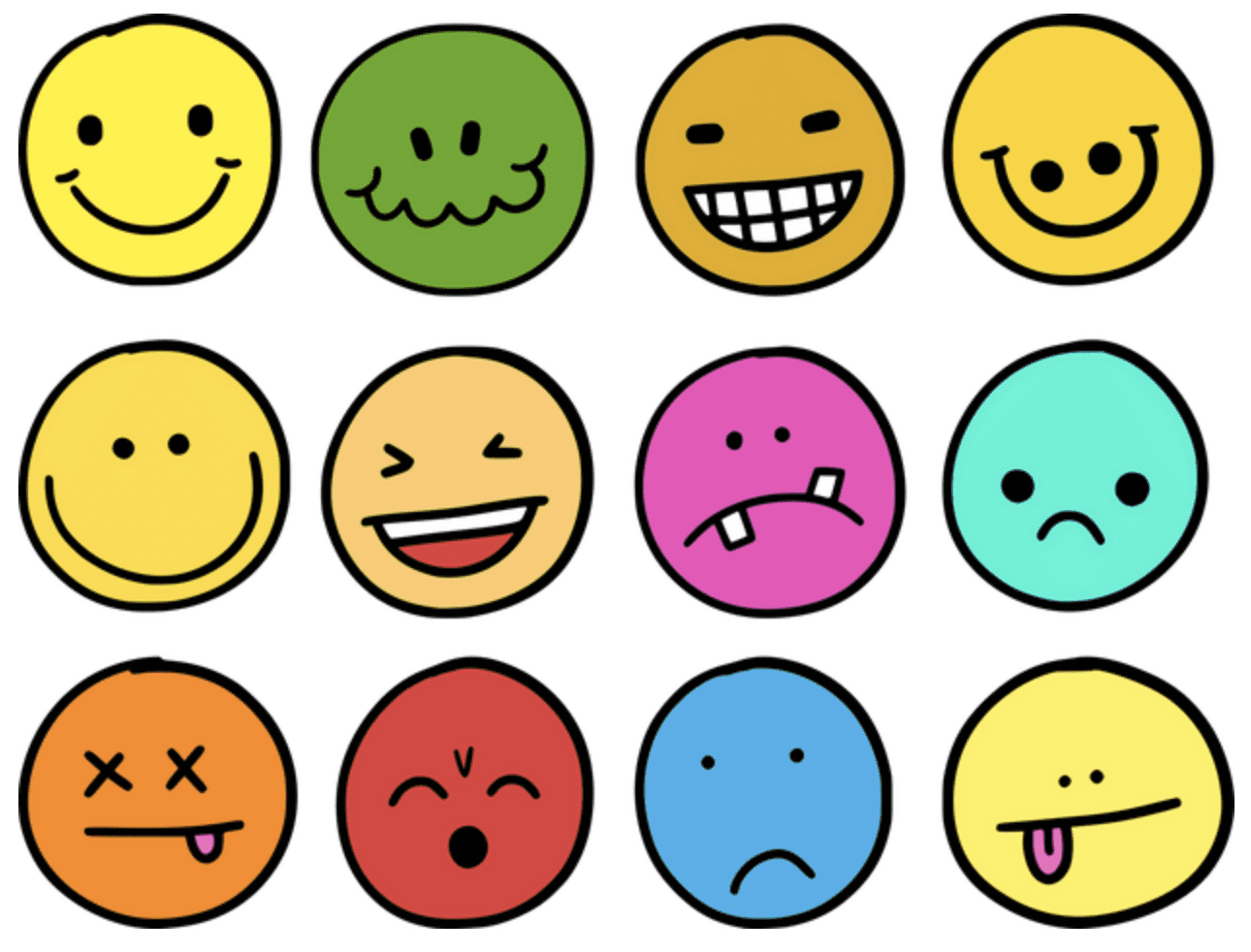
  • Target audience: We think this would be great for ANY grade level because it is very customizable for their developmental needs (K can use emojis or pictures, University students could answer with text in large lecture halls where professors have a harder time collecting personal feedback).
  • Subject of lesson – embed or link to teaching content: https://ziplet.app.link/signup?referrer=02f9cc49-079f-4dec-97c0-c3f290403d50. This includes a warm up with ice breaker questions and an exit ticket with two questions about how students felt about the lesson.
  • Lesson context – A teacher could use this for a number of things including formal or informal assessments, check ins, or exit tickets to gauge student understanding or to see how students are feeling about anything assigned, either at the beginning or end of a lesson or the day. For more formal assessments or to collect data, we suggest teachers make the responses not anonymous to check in with individual students.
  • Instructional goal: Students will be able to let the teacher know how they feel about a lesson, ask questions, check in, or show what they know. Students should also be able to feel comfortable being honest about reflections so the teachers can help them personally for future lessons and implementing instruction.
  • Technology being used: Ziplet will require students and teachers to use a device of any kind. They do not need to create an account, all they need is to input the code the teacher will provide.
  • How technology supports instructional goal: The technology we elected to use accommodates many learners who respond better to images and expressing themselves in other ways outside of just text. It also has a setting to make questions anonymous if the teacher wants to have an overall understanding of the class. The teacher, whether they choose to make questions anonymous or not, will then be able to analyze all responses taken to better assess lessons and student needs.

My Neighborhood & Me

Teaching a Kindergarten lesson on neighborhoods can be an excellent way to help children gain a sense of direction, distance, and familiarity within their own neighborhoods. Also, this presents a great opportunity in supporting children learning their own home address(es), as this is an important safety skill all children should have mastered by the end of Kindergarten.

This MyMaps activity requires previous class discussions on neighborhoods: what they are, who live in them, and other important features that make up the neighborhoods we live in. Serving more as a summative project, teachers can direct their students in using this tool to showcase important places in their neighborhood that are special to them.

Activity Instructions

  1. Using MyMaps, students will create maps of their neighborhoods by pinning four locations: one location MUST be their school and another MUST be their general neighborhood. For example, I live in University Park, so I added that marker as where I live. Some friends may need help with knowing what their general neighborhood is! (After maps have been shared with the class, encourage students and families to add their home addresses for further exploration and more precise locations).
  2. The last two locations can be anything students choose! A favorite place to eat, a toy store, or perhaps a friend’s neighborhood. Think of two places that you visit often or just really enjoy visiting that you think are important to you and your neighborhood. In my example, I chose my favorite restaurant and the grocery store I go shopping at every week.
  3. For all four locations, have students add pictures and one sentence stating what that place is.
  4. Lastly, have students choose any two destinations and pin the route from one to the other so that they may explore the different possibilities for travel. For my example, I chose to do from my neighborhood to school because that is the route I take most often. Allow students to choose their own two locations, or they can create routes for multiple! This will help them see the journeys they take to get to some of their favorite places.

Direct link to map: https://www.google.com/maps/d/edit?mid=1MG1iIdL4sVQMwbZhyey_S4VbMcugi04&usp=sharing

Aside from the directional skills students will gain from this lesson, it can serve as a great community-building activity. Having students share their maps (whole class or small groups) gives them the opportunity to share with their peers, places that are important to them and may encourage others to visit them too, ultimately expanding everyone’s neighborhood!

Featured image by Prawny from Pixabay

Shape Scavenger Hunt Relay

“Shape Scavenger Hunt Relay” is a ChatGPT created brain boost using the prompt: “Create an activity, incorporating movement and teamwork, for a Kindergarten class. The activity should address the standard: K.G.A.3 Identify shapes as two-dimensional (lying in a plane, “flat”) or three-dimensional (“solid”).”

One engaging activity for a kindergarten class that addresses the standard K.G.A.3 and incorporates movement and teamwork is “Shape Scavenger Hunt Relay.” Here’s how to implement it:

Materials:

  • Flashcards with pictures of 2D and 3D shapes (e.g. square, circle, triangle, cube, sphere, cylinder, etc.)
  • Two baskets or containers labeled “2D Shapes” and “3D Shapes”
  • Two cones or markers to designate start and finish lines

Instructions:

  1. Divide the class into two teams and line them up at the start line.
  2. Place the two baskets or containers with the shape flashcards at the opposite end of the room.
  3. Explain that the teams will take turns sending one player at a time to run to the baskets, grab a shape flashcard, and identify whether it is a 2D or 3D shape.
  4. If the player identifies the shape correctly, they can run back and tag the next player in line to go.
  5. If the player identifies the shape incorrectly, they must return the flashcard to the basket and try again before tagging the next player.
  6. The first team to correctly identify and retrieve all the shape flashcards wins.
  7. After the relay, have the children sit in a circle and discuss the different 2D and 3D shapes they found.

This activity encourages movement, teamwork, and helps students identify and distinguish between 2D and 3D shapes. It also provides an opportunity for the children to practice communication and problem-solving skills as they work together to complete the relay.

Written by ChatGPT

Using AI in the classroom can greatly benefit teachers, as it offers another form of support in writing lesson plans and developing activities for students. It seems like a great way to help relieve some of the stress of being a teacher as it offers creative and helpful prompts that can be completely copied or simply used as a starting point. I can foresee myself using this in the future, especially to brainstorm ideas.

Something I struggled with, however, was writing a detailed prompt that would guide ChatGPT in writing an activity that fit what I was looking for. However, if I already have lesson plans written out and continue to practice using this software, thinking of prompts will become easier over time. Another thing to keep in mind when using AI-generated texts/ideas is that it does not have the experience working with students as you do as their teacher, so you will need to consider students’ accommodations, interests, and other important factors when editing and implementing any lesson plans or activities written by AI. But overall, I think it is a helpful, time-saving tool that I hope to become more comfortable using.

Featured image created by Oleksandr Panasovskyi from Noun Project.

Will the Weather, Weather my clothes?

Featured Image by cromaconceptovisual from Pixabay

Will the weather, weather my clothes? A confusing sentence but one that is important for our young students to unpack and appropriately ask themselves as they become more independent and in charge of dressing themselves.

The first thing to do is to decipher the text. The word weather refers both to the temperature and state of the atmosphere outside AND the act of something wearing away or changing in texture due to the exposure of something, for example, the weather outside.

In conducting this lesson with Kindergarteners, the goal is for students to complete the activity with the confidence of choosing the appropriate attire for any day’s weather.

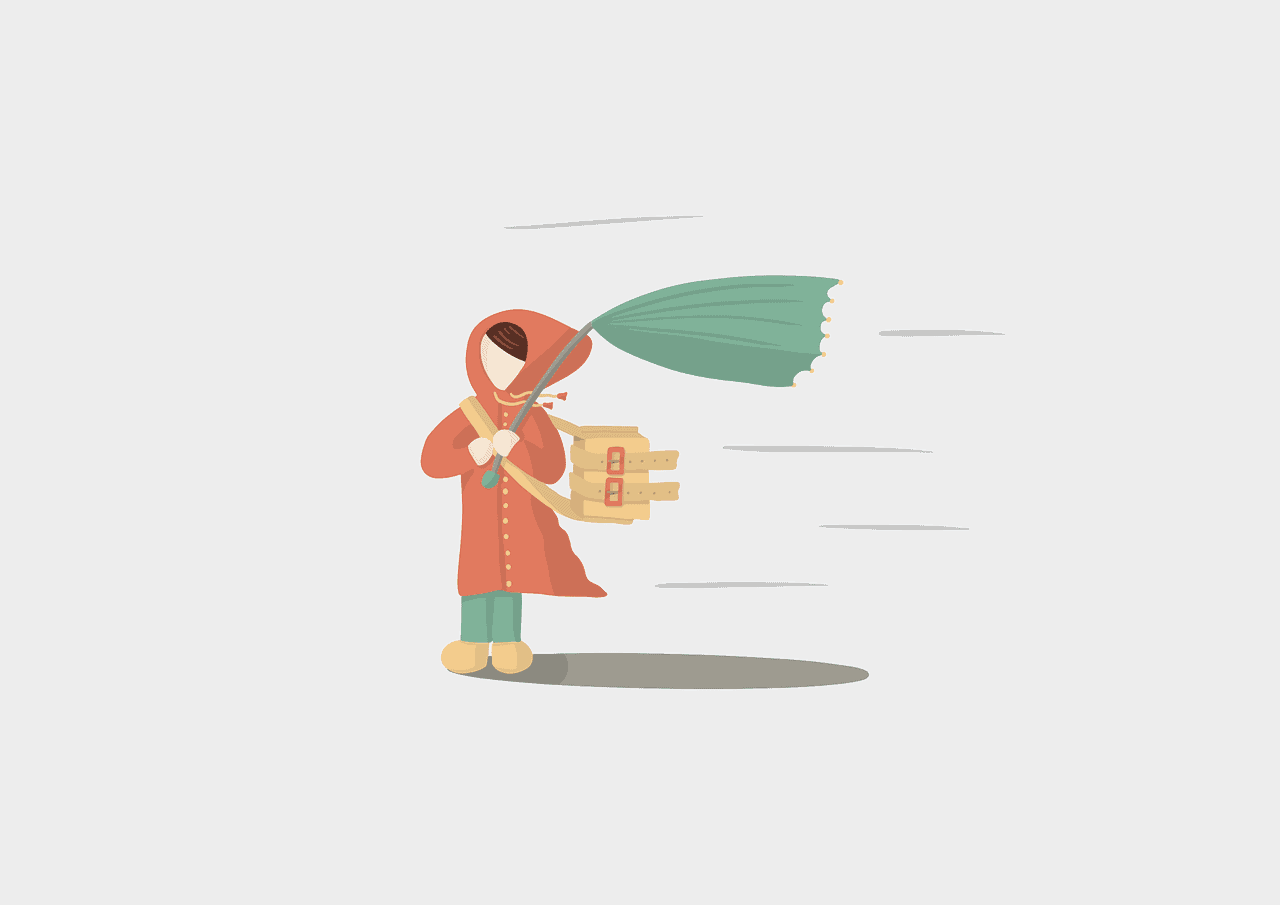
Teachers should begin the lesson by asking students to look outside and SEE what the weather looks like today. Is it so bright you have to cover your eyes from the sun? Are the trees swaying back and forth in the wind? Perhaps they can also describe how it FEELS when they stepped outside this morning. Were you holding yourself close to hide from the cold? When you looked down at your feet, was the ground wet and covered in puddles?

Next, have students share what they are wearing and how it helps them stay protected and comfortable in today’s weather. Ask them if they think they would feel comfortable and happy if they wore clothes unsuitable for the weather. For example, if it is snowing ask if their feet would stay warm in sandals, or if it is sunny with no clouds, perhaps wearing a big fluffy jacket would keep them cool. Encourage your students to explain why they would or would not choose to wear certain clothing in particular weather.

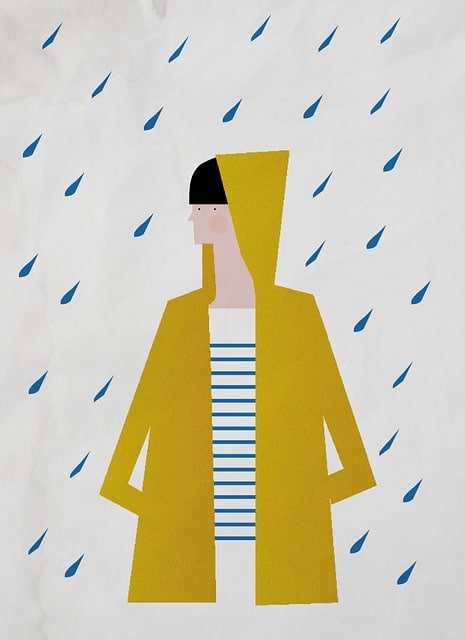
For the lesson’s activity, display photos of different weather or symbols that represent the weather, and varying articles of clothing. Have students find a partner and create complete outfits using the items of clothing shown, and match them to the appropriate weather they can be worn in. After, ask pairs to share one of the outfits they created and for what weather they chose. Once shared, you can ask the class if their choices would help keep the person wearing them comfortable and happy. Would the weather, weather their clothes?

Slideshow 1 links: Sunny https://pixabay.com/vectors/sun-cloud-sky-sunrays-sunlight-346710/ ; Cloudy https://pixabay.com/vectors/cloud-cloudy-gray-sky-weather-149827/ ; Rain https://pixabay.com/vectors/rain-heavy-rain-cloudy-rainy-drops-98538/ ; Snow https://pixabay.com/vectors/cloud-snow-flakes-winter-weather-306404/

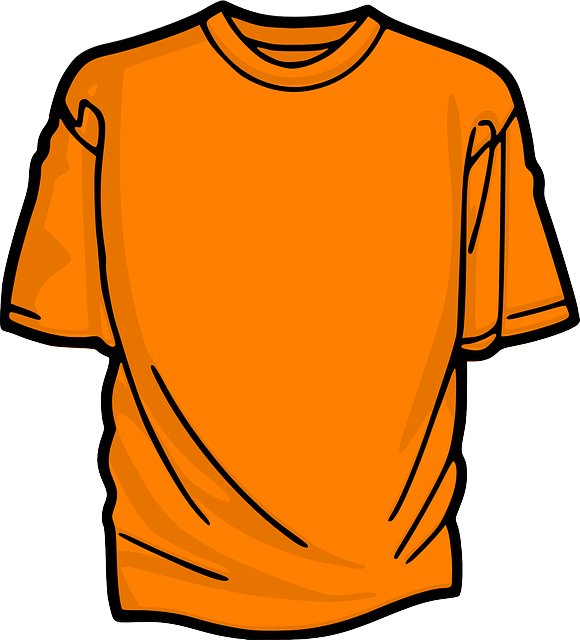
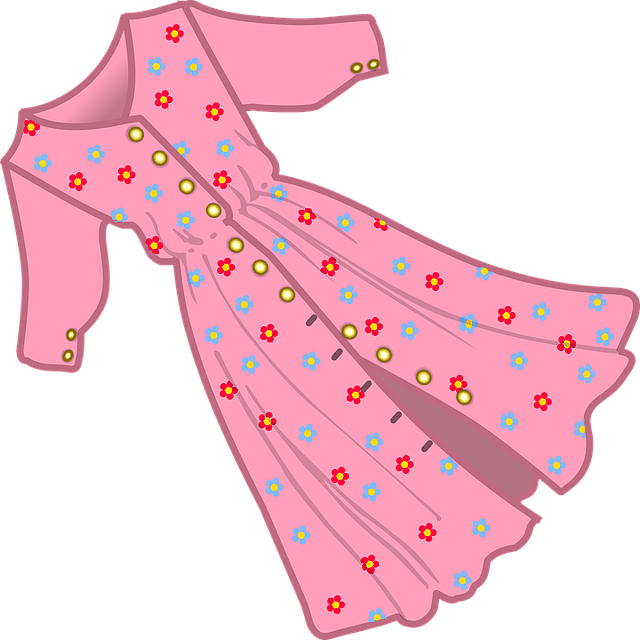
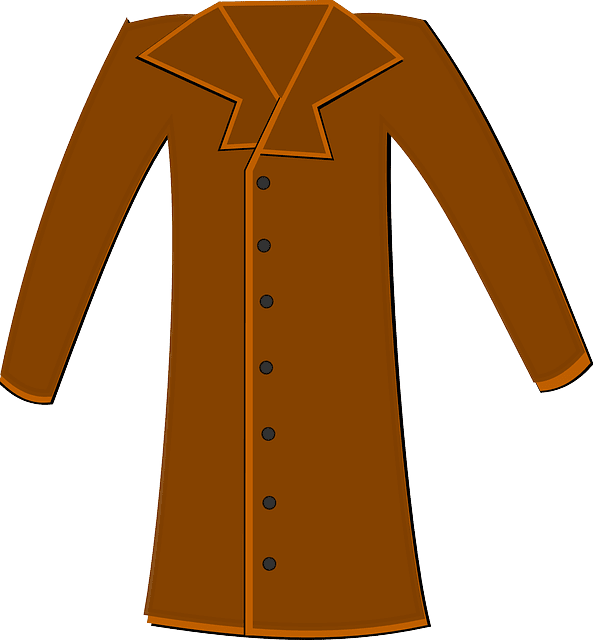
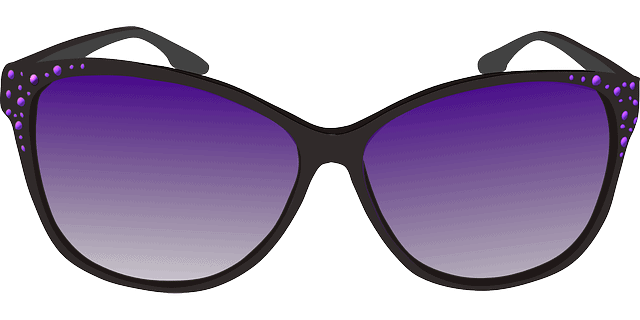
Slideshow 2 links: Sweater https://pixabay.com/vectors/clothes-clothing-pullover-shirt-1294933/ ; Socks https://pixabay.com/vectors/socks-winter-warm-blue-wool-baby-306802/ ; Flipflops https://pixabay.com/vectors/flip-flops-bathing-shoes-beach-shoes-298723/ ; Raincoat https://pixabay.com/vectors/coat-jacket-overwear-raincoat-6260282/ ; T-Shirt https://pixabay.com/vectors/t-shirt-front-short-orange-306168/ ; Shorts https://pixabay.com/vectors/shorts-beach-clothing-summer-149409/ ; Pants https://pixabay.com/vectors/clothes-clothing-hose-trousers-1294974/ ; Dress https://pixabay.com/vectors/cloth-clothing-dress-female-frau-1294908/ ; Jacket https://pixabay.com/vectors/coat-clothing-long-fashion-winter-310158/ ; Scarf https://pixabay.com/vectors/scarf-clothing-fashion-cloth-6212163/ ; Sunglasses https://pixabay.com/vectors/sunglasses-glasses-purple-summer-159705/ ; Sneakers https://pixabay.com/vectors/shoes-tennis-sport-racket-2835012/

My Winter Break

My winter break this year was not something I would call uneventful nor full of surprises. However, it did have moments of pure bliss (to me at least) that I think are worth highlighting.

To start, I completely got stuck in Portland’s snowstorm!

My original plan was to go to work on Friday, December 23, and head straight to the airport for my 9:15 pm flight. It ended up being that none of this happened; both work and my flight were canceled, leaving me alone in my house with a blanket of snow covering my yard and the streets outside.

For a while, we thought I would not make it home for Christmas. But after many calls with different airlines, my mom got me on a plane home to California. I was happy to have made it in time to celebrate Christmas with my mom and doggies, but very much enjoyed my first-ever White Christmas at my home in Portland.

After finally making it home on the night of Christmas Eve (after almost missing my connecting flight because my first one left an hour late to wash the plane’s windows AND having to return to the airport 3 hours later to pick up my luggage that they had not gotten onto my second flight), I was able to enjoy the simple pleasures planned for the break.

My family is big on amusement parks so while I was home, we visited 3: Disneyland, Universal Studios, and Magic Mountain.

When we were not spending the day at theme parks, my mom and I were home making charcuterie boards and watching “The Best Man: The Final Chapter,” an 8-episode series that revisits movies “The Best Man” and “The Best Man Holiday.” These are movies I absolutely love and was ecstatic to learn they were coming out with a show for them.

The last thing I want to share that I did over break is I completed a 1500-piece puzzle. It included different posters of Mickey Mouse movies/short films and was stationed on our dining room table the entire 2 weeks I was home.

Though the start of my winter break was stressful – and very cold – it all came together and was a great time for relaxing and spending time with my family.